So I’ve been working in Zbrush for a couple months so I sort of know the basics of ZBrush. But when I was sculpting a tree earlier today my brushes randomly stopped working. When I click on the mesh to sculpt on it. It just rotates as if the mesh isn’t even there. I can’t figure out what happened. I’m sure there’s some little thing I did. I’d greatly appreciate any help.
can you take a screenshot of your user interface…
Sure can!
Attachments
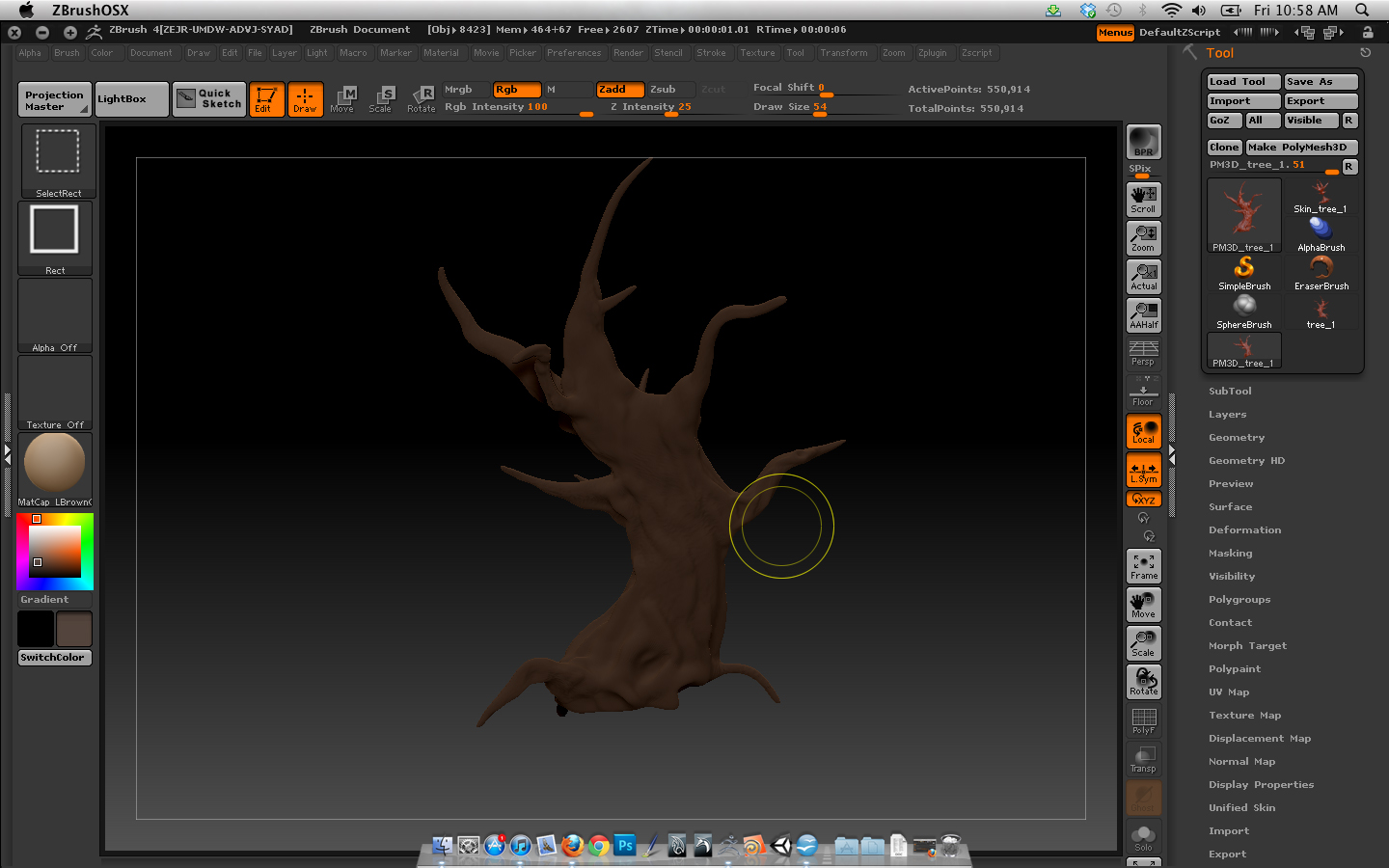
So I’ve been doing some trouble shooting and what happens is once I load that tool (the tree I’m working on) ZBrush goes all wonky. If I load the tree then load something from light box or something I’ve worked on the past. The sculpting function just stops. But If i restart ZBrush and load up something from light box or any other project I’m perfectly fine and I can sculpt like normal. But the second I load up that tree it goes all wonky again until I restart Zbrush. So unless you guys see something that is an easy fix I may just consider starting over. Not like I couldn’t benefit from the extra practice anyways :lol:.
sounds like it may just be either a corrupt file or something happened when designing the model that caused some kind of exception in zbrush… i’ve had it happen before hours deep in a mesh without having iteration copies stored and lost everything i did… i highly suggest save multiple versions of the files you’re working on… u get the basic shape down… save it… you get your details done… save a new copy… your retopo … save the original… save the new topo… etc. you get your texturing done… save another copy…
this way if you ever get a corrupt file you only have to redo one stage.
if you have figured out how to modify your ui already, i suggest you drop a button to save the ztool right out someone in the middle of your view this way u can make it a habit of saving every few minutes or so
Yeah, I figured that was probably the case. Thanks for your time though! I’m going to start making more incremental saves just in case from now on.