is there a way to duplicate, move and rotate an entire zsphere object? I’m sure this is super simple but i can’t seem to figure it out or find anything on this other than using the deformation sliders which is hell. can anyone help?
I’m not sure exactly what you are trying to achieve. It’s not possibly to duplicate parts of a zsphere object but you can duplciate the whole thing simply by pressing Tool>SubTool>Duplicate. To move the whole thing, turn on Move mode, hold Alt and click and drag on the model. To rotate, it’s simplest to use Tool>Deformation>Rotate.
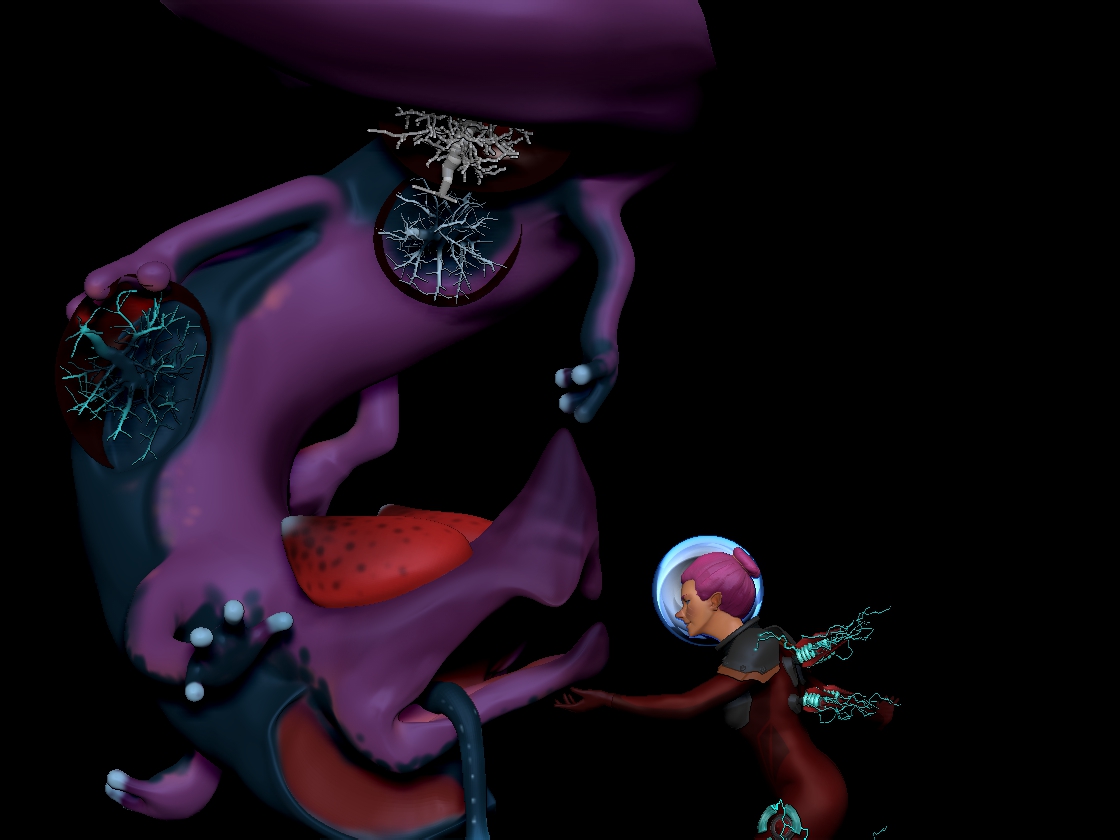
Thank you so much! That was exactly what I needed. I was just trying to move these tree things around to these bubbles on the creatures sides without losing the ability to pose it easily to shape each bubble.
Attachments
Great!