Every time I have my cursor is on the work screen, in Draw mode, it rotates my model. I can’t get it to stop. I’ve tried other models, tried to to reset my preferences, quit Zbrush, restarted my computer and even changed the NAN numbers but it still persists on rotating my model. I haven’t had any trouble with my mouse.
I’ve had this problem before but it used to correct itself when I Initialized my preferences.
Please someone help, it’s preventing me from working on anything. Is there something else I can do to fix this issue?
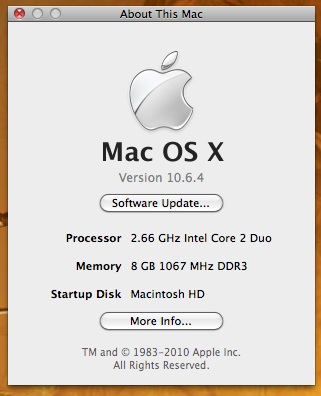
I am working on Zbrush Mac 3.2