ZBrushCentral

Robo_Whip

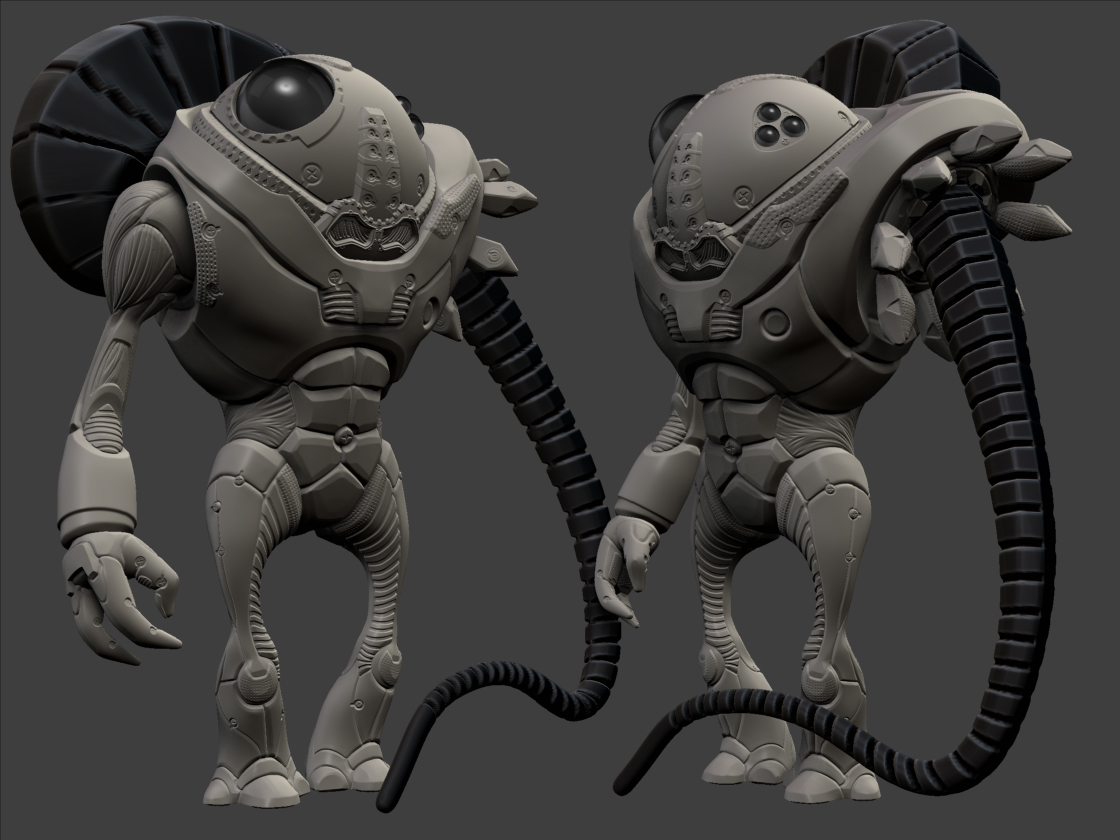
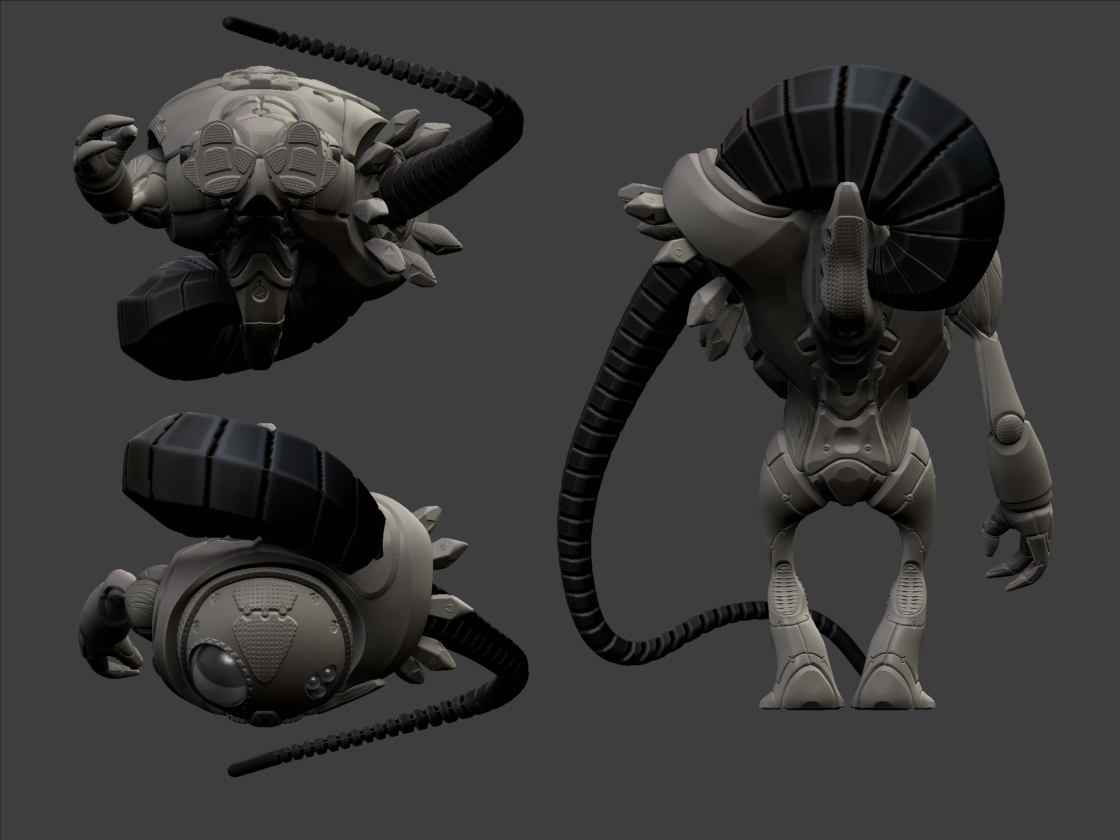
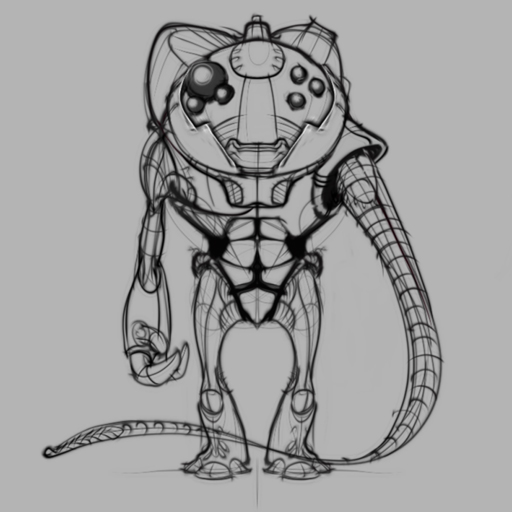
Wanted to play around with the new hard surface brushes, so i did a fast sketch with the new pen tools. Zsketched it 1st then broke apart into subtools. I’m really liking the work flow from skecthing too sculpting.

Still more work to be done on this guy, need to finish the whip arm, just a proxy in there now. Next though i want to texture.

I used (B,T,D), (B,H) quite a lot.
[ZBC_THUMB.jpg ]
[[attach=169934]skecth_3b.jpg[/attach]]skecth_3b.jpg
[[attach=169935]skecth_3c.jpg[/attach]]skecth_3c.jpg
[[attach=169936]skecth_3_line.jpg[/attach]]skecth_3_line.jpg
Nice work. Very clean! I gotta start playing around with the new brushes .

some interesting idea’s here with a solid execution, look forward to seeing more.

Good job! :+1:

Nice, ’ I’m still figuring things out myself. How’d you make the tentacle thing?

thx for the comments people.

DMONK: The tentacle was just modeled with zspheres (classic method), I molded it straight down and used projection master to apply the segments. Then it was transposed into a curvy shape.

Wow, I really like the feel of the surface, looks very good :+1:

Very cool, nice flow, and nice detailing!

Very clean! I see this stuff and it just makes me giddy. Brush based hard surface modeling sounds much more fun than clicking around with a mouse. Can’t wait until it comes out for mac. :smiley:

Nice work! Way better than that crappy car in the R3 tutorial. :smiley: Looking forward to more.

Thanks again for the comments.

Clappy: When I 1st saw that car video i was drooling, i think it did a good job of showing what automask is all about.

jamespthornton: I feel your pain. But I’m jealous of goZ too. hopefully our versions will collide soon.