ZBrushCentral

** Ring Sculpt **

Hey Zbrushers,

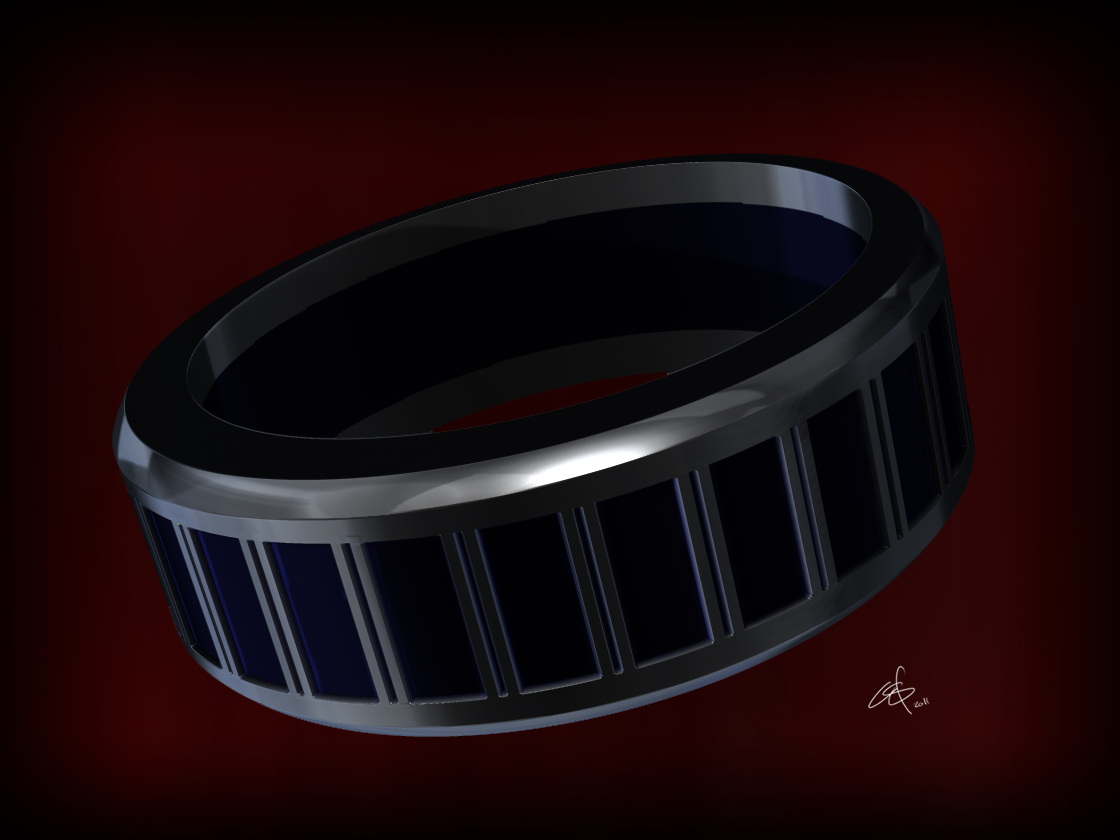
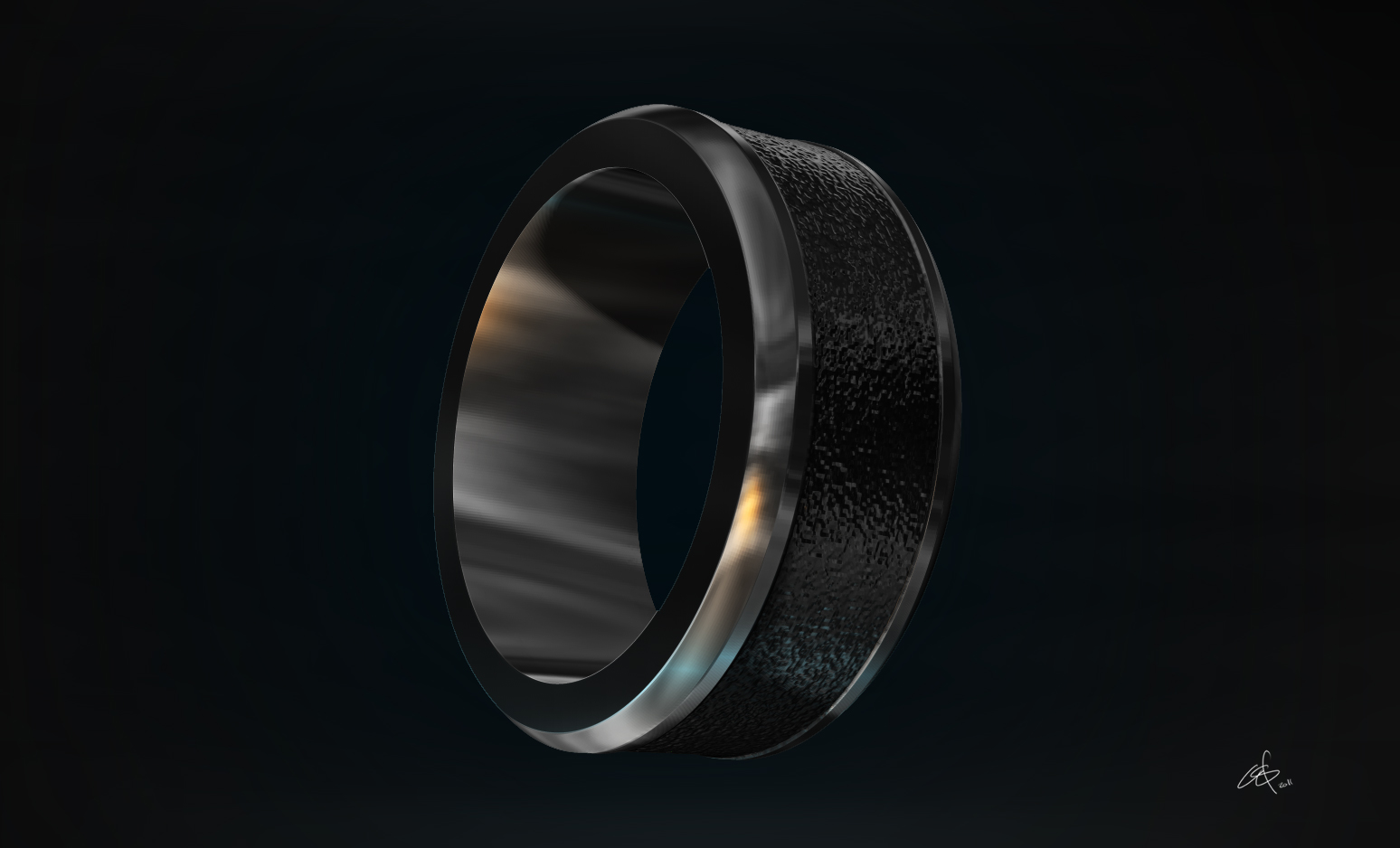
I took your suggestions from my last post, and sculpted a few new rings.
Same as last time, simple/modern design. Nothing fancy… Yet… :wink:
I focused this time, on creating a piece that was more practical.
I’m slowly trying to add in complexity, as I learn more about Zbrush…

Your comments on my last post were SOOOOOO helpful!
Please, any tips/suggestions you have are very welcome and greatly appreciated.

Specifically, I’d like to find a way to get cleaner, more realistic final renders.
I’m rending multiple passes, and compositing with photoshop, but I’m not really getting the results I’m after…
Lighting/Material/Rendering Tips would be huge!

Thank you for taking the time to view my post,
Corey

Attachments
ring2.jpg

ring3.jpg

No takers…?

A little suggestion if I may…The rings look too perfect, no microtexture and only the matcap is not enough, maybe try some noise and/or some scratches

Thank you for the suggestion

Howcan I make these look like they are made of brushed metal?

You should put noise from an alpha on a layer and then graduate its intensity. Check also Etcher’s noisemaker tutorial .

Thank you so much for the help!
Honestly, I’ve never really messed around with the layers feature within zbrush…
I’m still totally a noob, so I’m learning more about this program daily.

I’ll be posting a few updates if I can get some textures looking good.
I feel that getting a second rendering software would help too… I’ve been really impressed with Octane and Modo renders lately.
I just have to remind myself that buying the more crap isnt going to fix crap art… (I feel like I’ve heard this quote before, however it wasnt quite as blunt) :stuck_out_tongue:

Anyways, thanks again!
Corey