ZBrushCentral

Rigging an imported OBJ model

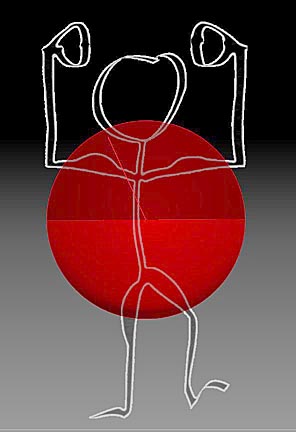
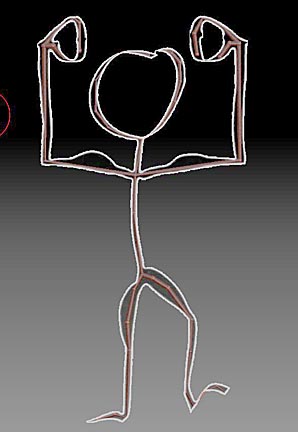
I import my stickman OBJ file, then make it a Polymesh3D; finally I reduce the SDiv to 1. Fig.1
I then added a ZSphere, Fig.2, scaled and added additional ZSpheres until I had fully rigged the stickman. Fig 3
When I bind it and go to move it, the stickman pulled apart.
It all works when I start with an existing tool from the lightbox, so it must be something
I need to do to the imported OBJ.
I***8217;m missing something, but don***8217;t know what. Can someone please help me? Thanks.

Attachments
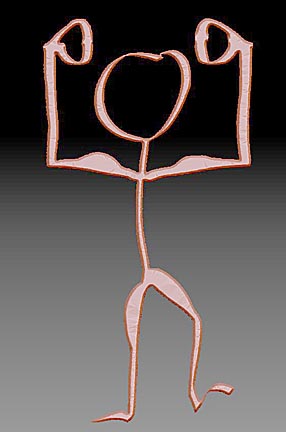
Fig1.jpg

Fig2.jpg

Fig3.jpg

what do you mean “pull apart?”

From what I understand, it appears the mesh simply breaks apart when I move the rigging after binding the mesh to the rigging. It appears to fracture, leaving pieces at the joints. After further review of tutorials and experimenting, I applied Dynamesh at a 600 resolution to the imported OBJ with a SDiv of 1, and used it through an append with the ZSphere rigging. I then bound the Rigging to the Dynameshed tool, and then I moved the rigging - instead of breaking apart, the ZTool crinkles into accordion shapes, zig-zag along the legs, etc. Seems I need to somehow set the SDiv of the ZSphere Rigging to SDiv1, also. Maybe that will solve it. See screen shots.
This all appears to be a matter of properly preparing the imported OBJ file for rigging.

Any help would be appreciated.

Thanks.
FIg-1-20may14SDiv1.jpgFIg-2-20may14SDiv1.jpg