ZBrushCentral

Retopology Zoom Crash :(

Hey everyone, I am having a bit of a pickle here… First of all, very awesome release of ZB4R2, I am enamored with Dynamesh and the killer enhancements, but i am running into an issue where I want to zoom in close to close a hole in the retopology, but each time I do it, Zbrush keeps giving me an internal error, and it crashes…

Thankfully, it saves a file for auto-recovery, but this keeps happening no matter what I do…

Has anyone ran into this issue? :cry:

System Specs:

Intel Core i7 990x @3.47 Ghz
12GB DDR3 RAM
nVidia GTX 570
Windows 7 Home Premium

Attachments
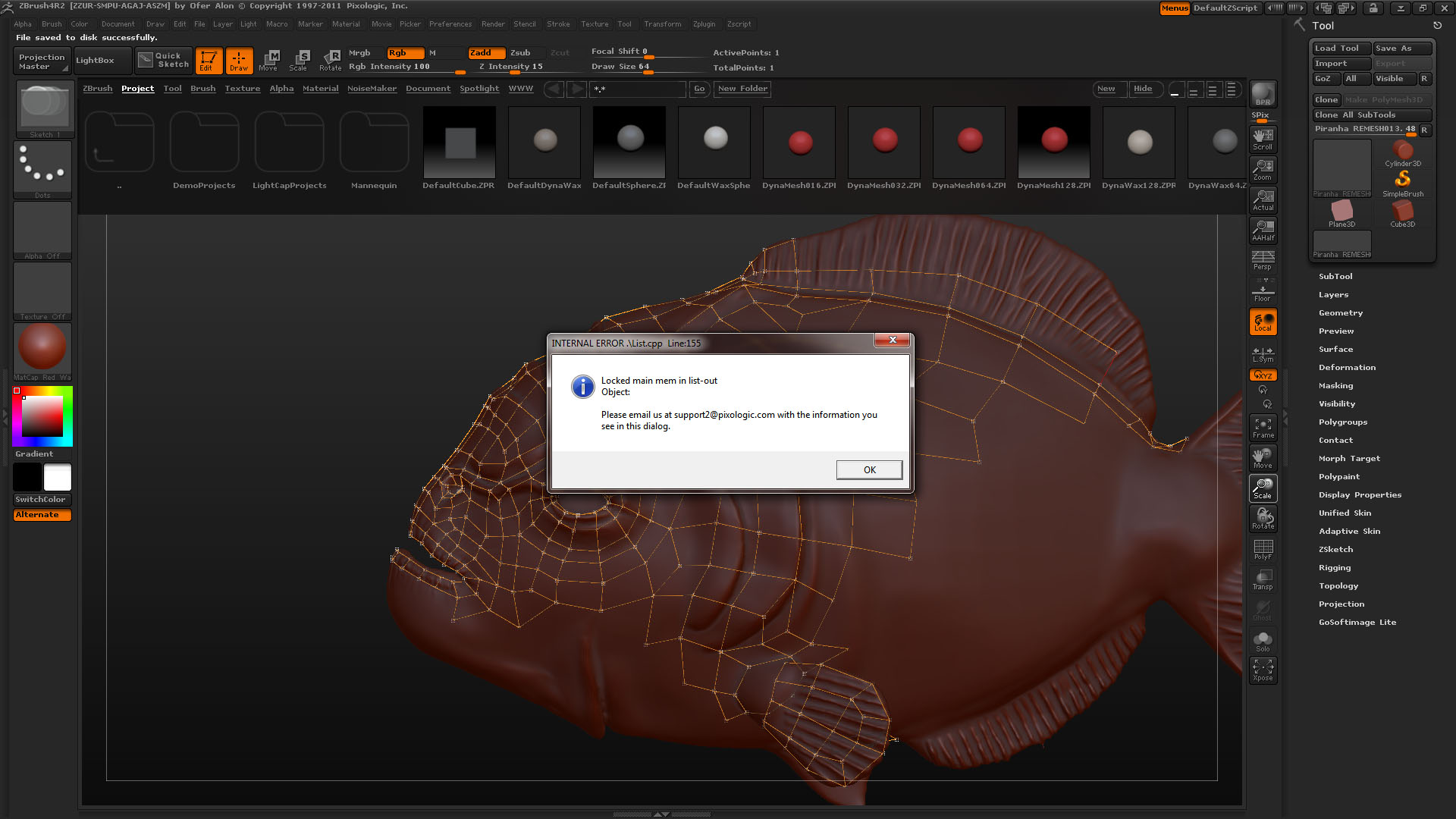
Error.jpg

Please read New Policy for Questions & Troubleshooting Posts

Thanks man… :slight_smile: Post has been edited…

(SOLVED) It looks like the crash only happens if I have my canvas resolution set too high… so by keeping my canvas size low, the crash doesn’t happen

Hey everyone, i am still working on my model and i am still having the same issue when I am having my model retopologized… even though the canvas is smaller… has anyone ran into such issues? My specs are listed in the first post of this thread…

I’m having the same issue on two different computers, although the crash is random except for the Retopology part. I was working on a mesh at work and it gave me that Internal Error message while I was snapping points. It happened this morning after I finished the retop, appended the new mesh and tried to save. At work I was able to open the recovered file but on at home both the recovered file and the original are corrupt costing about 6+ hours of work.