So I’m testing out the updated Retopology tools and one thing I’m constantly running into is control points that won’t budge when I try to move them. The weird thing is, they used to move before. Now that I’ve come back to them after laying out some more topo, they seem to be completely stuck. The only way around this is to ALT-LMB-click on the troublesome control points to delete them, and then redraw the missing parts. But this problem happens so often it’s like three steps forward, two steps back.
Addendum:
Okay… I just saved a ZBrush Project file, closed ZBrush, re-opened Zbrush and re-loaded the project. Now pretty much all control points/verts won’t budge. And in addition, trying to LMB-click to add new control points instead tumbles the model on the canvas.
So I fiddle around a bit more, choosing a different ZTool, draw it on the canvas, clear canvas and return to my retopo ZTool, toggle 'Tool->Topology->Edit Topology’ off and on a few times, switch between Subtools, etc. and now everything works again. But for how long I wonder?
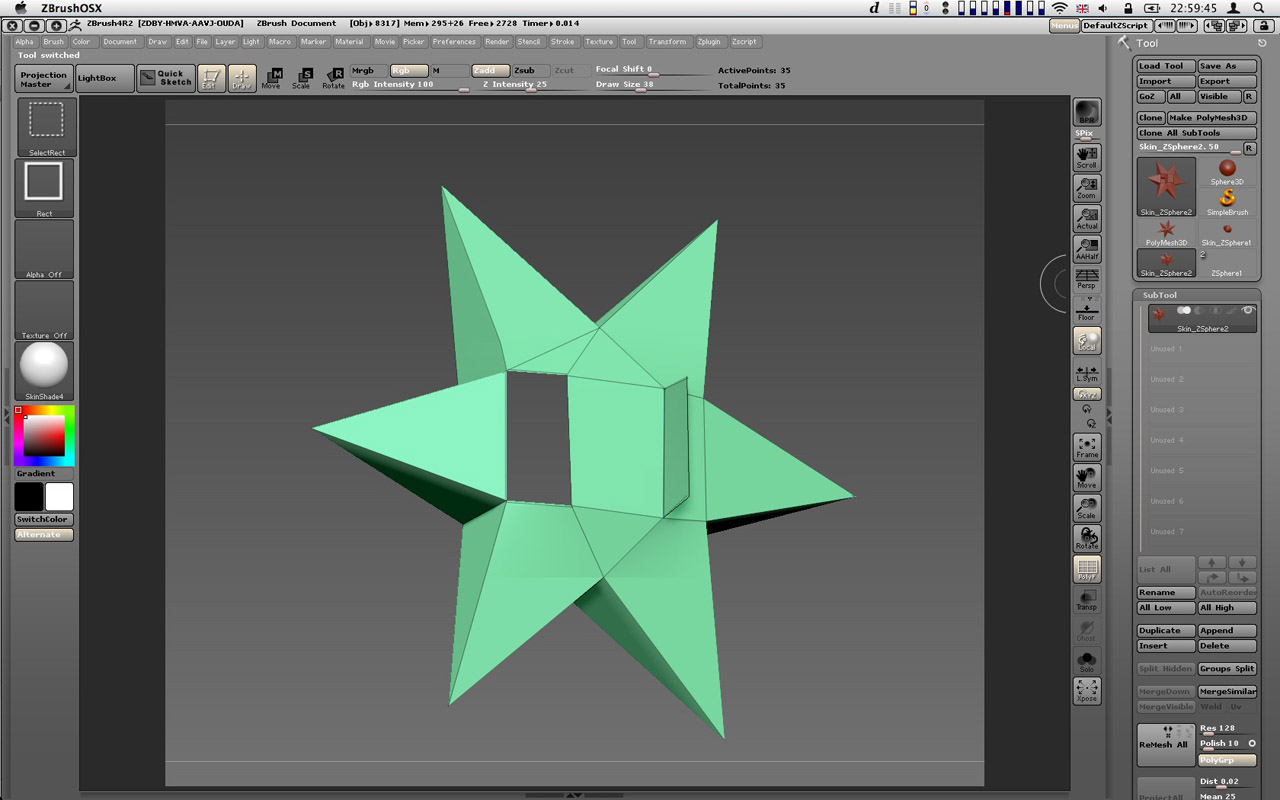
In addition I seem to also be getting flipped polygons from the Adaptive Skin as well as missing Polygons.
(Running on OSX 10.6.7, 15” MacBook Pro Quad core 2.3GHz i7, 8GB of Ram, AMD Radeon HD 6750M) Here are some screenshots.
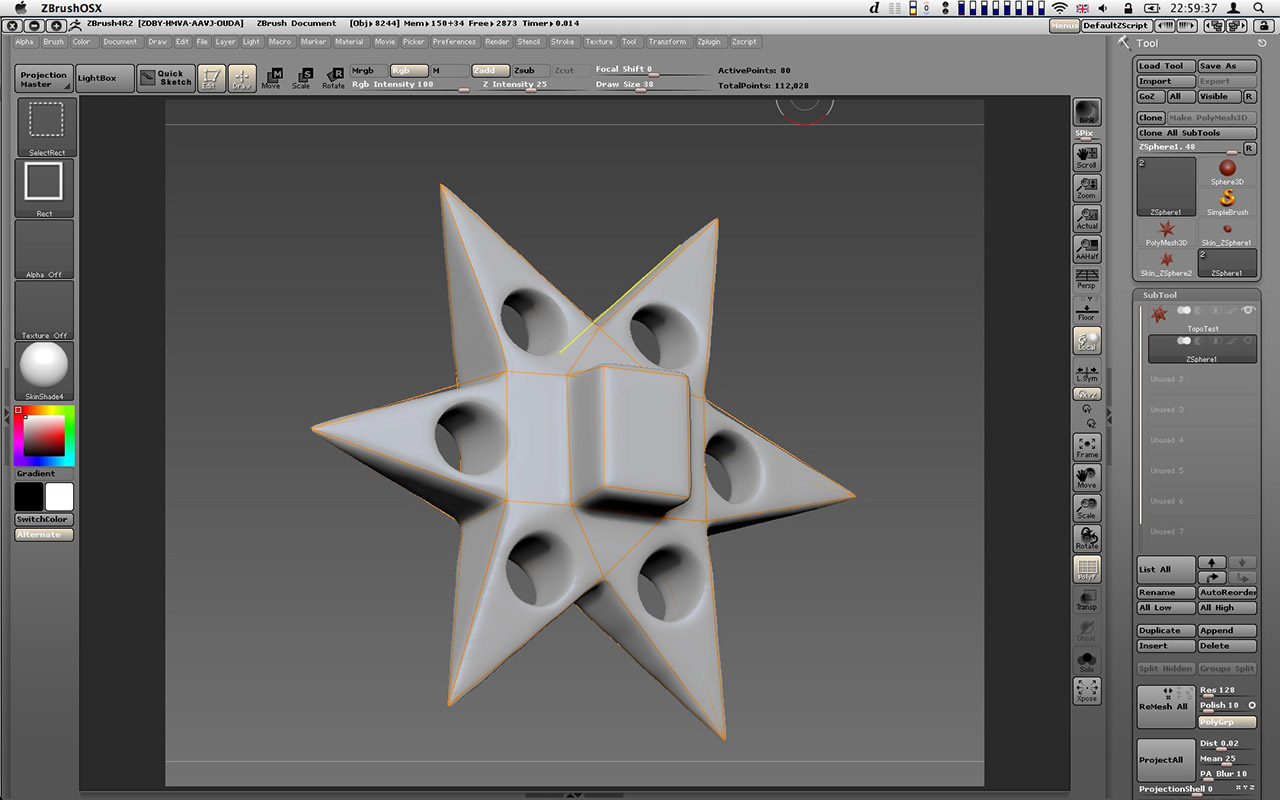
Source + simple retopo cage:
Adaptive skin result (notice missing and inverted faces):
I really want ZBrush’s Retopology tools to work, but so far it’s been an exercise in frustration.
Any tips or advice would certainly be very welcome.
edit:
Okay, so I think some of the holes in the mesh were simply a matter of non-planar faces. Adding an edge here and there solved that problem.
Attachments