ZBrushCentral

Retopology Question

Right, I’ve got a model that I’ve brought in from Max which I’ve been sculpting and I’ve decided to delve into this retopology thing because I want to add a couple of edge loops and the like but there’s a couple of areas where I’ve got a little stuck.

I make a clone of my model and turn down the subdiv to 2, so I’ve got a fairly detailed mesh but not too much that makes the retopology take forever. I then select te ZSphere tool, select my high subdiv model in the rigging tool and the low poly one in the Topology tool. That’s all fine and dandy.

Now this is where I’m stuck, how do I finialise these changes? I’ve tried going through a few tutorials and a VERY good one on this site but I just can’t seem to find what to do. From what I gather it’s something to do with adaptive skin but I’m not quite sure.

Is it possible to keep all the subdivision levels I had originally?

And basically, how do I actually apply the changes of the retopology.

Thanks. =)

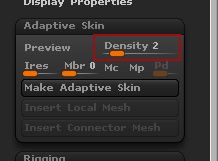
If you have already built the new geometry through the retopology tools then all you need to do is set your adaptive skin density slider to the same number of levels that your “high poly” mesh has.
Then -
tool>projection>project
then preview the adaptive skin. “a”

When you have project on it will project the new mesh onto the old one when you preview the adaptive skin (higher poly counts mean wait times)

If the projection works fine and you’re happy with it.
tool>adaptive skin>make adaptive skin

That will create a new tool called “skin_xxx” That is your new mesh with all the details applied to it.

Changing the density slider only add divisions to my high poly mesh. So subdiv 1 of the skin_xxx is my high poly and it only gets higher from there.

Sorry, fairly new to ZBrush. ^^;

Not a problem. I am missing what you’re doing, or you’re missing what I am doing.

Can you post up some images of the steps you’re taking so I can see where this is going wrong? I will post up a quick tutorial tomorrow of pushing details from one mesh to another.

If you do a search for Cannedmushrooms or NickZ they both have videos of projecting one mesh onto another. NickZ has them on his site, and Canned has them on his thread here at ZBC.

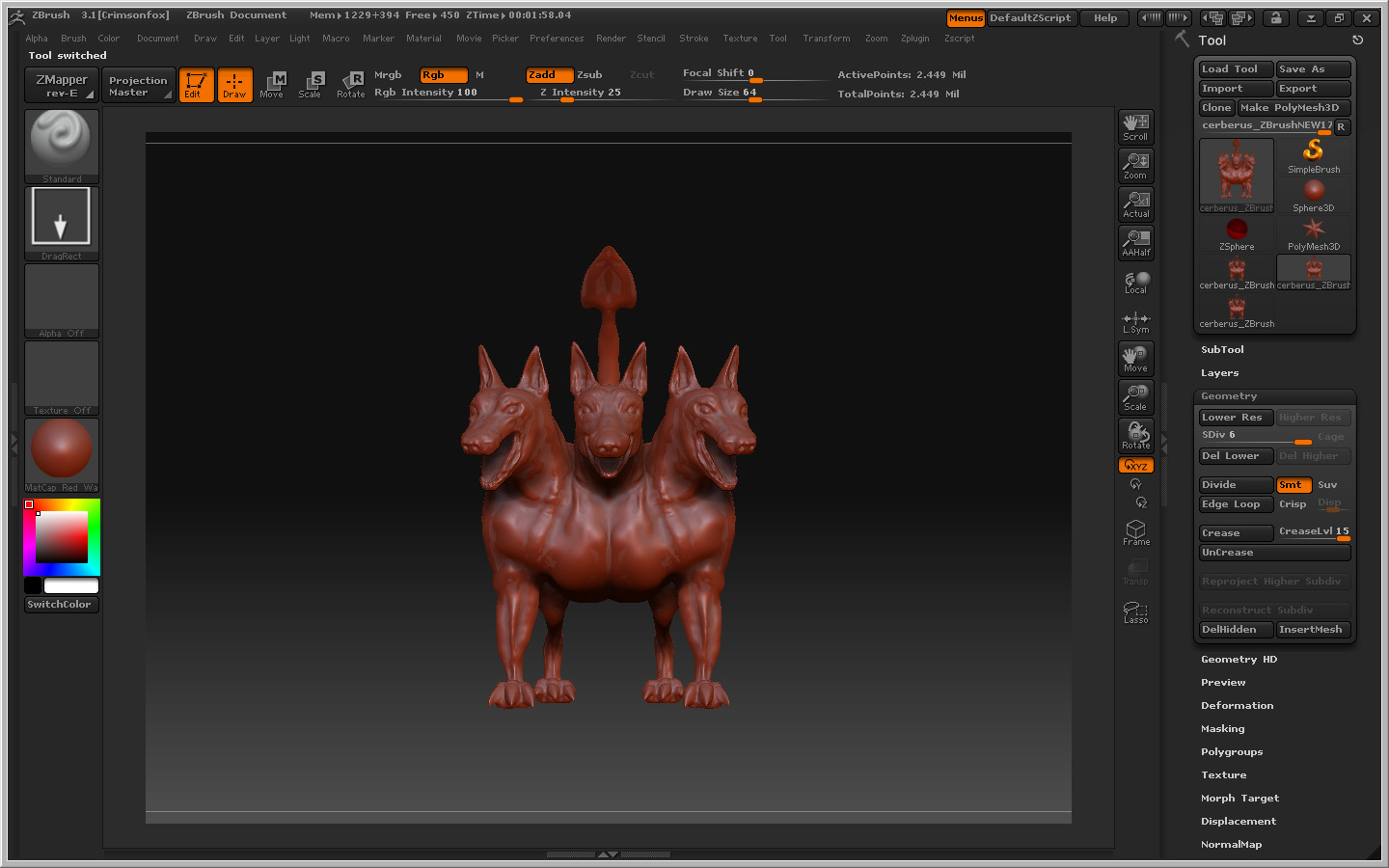
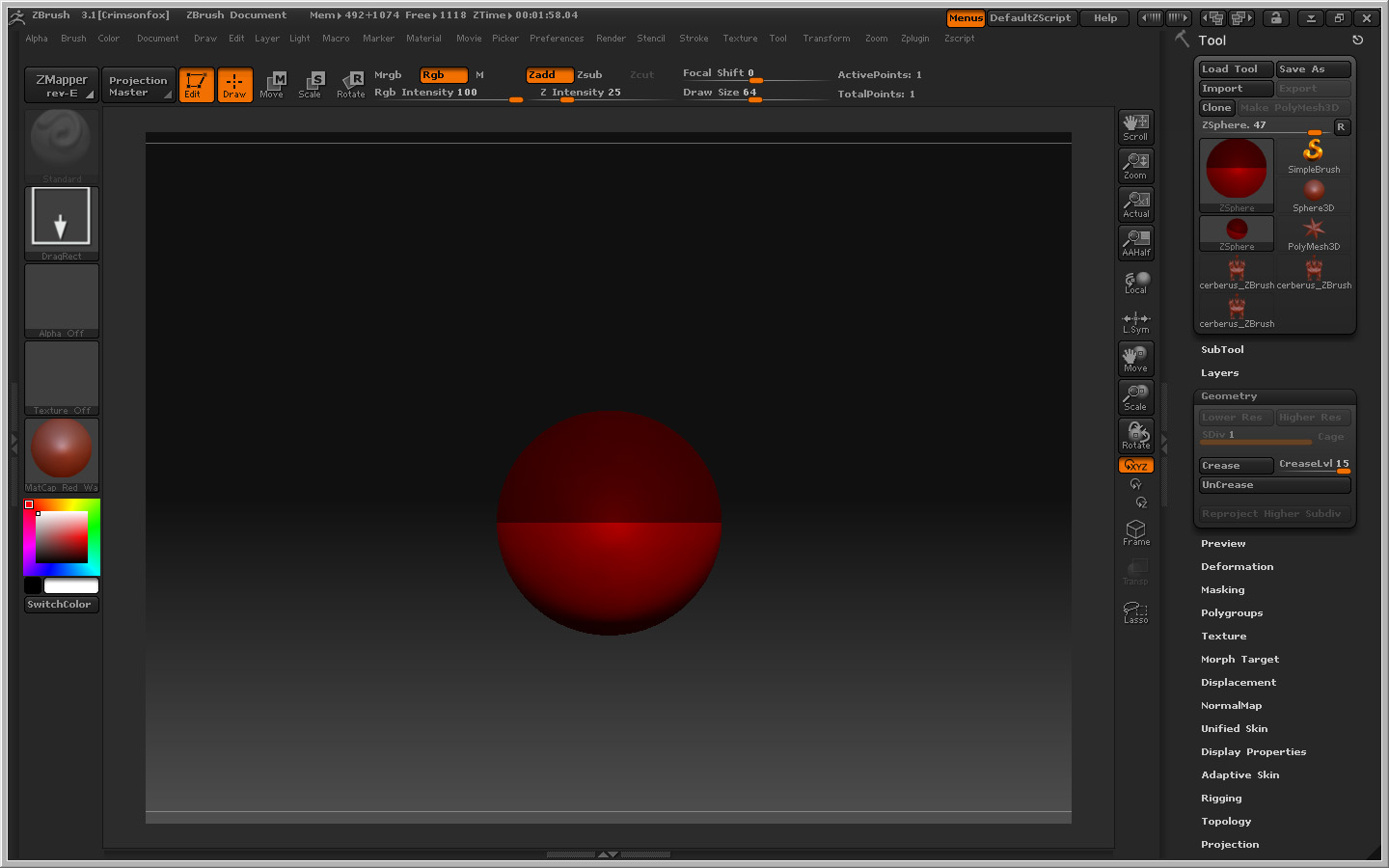
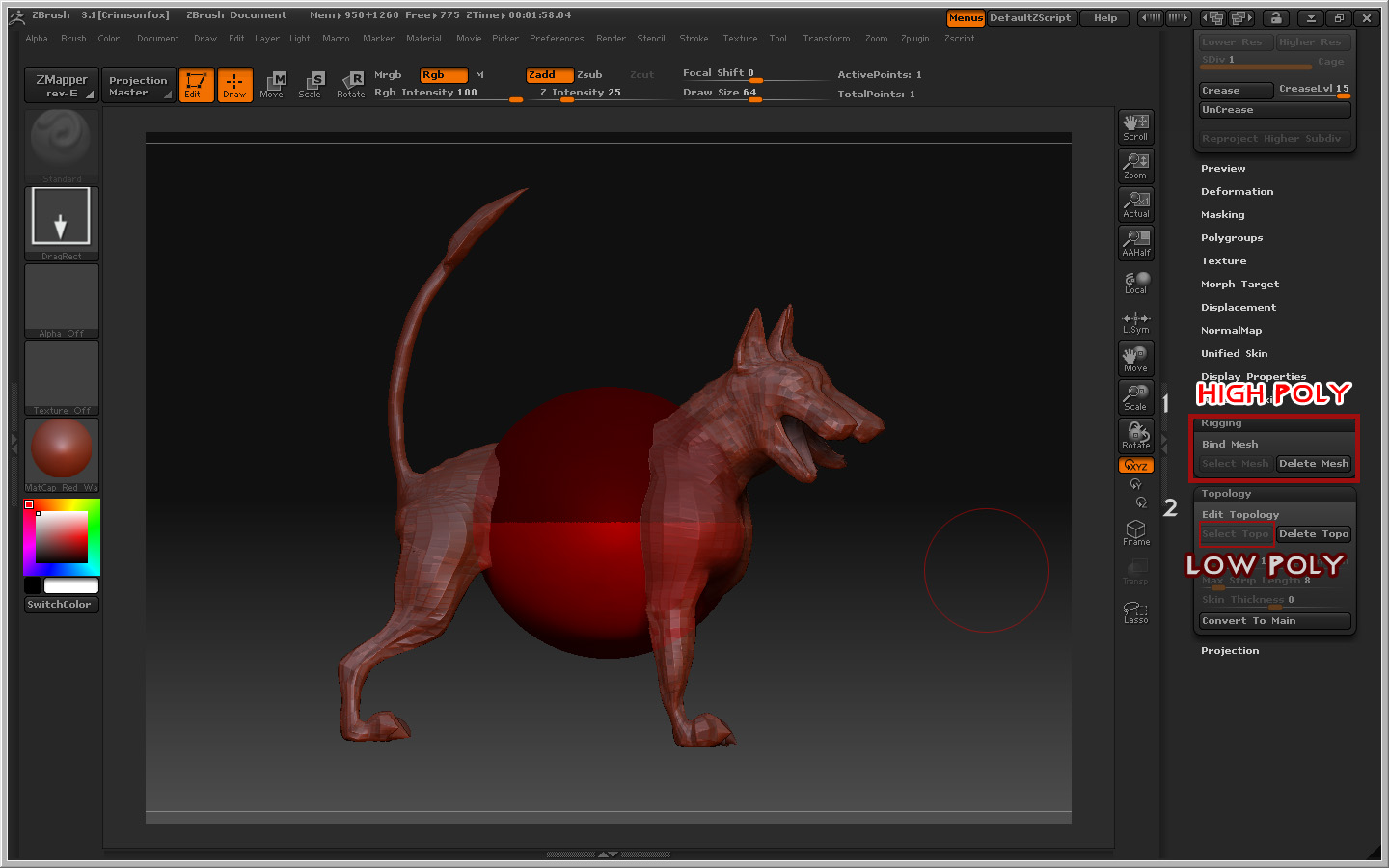
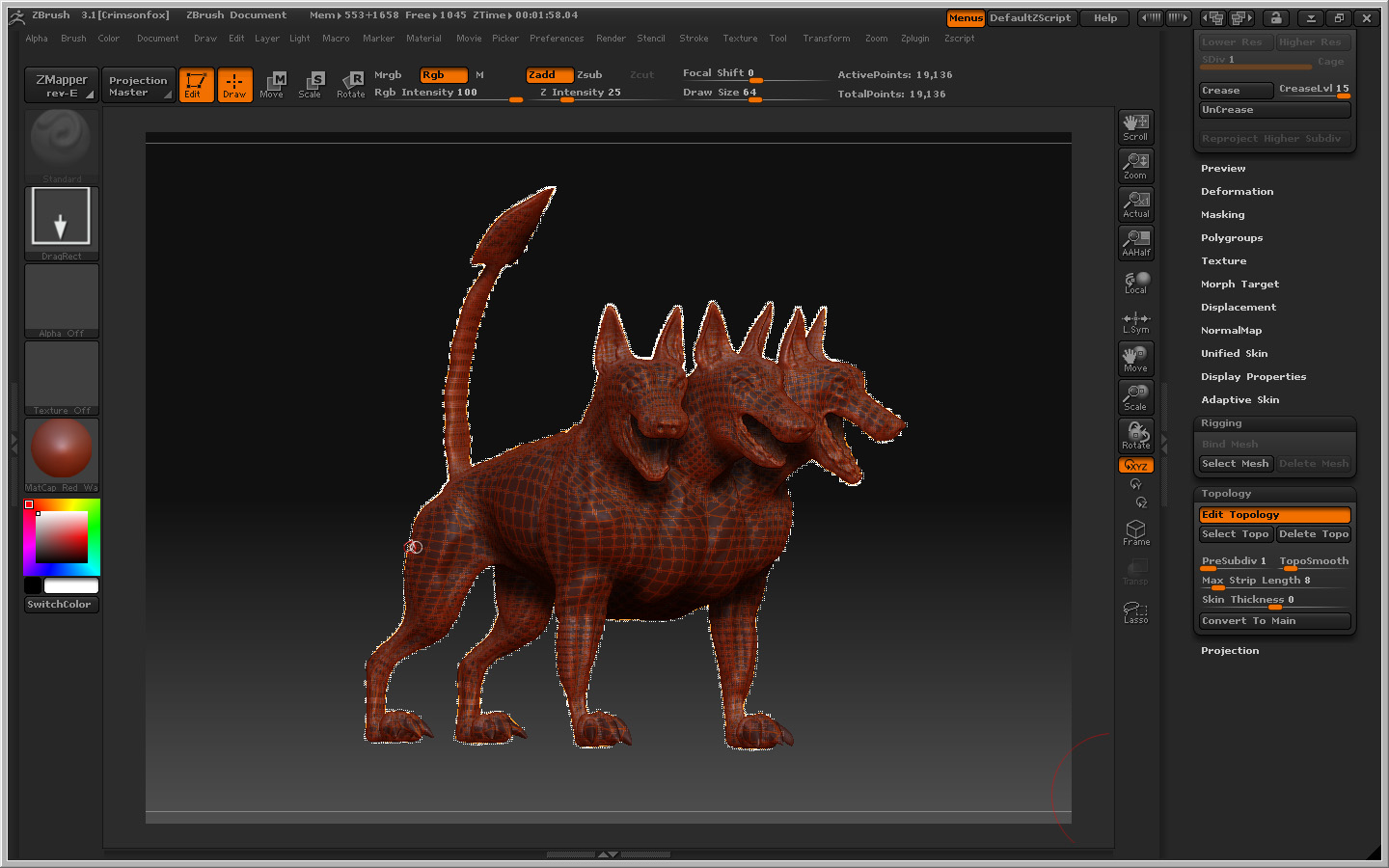
Right, there are some screenshots. The only difference is I have the density slider set to 6 when I do it because that’s how many levels my original model has.

After I hit Make Adaptive Skin, the skin_xxx does have the topology changes but none of the lower levels. WHich is problematic to say the least. :stuck_out_tongue:

Screenshot 1: Make clone of tool, set one to highest and one to desired level of topology changes

Screenshot 2: Make ZSphere
Screenshot 3: Rigging Mesh to High Poly, Topology Mesh to low poly
Screenshot 4: Hit Edit Topology
Screenshot 5: After changes, turn off Edit Topology and Create Adaptive Skin while projection is on.

Attachments

Step1Clone.jpg

Step2ZSphere.jpg

Step3.jpg

Step4EditTop.jpg

Step5.jpg

don’t turn off edit topo

just preview the mesh, with project turned on, then hit adaptive skin.

I believe that is your problem

A question as to retopologizing: If I have a base mesh from an external program to which I have added detail in ZBrush and I find I have a problem with to little poly’s in an area, can I edit the base mesh in the external program and bring the new mesh back into ZBrush and capture my detail from previous mesh on to the new mesh instead of retopologizing the whole thing?

And how?

I believe you can. Once you’ve recreated your base mesh, import it and create a tool out of it in ZBrush and then append it as a subtool to your detailed mesh. Divide up your new mesh roughly to the same amount of your high detail mesh.

Then it’s just a matter of stepping up between the two and using the “Project All” in the subtool palette which should project the details onto your new mesh. Make sure you have the new mesh selected when using project all and that both tools are in the same place.

When you do use project all some parts of your mesh may explode.

This vid should help if your run into any problems: Video: Model Disaster Recovery in ZBrush 3 with Projection / Alt Retopology Workflow