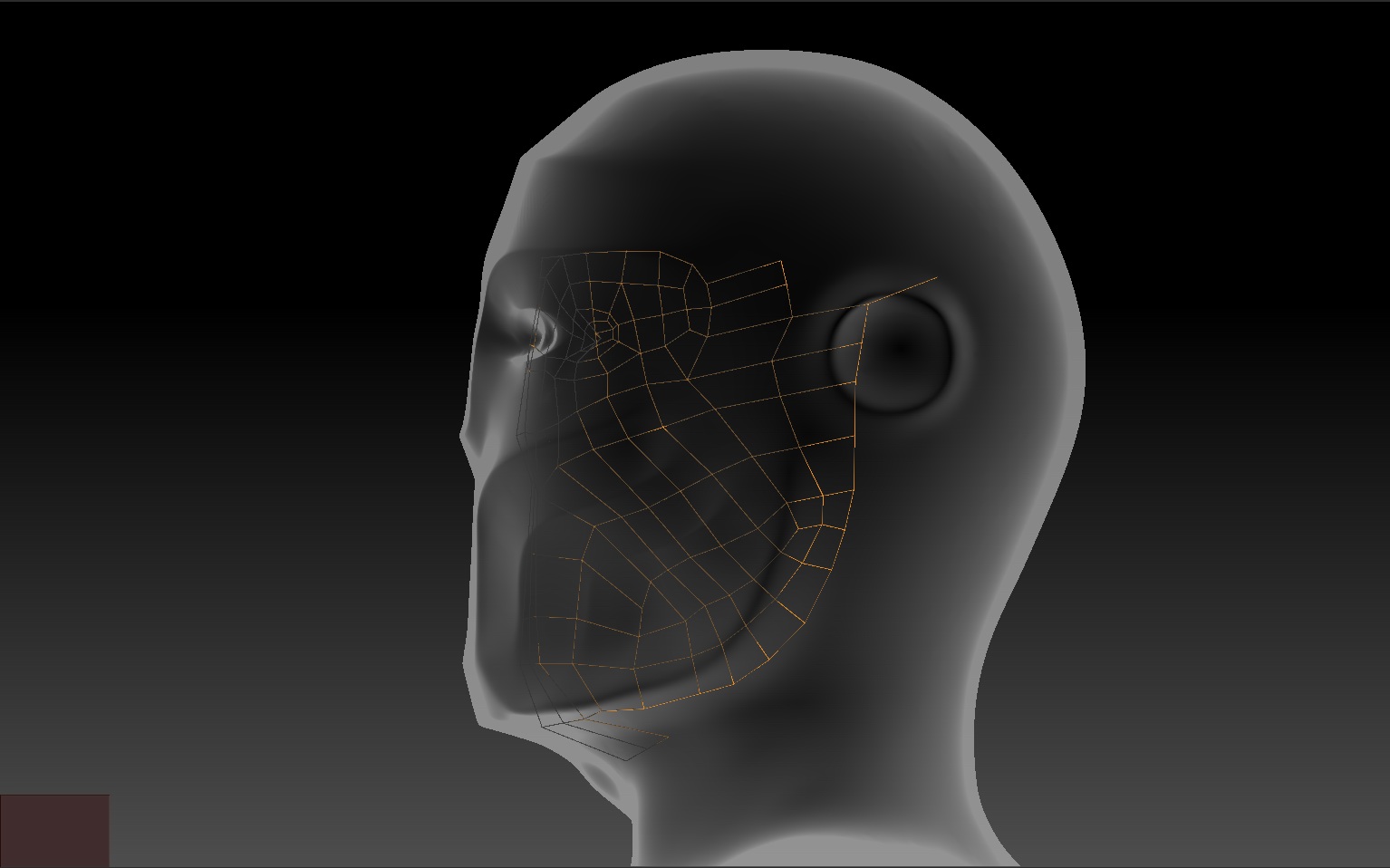
By the way, I think it helps to turn off the ALT-click subtool select option when Retopologizing (Preferences->Edit->Auto Select Subtool). It’s just too easy to switch away from the appended ZSphere Subtool by ALT-clicking, (say if all you want to do is delete a point in your topology or move/track the camera). If you happen to also still be in any of the Transpose modes (rather than Draw mode) you run the risk of moving the model that you’re trying to retopologize. I suspect this might actually be the culprit, but I can’t be sure.
I think this is a case of where all that Pixologic hotkey voodoo™ gets in it’s own way. Another example of that is drawing Transpose lines in general. Why on earth is that functionality assigned to both the LMB as well as the RMB? The LMB should suffice. Because now, when in Transpose mode, you can no longer use RMB-click-drag to tumble when your cursor is on top of the model. Essential for when your model fills the entire canvas. This is one of my biggest pet peeves of ZBrush…. it get’s me every time. I’ve pointed this out before, but I’ll now do so again… please Pixologic… change this. There is no reason for one feature to take up two mouse buttons when it hamstrings another feature in the process.
Sorry if I’ve gone a bit off topic in your thread Samu.