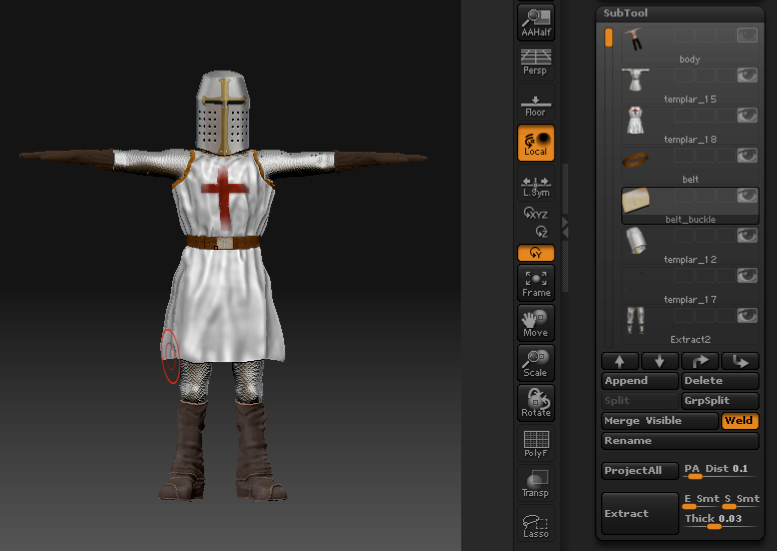
Hey there. I’ve just finished a model of my templar in a high detail version. I already reconstructed a very low poly version of a head from a high poly model.
Now I want to do the same for my templar. But the problem is, that it consists of subtools. So it does not work if I add a ZSphere and add my tool to it, it will just display one of the subtools for retopology…
What can I do to create one complete low poly model out of my high res model that also projects all the surface detail on the new tool?
Note: I already tried the “merge visible” option to make one object of all of them but it says that I don’t have enough memory for that as I’m having too many surface detail… ._.
Cheers,
Ephialtes
Edit: Or would it make more sense to do a retopology for every single subtool, export all these objects in maya and weld them together in Maya?
Attachments