ZBrushCentral

Retopology disaster

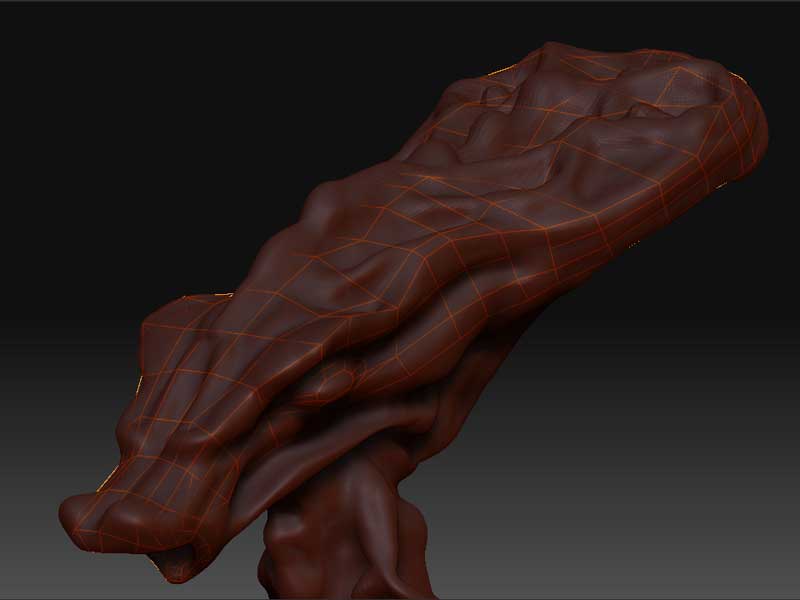
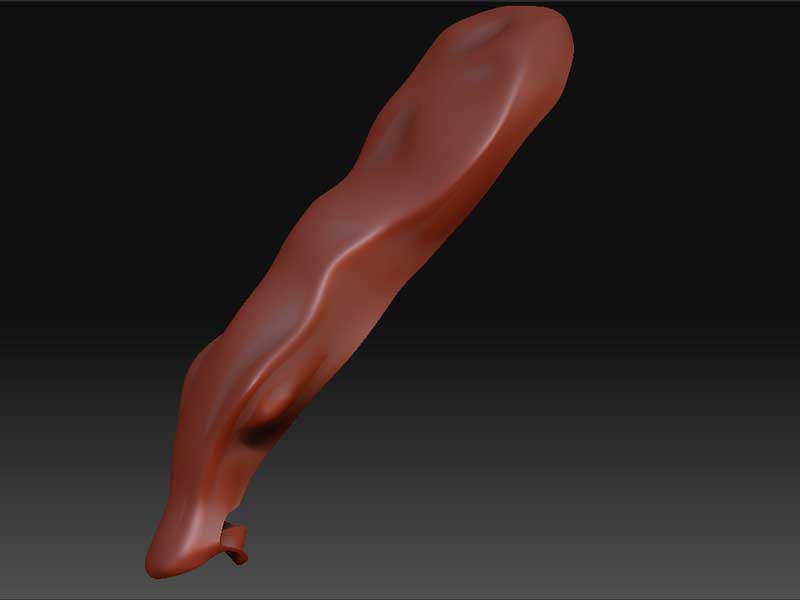
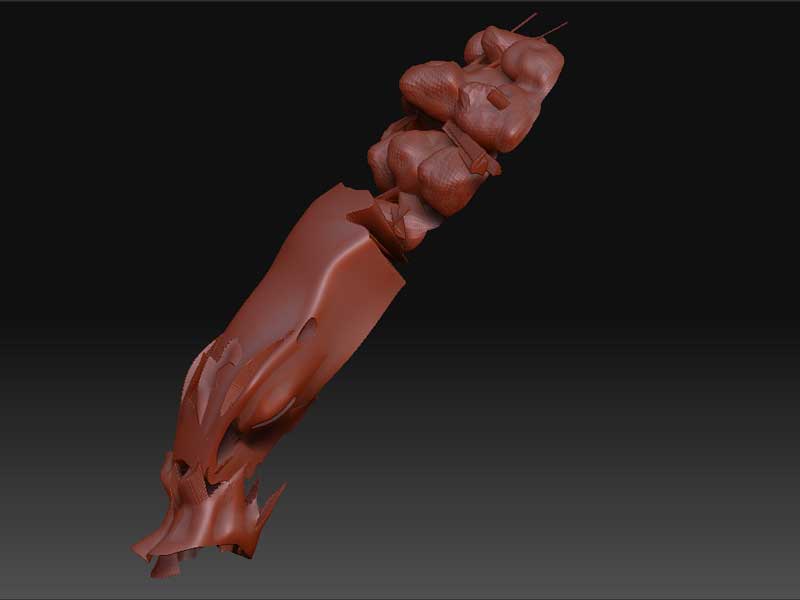
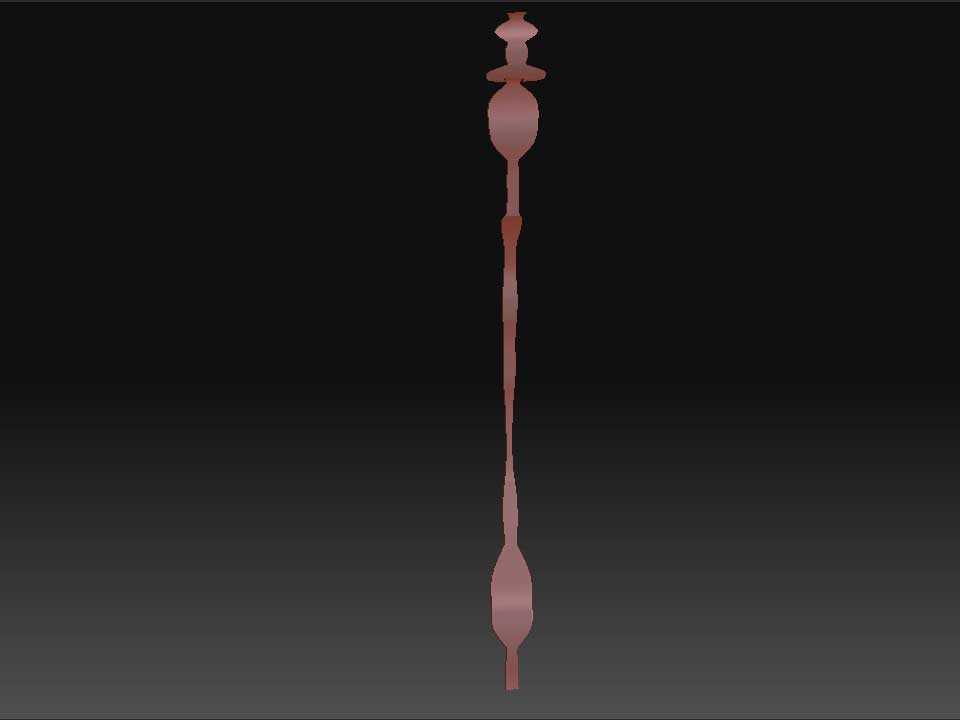
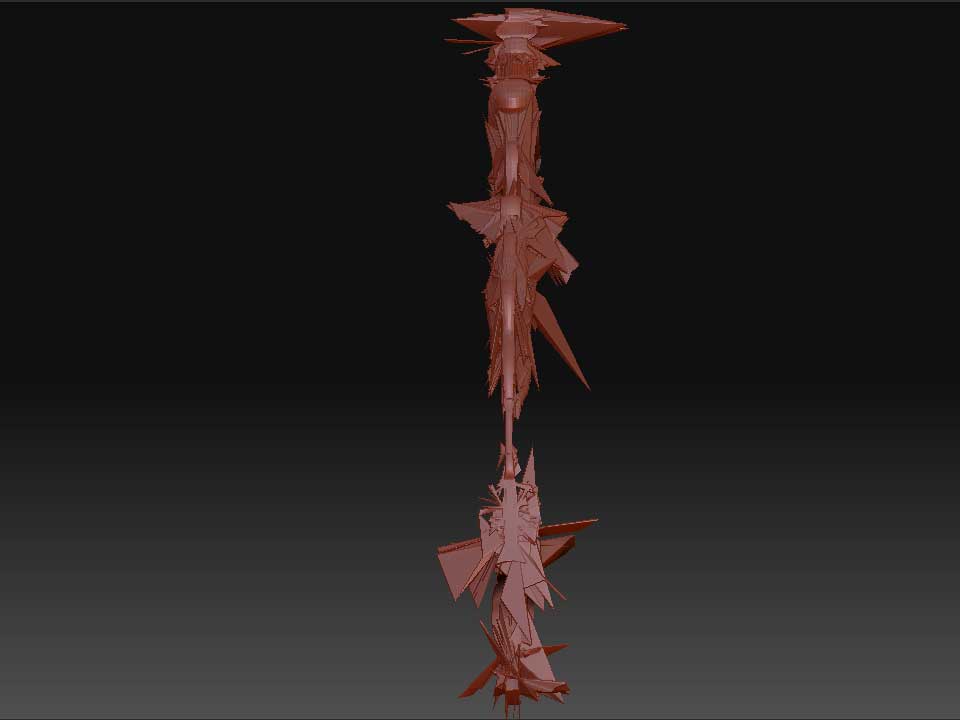
Hello…does anybody have an idea about the disaster shown in the picture showed below?

I really have no idea… I have started twice with the same result…my question is: if with the tipology I have to follow all the bumps and hollows sculpted with ZB, what does the projection is useful to?

Really disappointed…

I do not know if the trouble could be that I have started to retopology, saved, closed ZBrush and then reopen it and reload the whole and started again…

Thanks for help
Andrea

1 Original-Mesh-withe-retopolgy-mesh.jpg

Attachments

2 Adaptive-skin-without--projection.jpg

3 Adaptive-skin-with-projection.jpg

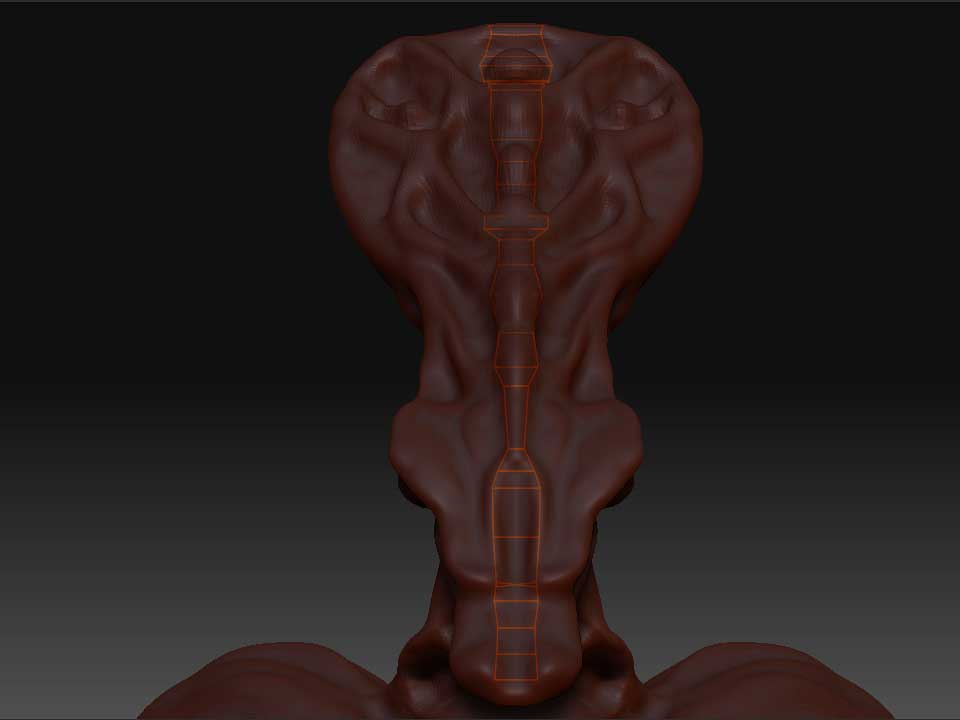
here’s anbother try using the same character but only with one “strip” or retopo…

New-Start-1.jpg

Attachments

New-Start-2.jpg

New-Start-3.jpg

How big is the source model when viewed in the Tool>Preview window? I have a hunch it’s either really small or (more likely) really huge. If so, try using Tool>Deformation>Size to resize the model down to something that fits comfortably in the preview window. Or use Tool>Deformation>Unify to do it.

HI, the model perfectly suits the preview window, I’ve tried to reduce and enlarge it but the result doesn’t change at all…

Is this a mesh from another package? was it unwrapped in the UV coordinate system before then, because you can run into a myriad of issues that look similar to this if so. Also if you are using projection I have learned that previewing an adaptive skin before its an easily solidified mesh will result in this. For example non-planar geometry having to be generated to enclose the mesh. Hope that helps other option is to maybe post the ztl and have someone take a look make sure something isnt totally wonky.

Hi, no no the character has bee built from scratch in ZB with zspheres. I’m afraid I’ve made the UV coordinates using the sistem AUVTiles in ZB before trying the second time to retopologize the guy…do you think that this could be the problem? I mean to retopologize no UV’s have to be present? If so I thibk my boss have thrown away his money…I mean this software COULD be great but there are a lot of issues: porblem zooming little zspheres, problem with turntable movie, problems with retopology and UVs and so on…well, let’ hope that with 3.5 something change…

shouldn’t be an issue, you dont have any color layed down yet so turn off your UV map and retopo, then after you have your retopo with the projected detail hit the auv again, you should be home free at that point

Okay so its been awhile since I had to fight this but I remember now. The issue with AUV is when you hit that it assigns a point order to your mesh, this normally isnt a problem unless you are literally replacing points like for example retopologizing. This leads to the crazy distortions you are seeing I just tried it with one of my models and that is in fact the issue. Here is what I would do.

1.under Tool>texture click disable UV
2. retopologize with projection on (you should probably be able to preview with adaptive skin without issue now)
3. once retopod establish the AUV under Tool>Texture enable UV then click AUVtiles at lowest subdivision

you should be golden

thanks Ork, this is what I’ve just done…unfortunately nothing changed…I’m really wasting my time with this software

Have you tried to adjust your projection range parameters? some funny results (Just as you have) can happen with thin limbs and geometry if the projection settings are too big (The projected points try to stick to the point in the other side of the mesh).

sometimes works having a negative projection range

Good luck with zbrush! and don´t get dissapointed with a first fail, or you’ll be doomed to abandon everything

Thanks Isk! I will not gice up, this is sure! I havce just finished my alien (without retopo) and I have tried to export the OBJ as well as the maps in Cinema 4D and I am toooooooooooooooooo happy about the result (of course I am still in the new new newbie level). I am recording a turntable, after that I will post it in my site and also here (if I understand where I can post it, :lol:)

You can also import topology from outside zbrush… :smiley:

I don’t remember the thread but the process is:

1.- Open your High-Res Mesh, rename it HIRES (Only for reference)
2.- Select a primitive, import your retopology mesh, rename it LOWRES (Only for reference)
3.- Append LOWRES to HIRES, and be sure to be working on the HIRES subtool
4.- Select a Zsphere, rename it RETOPO

Go to the tool pallete > Rigging subpallete > press Select Topology (Select the HIRES tool)

5.- Select your HIRES/LOWRES tool, work with the LOWRES subtool

Go to the tool pallete > Topology subpallete > select topology (Select the LOWRES tool)

Now you can project your topology, the imported topology should have uv’s done…

Another option

1.- Open your High-Res Mesh, rename it HIRES (Only for reference)
2.- Select a primitive, import your retopology mesh, rename it LOWRES (Only for reference)
3.- Append LOWRES to HIRES, and be sure to be working on the LOWRES subtool, divide it some levels.
4.- In the tool pallete > Subtool pallete, hit “Project all” button to project the geometry.