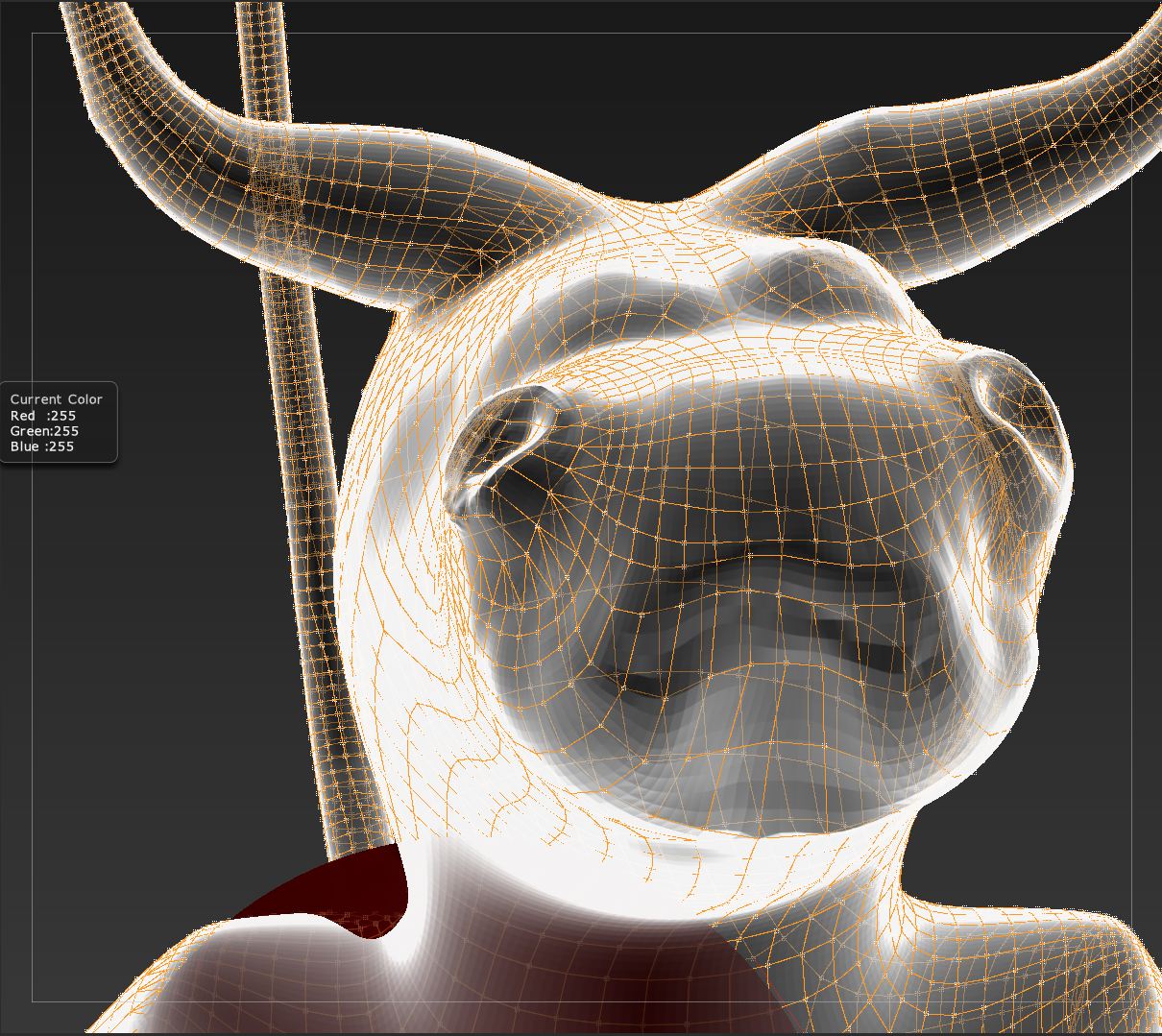
On 9-20-10 there was a post by salki about Retopologizing and Mesh Transparency (http://www.zbrushcentral.com/showthread.php?t=95090), the problem being, essentially, that topo lines from the back side of the model show through, making it difficult to manipulate lines at the front of the model.
- zber2 suggested: In Preferences > Draw change the Front Opacity slider to 1.
- From aurick, restated by marcus_civis: In the Preferences>Draw menu there are sliders for front and back transparency. I get good results by adjusting Front to .95 and Back to .01
I am attaching an image that shows my model at Front = .95 and Back = .01. For me, that’s almost indistinguishable from Front = 1 and Back = 0. Moving the Back Opacity Slider has almost no effect
Also, I’m getting a white transparency effect although Transp is turned off. (I notice that Ghost is a diminished red–like half on, half off???)
I was looking at a Digital Tutors video on retopology, and there were just clear lines on the front (working) surface of the model. No lines from the back showing through. That’s as it should be. It may be this is the best I’m going to get. If so, there is no joy in Mudville.
Doc Pit
Attachments