I’m trying to retopo this model. As soon as I turn on projection, the mesh goes insane. You can see the same topo with and without projection in the image.
Attachments
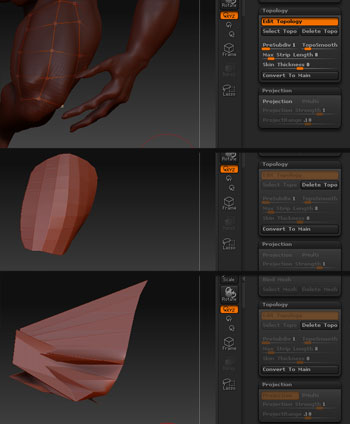
I’m trying to retopo this model. As soon as I turn on projection, the mesh goes insane. You can see the same topo with and without projection in the image.
What’s happening is that the hand is getting caught up in the projection. This may in part be due to the fact that so little of the mesh has been retopologized yet, and ZBrush isn’t sure how the hand connects to things. You might try adjusting the ProrjectRange and/or Project Strength slider.
I am having a similar problem, I had done a mesh insert and when I do a preview with projection on I get a very weird mesh, with projection off it is fine, I think it is confused by the mesh below the insert, I have tried messing with the projection strength and range but to no avail, is this an impossible task?
[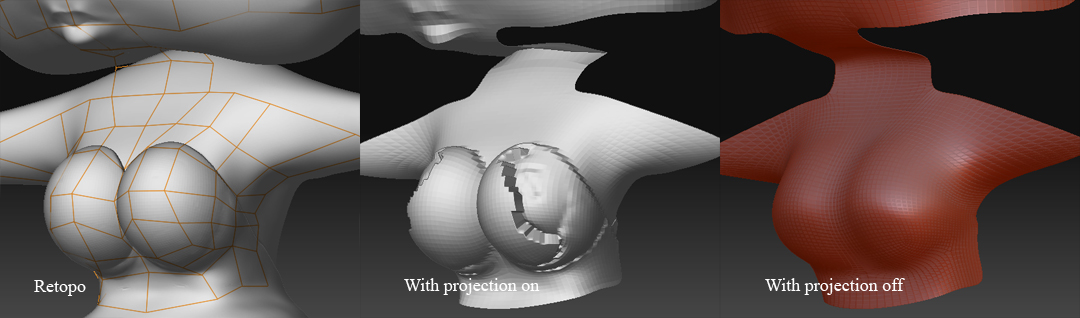 ]
]
Have you tried adjusting the two sliders I talked about in my last post?
yes I did, they either did nothing or made it worse???
You were correct, it was just confused because I wasn’t supplying enough of a cage. after doing more of the mesh, it seems to be running smoothly.
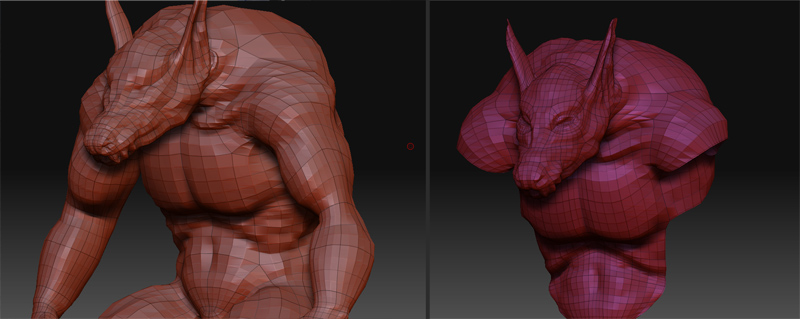
In that case you might get better results by completing the retopology and then loading the resulting model as a subtool. Then use Tool>SubTool>Project All instead of using the ZSpheres projection.