ZBrushCentral

Retopo save problem

I was using a zsphere and the edit topology to create a low res mesh, i got half way through and needed to leave, when i tried to reload it, the zsphere is just a normal zsphere with no retopologised bits… even though it autosaved a number of times during the process, and i chose to save a few times, ALL of these saves just come up with a regular zsphere.
Does anyone know why this is? Or how to get it back?!
ISo can anyone help regain my work or stop this from happening again?
You can clearly see here the quicksave shows my work, but it’s not there when i load it

Attachments
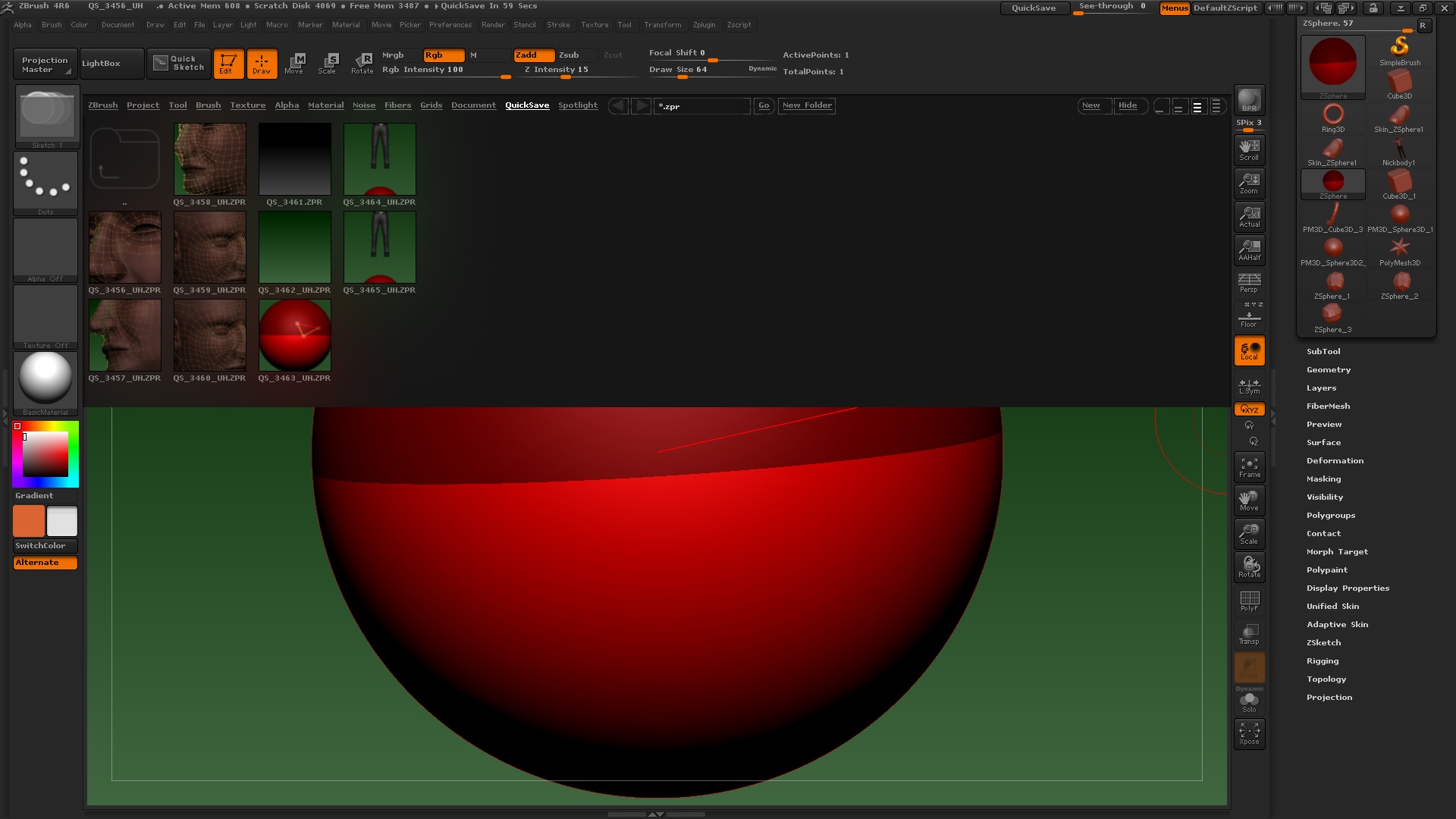
edittoposave.jpg

Questions and problems go in the Other Questions and Troubleshooting forum and not the Main Forum. A moderator will probably move this thread.

sorry, i’m new… i just noticed that a little earlier actually, wasn’t sure if i’d messed up… i’ll move it now thanks

It looks like you’re selecting the Zsphere tool and not your Zsphere model. If you look to the right side of your screen I’m guessing it’s the Skin_Zsphere1, Zsphere_1, Zsphere_2, Zsphere_3, or the Nickbody1 tool.

The autosave is saving the project file (.ZPR file) which includes all the Tools and other things opened for the project. These can get large and most of the time it’s better to save just the tool file (.ZTL file). However I think Zspheres should usually be saved as ZPR until completed.