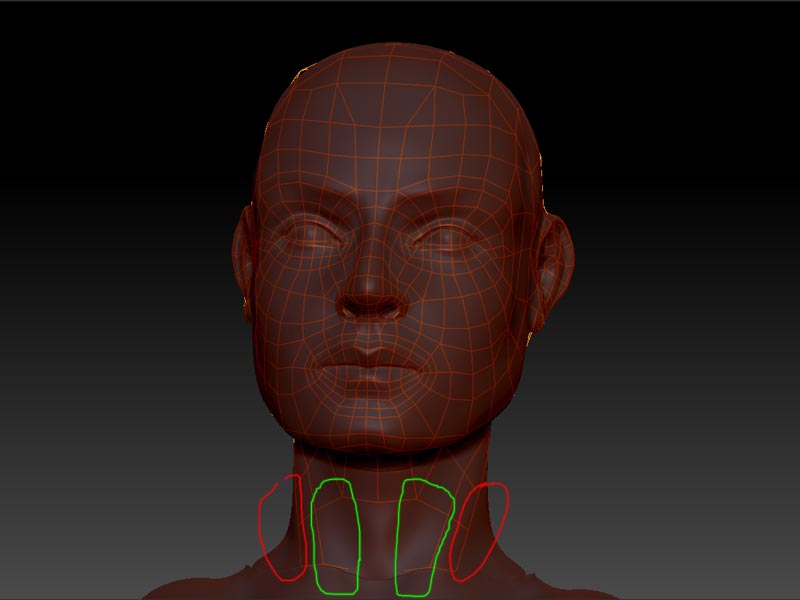
Hi all,
I have a very odd problem here, I also didn’t find posted anywhere: I am doing a retopo right now, and it seems I simply can’t draw edges between specific pairs of points. Furthermore, I can’t draw any edges starting from some of the points. So, Q (draw-mode), ctrl-click on the point to select it, click anywhere I want the new point to be, and nothing happens. Exactly the same trying to put a line between 2 existing points: q-mode, ctrl-click the first point, ctrl-click the second point: nothig happens. I am not able to find a logical explanation for it, and I suppose it is somehow Windows 7 related, as I did an upgade recently. On XP Pro x64 I didn’t have that problem, in fact I didn’t have any problems retopologising.
I tried to export the partial retopo, reimport it and assign it as a retopo-mesh with the exactly same result. Strangely enough, but even more strange is the fact I didn’t find any errors in the mesh (checked in Zbrush and XSI).
Any ideas? I would be very gratefull for every suggestion you might have! Thank you in advance!