ZBrushCentral

REsym problem.

I have sculpted something and it cannot sym or resym on any axis. It says no symmetry map was stored. Poseable symmetry does not work. I have looked through other symmetry threads and tried many of the suggestions.

Any great resources step by step for me out there?

Thanks for any help you can offer.

John
if resym and smart resym aren’t working could you post up an image of the problem, and where the sym line should be? To fix yours will require some finess I am sure, so rather than me write a page to explain it and be wrong…post up some images and then we will all know the problem and how best to tackle it.

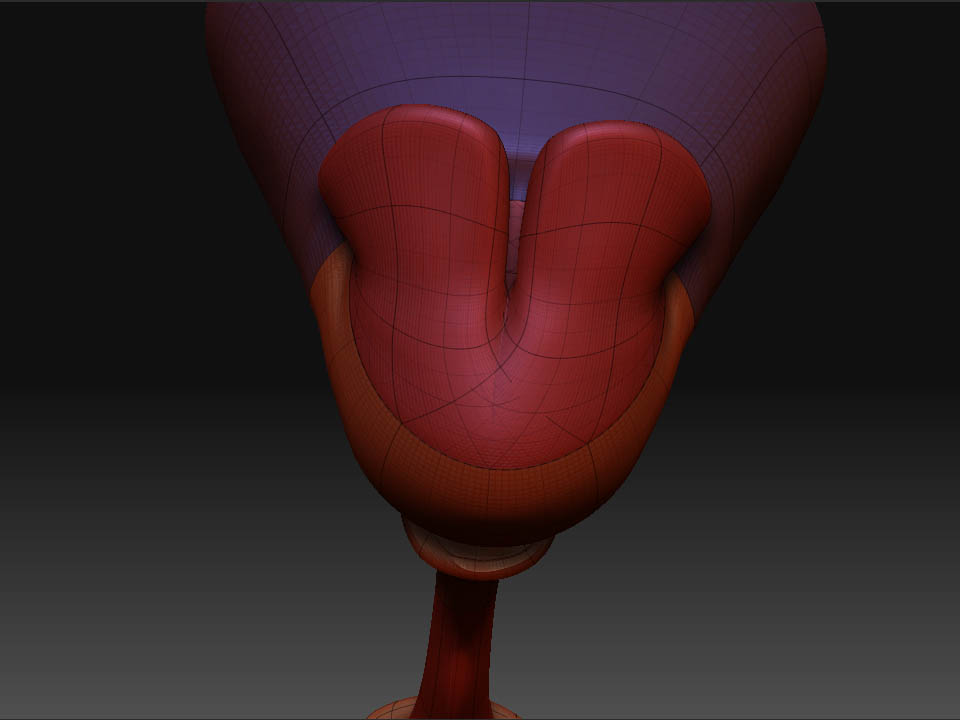
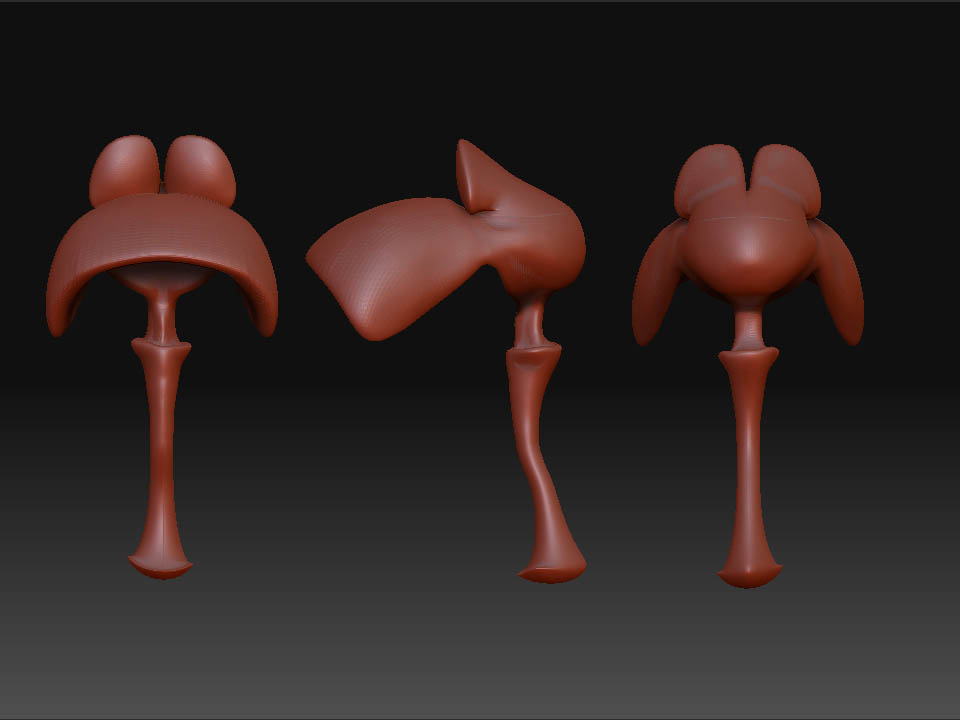
ZBrush Document.jpg See attached model images.
It was made from zspheres. There may have been an area of overlap could this be the big issue?

Sorry I didn’t post more info before–just frustrated. Thanks for any assistance you can give.

Attachments

problemarea.jpg

Your wireframe shows the problem. When you constructed the ZSpheres you attached multiple children to the same “face” of the parent. This caused intersecting geometry, with polygons going through each other.

Check out the ZSpheres section of the FAQ here at ZBC as well as the tutorial movies linked to in my signature.

Is there a way to fix at this point without redoing it from scratch?
Could I retropologize and retain the mesh sculpt?
I guess my question is what would you do from here?