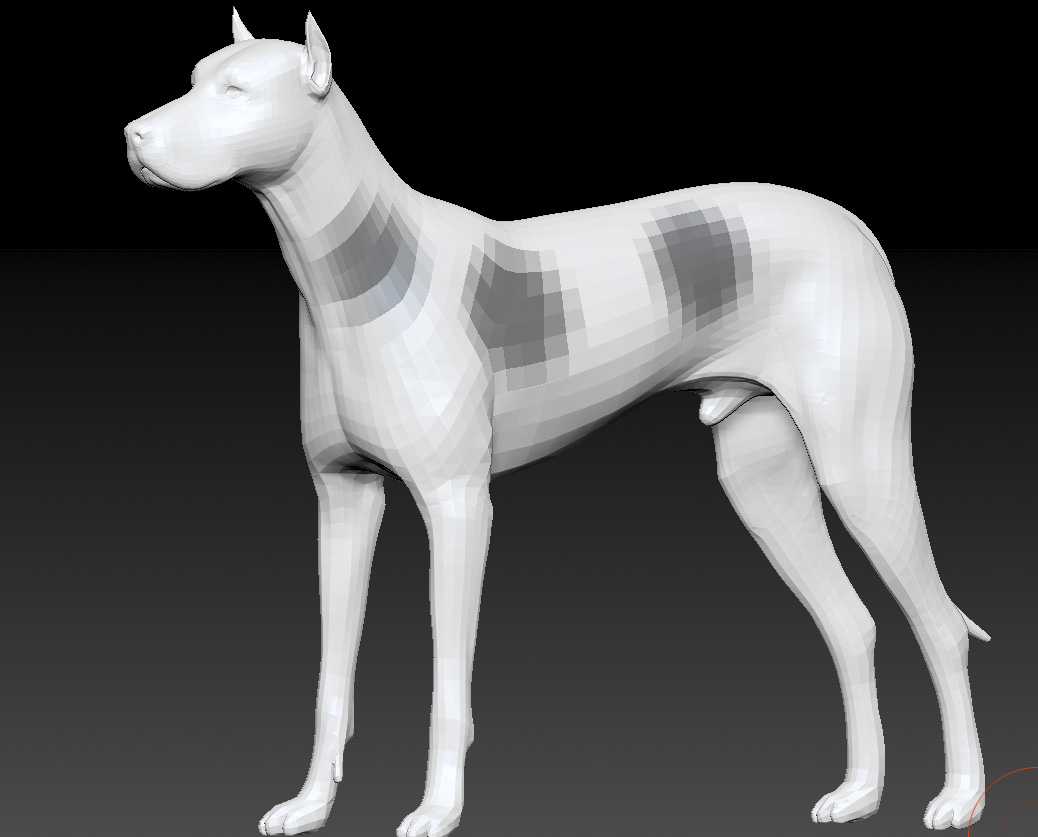
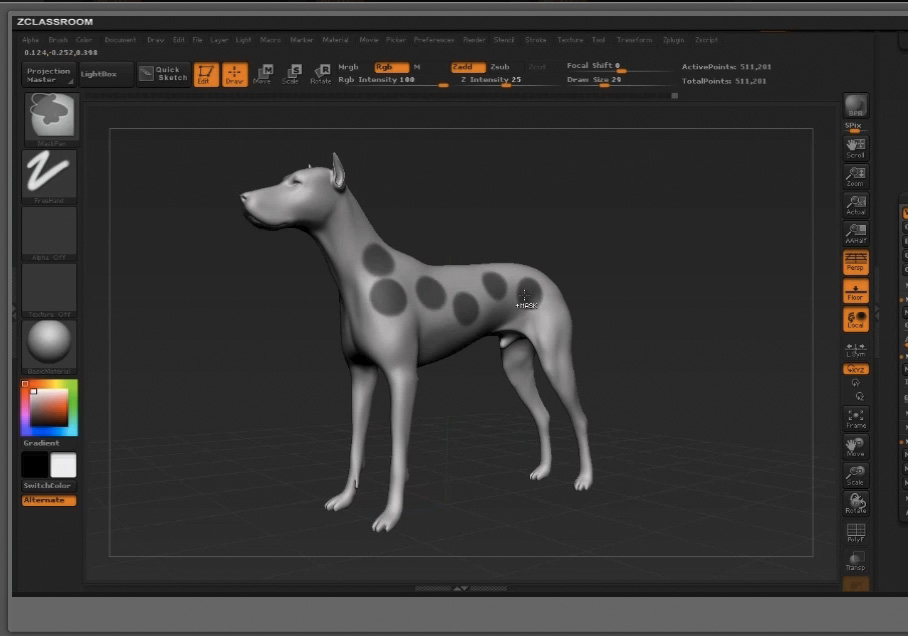
I am a beginner, just bought zBrush last sunday. Now I am going through the tutorial videos. But I see a big difference between tutorioal and my screen. Example: In the tutorial “masking” is the dog in high resolution, the dog on my canvas has a very bad resolution and the masks are not good visible. See screenshots in attachement. On other tutorials it is the same.
How I can enlarge the resolution? I don’t see any details in my mask. Which button I have to click that my dod looks like the dog in the tutorial?
[email protected]
Attachments