if i try to use any document size other than the standard 800x600 all of my tools just glitch… i am using the mac version of the program…
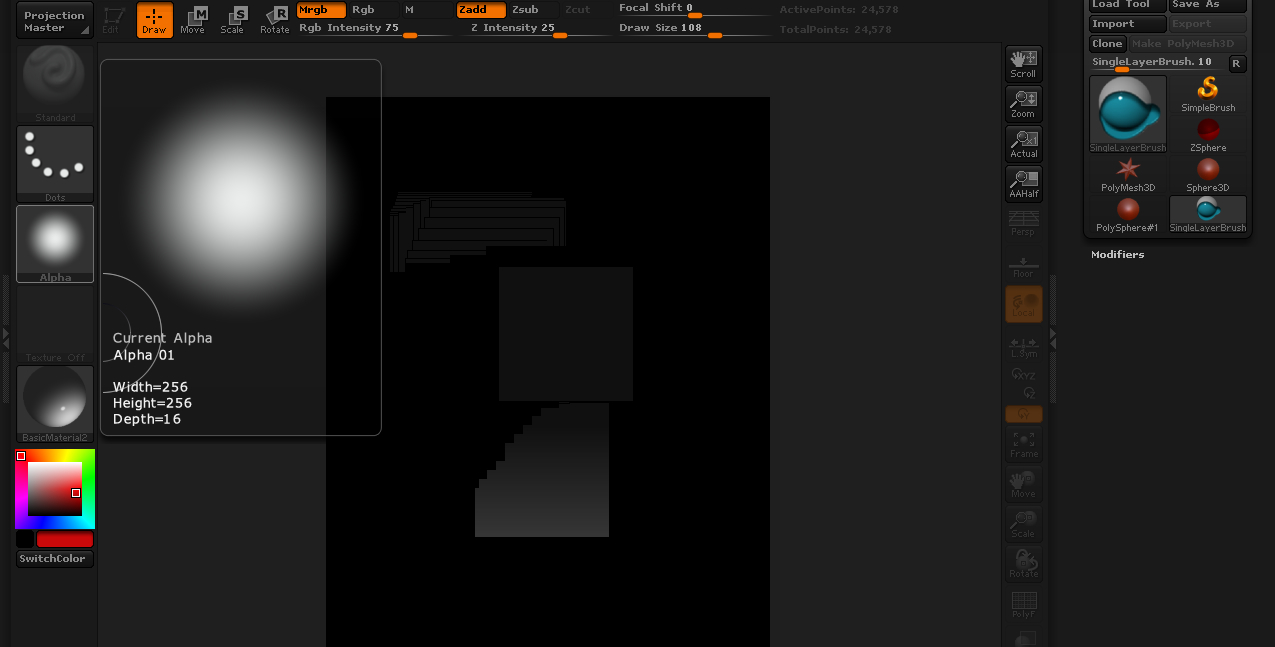
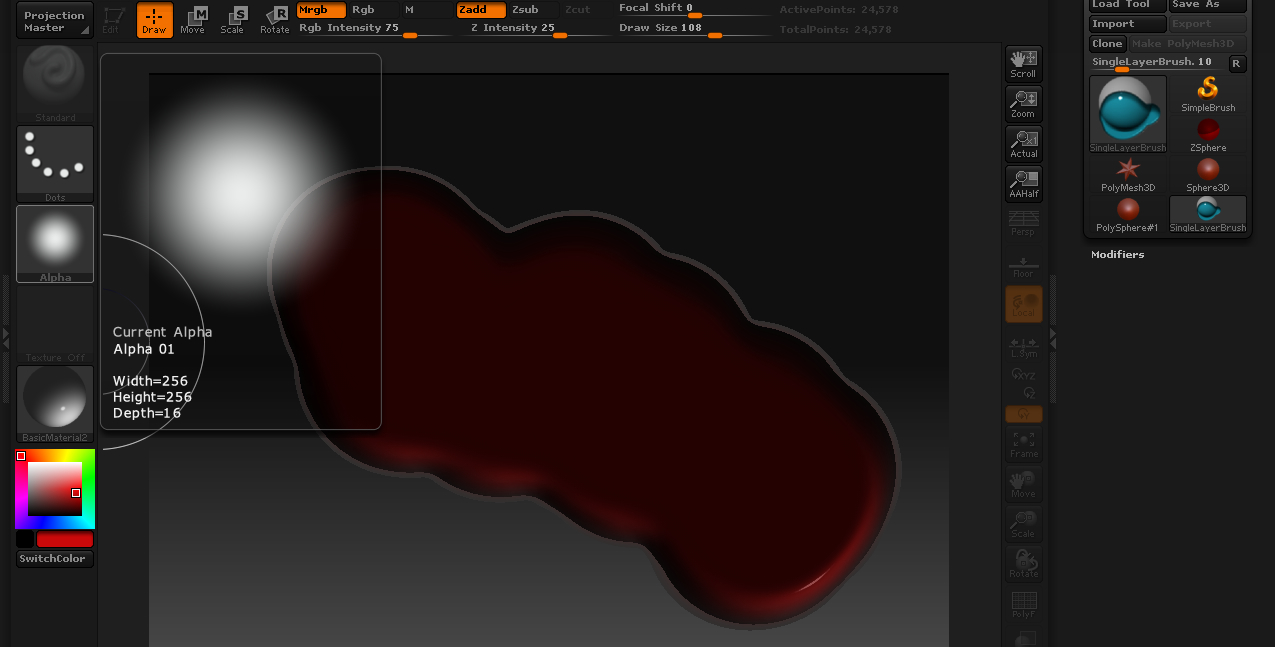
here are 2 examples of me doing the exact same thing, the only changes are the size of the document
Attachments
if i try to use any document size other than the standard 800x600 all of my tools just glitch… i am using the mac version of the program…
here are 2 examples of me doing the exact same thing, the only changes are the size of the document
After you resize the document, clear the canvas and redraw your tool onto the document.
-Dustin
This is definitely a bug in the Mac version, it has been noted before.
You can try Dustin’s way, but if that doesn’t work just import a texture the size of the document you want and then do a crop and fill from the texture menu. That works for me.
clearing the document didn’t seem to work… but importing a texture/ doing crop/fill did, thanks again