ZBrushCentral

Replace part of a model?

Hi is there any possible way for me to replace a head of my model with another head?

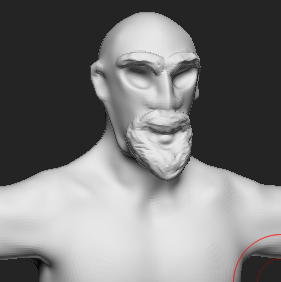
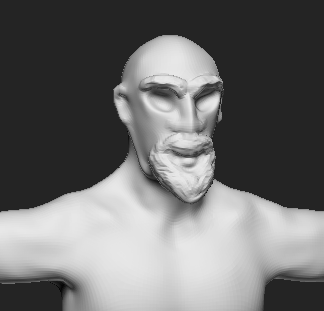
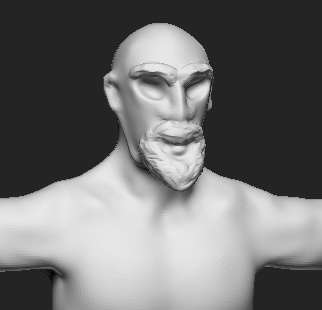
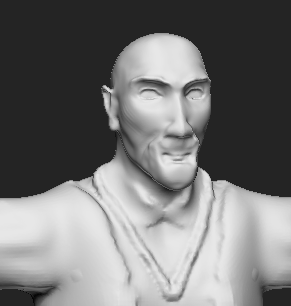
Example I have an older version of the body I want to go back to but I don’t want to lose all the progress on the head so can I change head B to head A

Head B - A

Not sure why it has 2 attached thumbnails, how do I delete them?

Attachments
9e2b901d9b.png

a3ad23350e.png

35ed61e26f.png

6c947e75b7.png

Please see this recent thread on the same subject, which contains a link to another thread with even more info:

http://www.zbrushcentral.com/showthread.php?189468-How-do-you-perfectly-merge-two-subtools-together-like-it-was-born-as-one

Related reading:

http://docs.pixologic.com/user-guide/3d-modeling/modeling-basics/creating-meshes/dynamesh/methods/#multiple-meshes

http://docs.pixologic.com/user-guide/3d-modeling/modeling-basics/creating-meshes/dynamesh/with-subtools/

http://docs.pixologic.com/user-guide/3d-modeling/topology/zremesher/

http://docs.pixologic.com/user-guide/3d-modeling/topology/zremesher/transferring-detail/
If you have further questions afterward, just let us know. Good luck!

I played about with it for a while and got good results by merging the subtools, making sure the mesh was inside the other mesh then using dynamesh at a higher res so it added and didn’t take away detail, I then used ZRemesher to get it back to where it was, thanks for the help