ZBrushCentral

rendering a high res TIFF / PSD image

Hi,

Have a really basic question that strangely can’t find the answer to anywhere on net …

How do you render out a nice big image from ZBrush 3.1 - (I’m used to rendering with Maya) best result i can get is just to print screen :slight_smile:

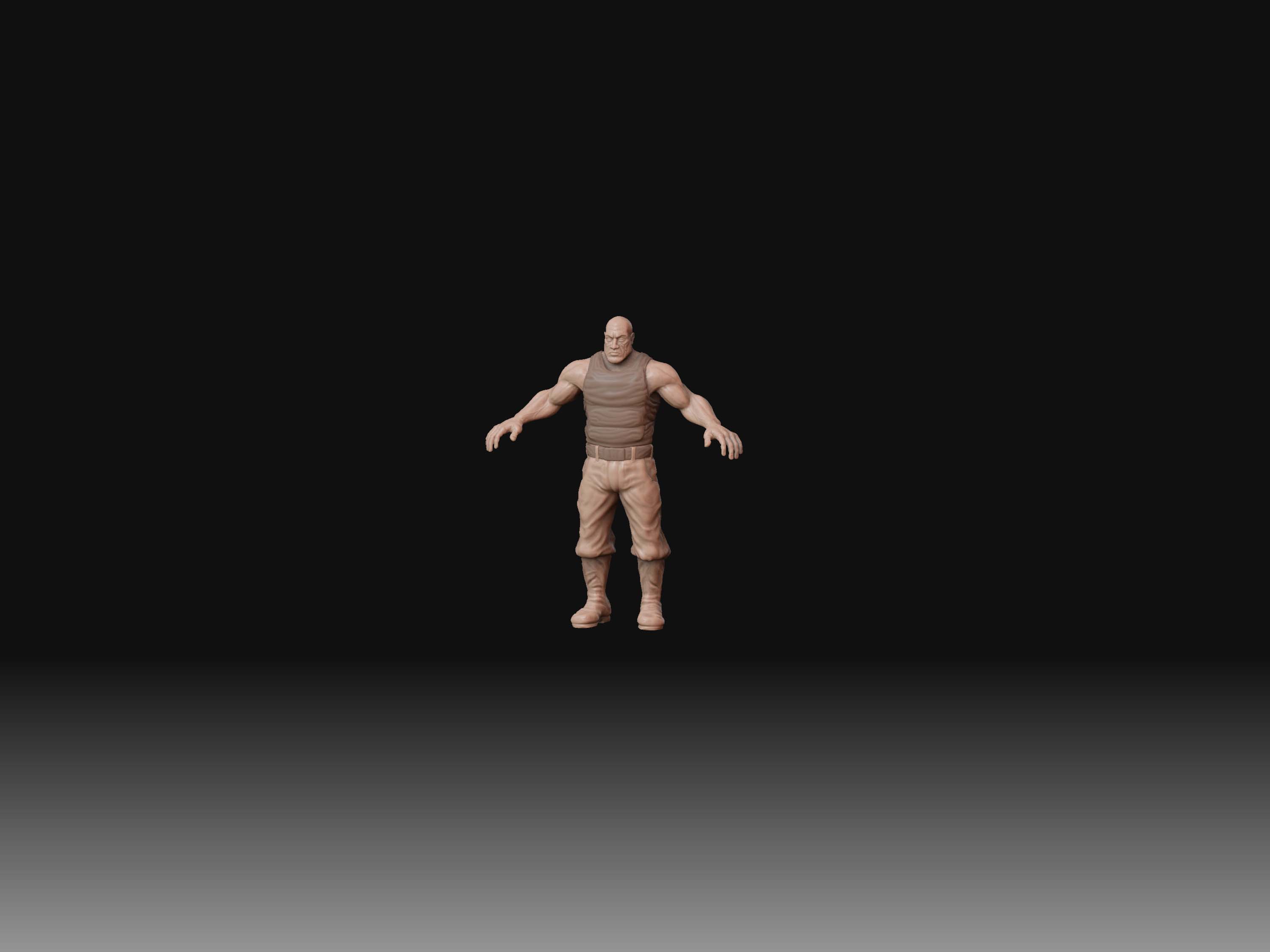
I go to document / change document to about 3000 width / go export and always get a really small render of my sculpt - small in the middle with loads of grey eveywhere - even though I’ve framed the image inside the frame

Sorry to pester with basic questions but is not working for me …

I’ve attached 2 images, 1 is a print screen shot of what i want the other is what i get from zbrush …

hope someone can help !

Attachments

GIJoe_render14.jpg

ZBrush Document.jpg

Resizing the document doesn’t change the resolution of your screen. It adds extra canvas around the outside of the screen. In other words, if your display resolution is 1600x1050 and you size the document to 3000, the visible canvas still can’t be more than 1600 pixols of your document at 100% zoom.

What you need to do is zoom the camera out so that you can see the whole canvas. Then you can scale the model to fit the canvas.

You’ll also get the best results if you press the AAHalf button (on the right shelf) before you export the document.

Ah Ok. got it working , sweet , basically trick is to section off the part of your model with control shift and press the AAhalf button before exporting.

Thanks Aurick - very simply explained with logic !