Could this be noisemaker, as in I have it assigned to too many sub-objects?
It was rendering fine before I added noise to more sub-objects…
Could this be noisemaker, as in I have it assigned to too many sub-objects?
It was rendering fine before I added noise to more sub-objects…
When performing system-intensive tasks, the Zbrush window can sometimes stop updating, even though the task is still being performed in the background. If you try to do anything else while the task is being performed it can result in a “Zbrush is not Responding” message, even though the task will complete if left alone and given enough time.
This can be especially confusing during renders, because the image may appear to stop rendering in real time, even though it is actually still going on, and will update once finished. If you experience this, it may be helpful to walk away for a while then come back and see if it ever finishes to tell if Zbrush is really hanging, or you’re simply interrupting the task before it can complete.
It may just be that your render settings result in a process that takes too long to be practical on a given system, in which case you’ll have to reduce the settings.
Thank you - I just turned off surface noise on everything else aside from the main object and it gave the same message…and then started rendering normally after a beat. So now I’ll go through and turn noise on for additional objects until it stops responding again to discover at what point does it overload my system.
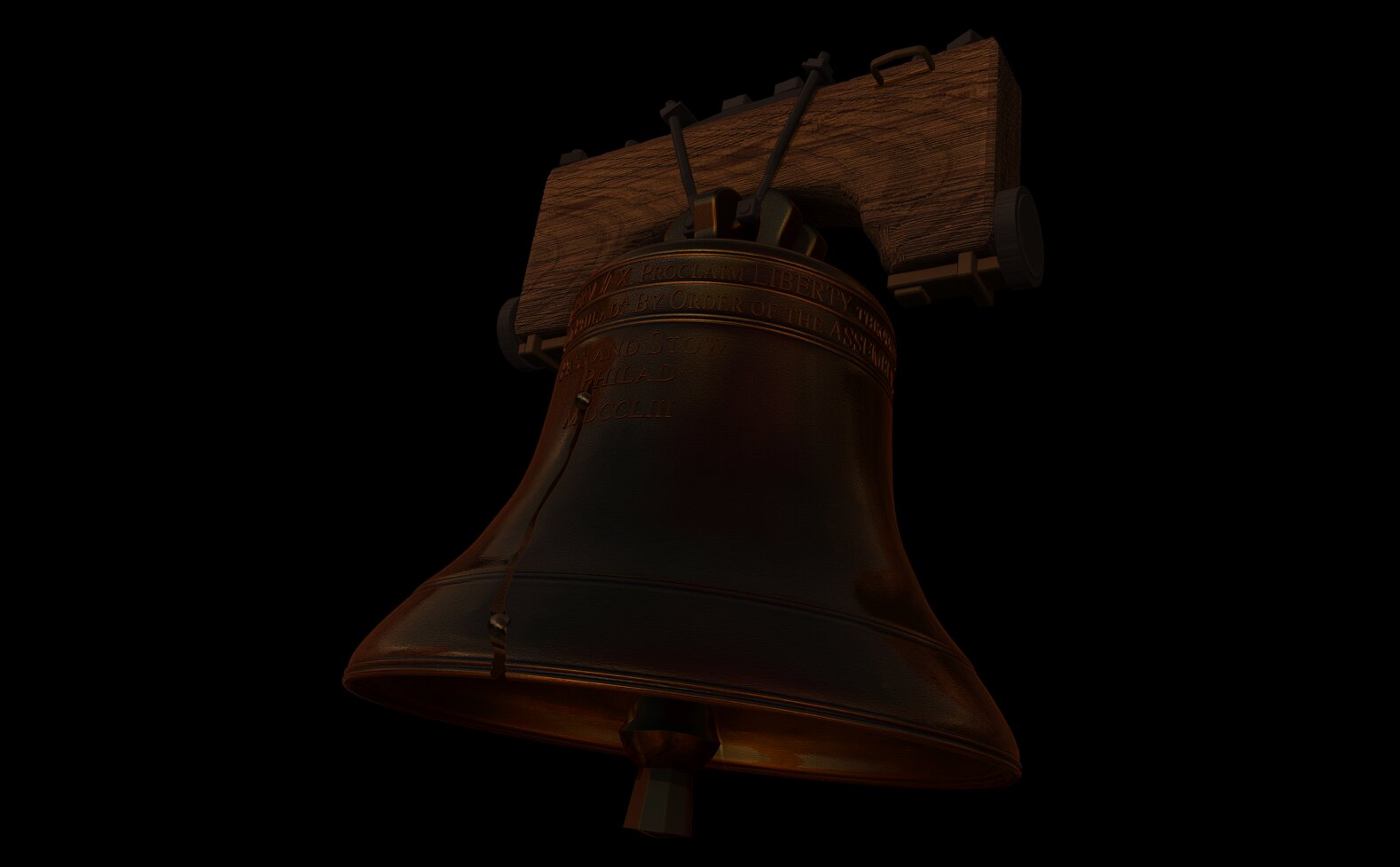
I’m making the Liberty Bell and tried to apply the same surface noise from the bell itself to all the lettering I made using the awesome new 3D Text feature along with Bend Arc, it may be too much for my system:
Just to reiterate something maybe I didn’t make clear…Zbrush can report “not responding”, and still actually be working on the task in the background and finish it given enough time to complete. Sometimes it is well and truly hung, sometimes it is just busy, and there’s no way to know which is which without walking away for a bit and seeing if it finishes.
If you give it an intensive render, you just have to leave it alone even if the screen isn’t changing. Don’t click anywhere on the interface during this time. It will usually finish as long as you dont click on something and interrupt it, but the time it takes to finish may be longer than you’re willing to wait.
Point taken - that’s good information to have, and I will check it out when I have time. Thanks again! 