hey gang,
Been awhile since I’ve been here and I had a quick question. I have something wrong in my workflow and I’m looking for some help.
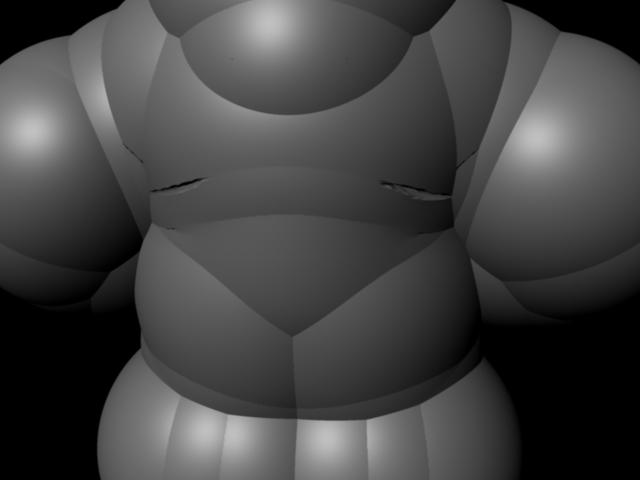
My displacement map looks pretty good coming out of Zbrush, but when I apply it to my model the render looks like it’s filled with air and ready to burst.
I’m attaching pics and listing my workflow in case anyone can help me out.
- Import body.obj file
- Create blinn and plug in displacement map from Zbrush. Set filter on file to none.
- Apply Blinn to model. Select model and then create a mental ray approximation editor.
- Edit approximation editor to spatial and select. .1 for length.
- Render in mental ray at production quality
- View something that doesn’t look anything like my Zbrush model.
Any help is greatly appreciated. 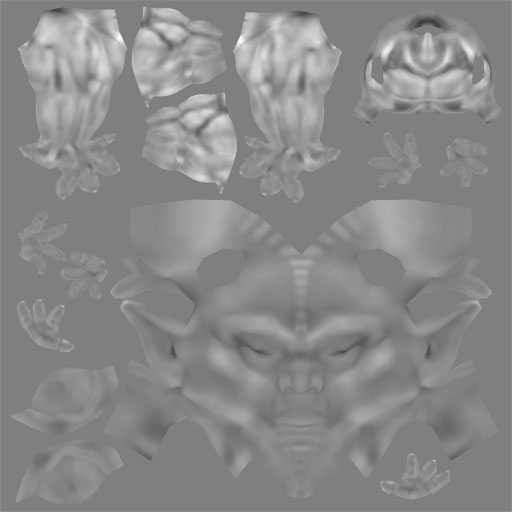
Attachments