ZBrushCentral

Really strange material problem. Please help.

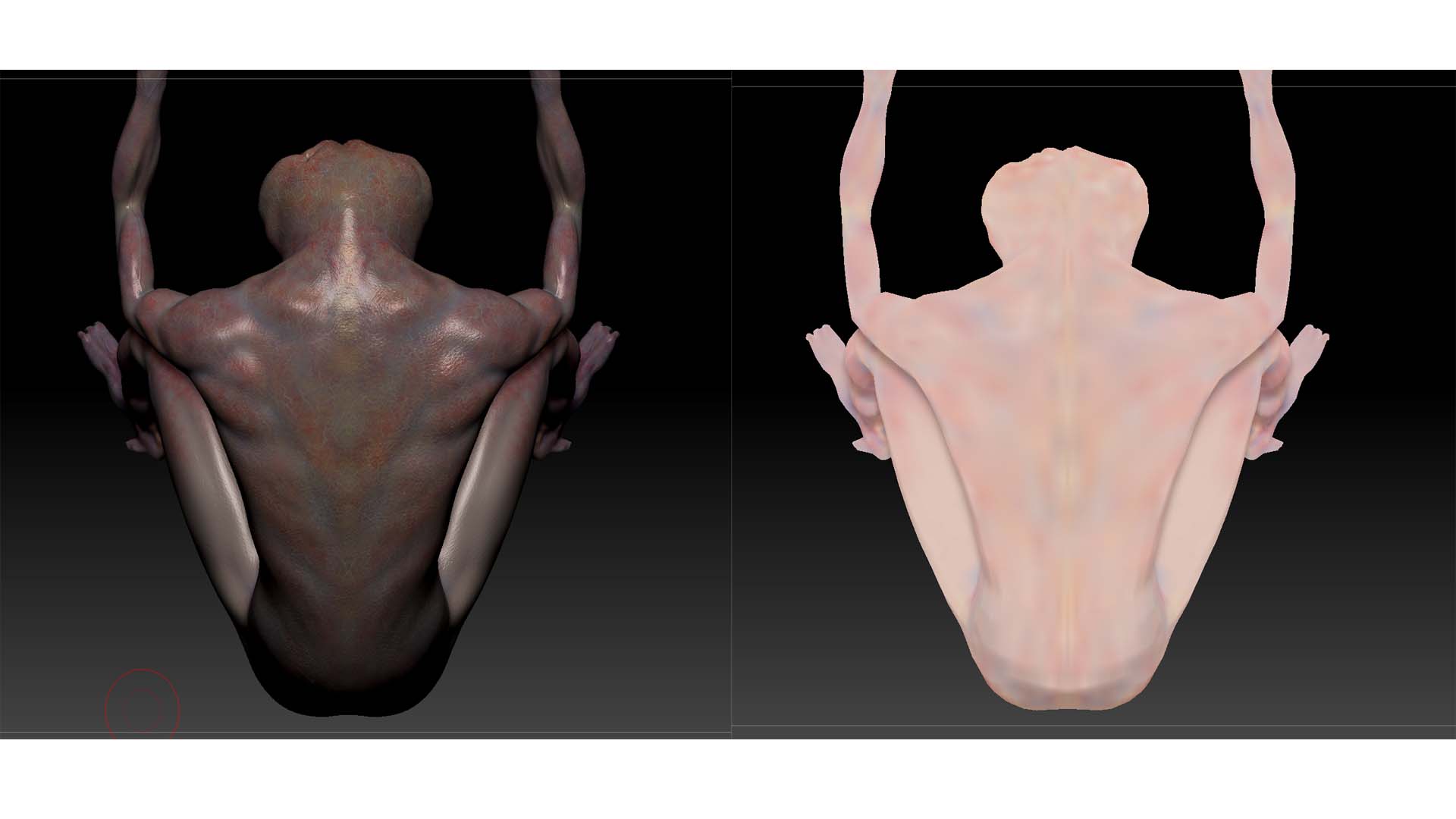
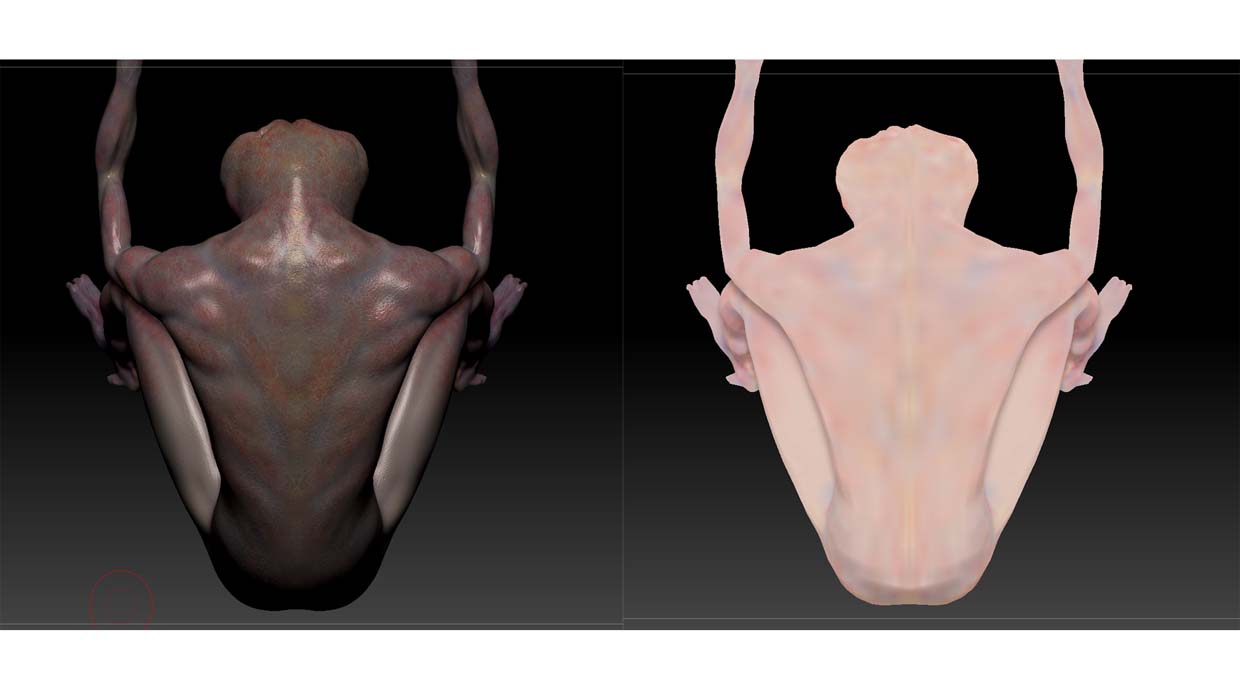
As the title says I’m having a problem with the materials on one of my models. I created and textured this character in 3.5r2 and have upgraded to 4r3 and for some reason the 15 most recent saves I made on this character are all screwed up. I have all the saves backed up on 2 separate HD’s and they’re affected as well. Everything before the last 15 saves still work fine though. Probably the strangest part is that I can’t change anything on the latest model. I can’t change the material to anything else or add any new colors. It just seems to be stuck on this chalk like material.

This is a side by side comparison of the most recent save that still works and what was the completed model.

I’m running windows7 ultimate 64, radeon HD 6990, 16 gigs of ram

If anyone can help I would be very greatful, I spent a lot of time finishing this model and would really love to have it back at it’s final stage.

Thanks a lot.

Attachments
sidebyside2.jpg

sidebyside.jpg

mmmmmman i’m not sure off the top of my head. is this a project file or a .ztl? if it’s a project file, can you save out a .ztl? worst case scenario, maybe bake out the polypaint to temp uv’s, export the highest res as an .obj, bring in the .obj as a .ztl, reconstruct subdivision history, and apply your baked texture as a polypaint?

ohhhhhh! One thing you might want to watch out for (especially evident if you’re passing files between coworkers) is, if you have auto loaded mats (materials stored in your zstartup > material folder), and you give the file to someone who DOESN’T have those mats auto-loaded, it’ll replace your local mats with flat color

Thanks for the help Michael. I’m pretty sure those saves are all with mat’s that I don’t have loaded on my new PC. Oh well, I’ll just get back to painting, kinda wanted a darker color anyway. Thanks again :wink: