say i was designing a ring with zbrush and i want to punch a 19mm hole into it. is this possible ?
can you specify dimension? or is there no such thing
if not. any recommendations?
thx
say i was designing a ring with zbrush and i want to punch a 19mm hole into it. is this possible ?
can you specify dimension? or is there no such thing
if not. any recommendations?
thx
Fairly sure there are no real world dimensions except if you export your mesh using 3d print exporter.
Units within ZBrush are entirely subjective – which if you think about it is the same as the real world. In the real world an inch is an inch only because we’ve defined it as such. In ZBrush you can do exactly the same thing.
There are several options:
Regardless of how you go about it, as long as the parts are the correct scale relative to each other then after exporting from ZBrush you can scale the overall model to whatever dimensions you desire and everything will be correct. If you export from ZBrush using the 3D Print Exporter plugin then you can define the scale upon export.
awesome ! thanks for the valuable info!
i have another 1. ;}
if i design a ring in zbrush, decimate it from 1.5m polys to 300k polys, export it as an .obj. import it into rhino. punch a hole in it, export it then bring it back into zbrush for final detailing and minor adjustments… i cant bring it down to and sub d level ? and these kinds of things happen on the inside of the hole and when i try and sculpt / smooth , this happens. .
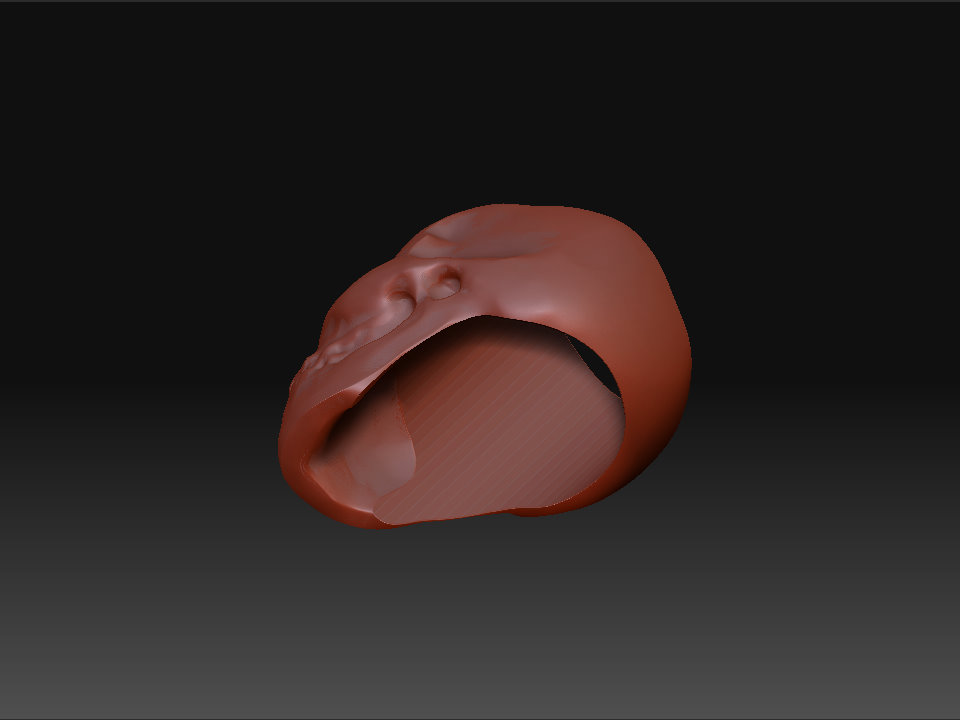
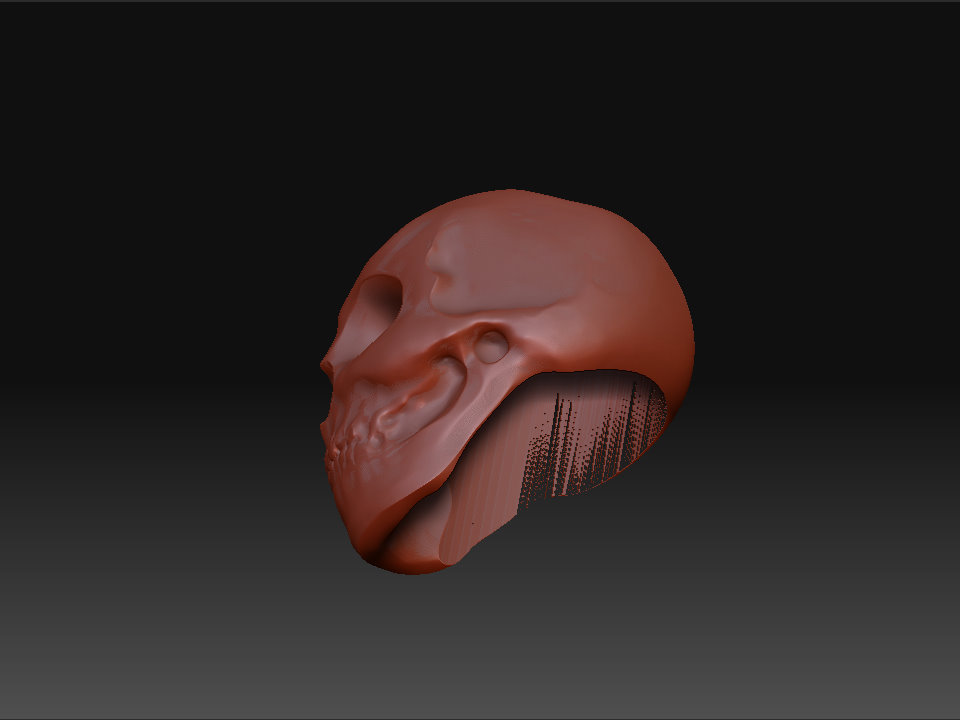
I would suggest you don’t decimate it. Send it over at the lowest sub D level, make your hole, then send it back. ZBrush will probably be able to automatically re-project your upper levels. If not, just divide your new mesh with the hole, and project your high-res detail onto it using the Z-Project Brush.
Good Luck
Will