Hi all,
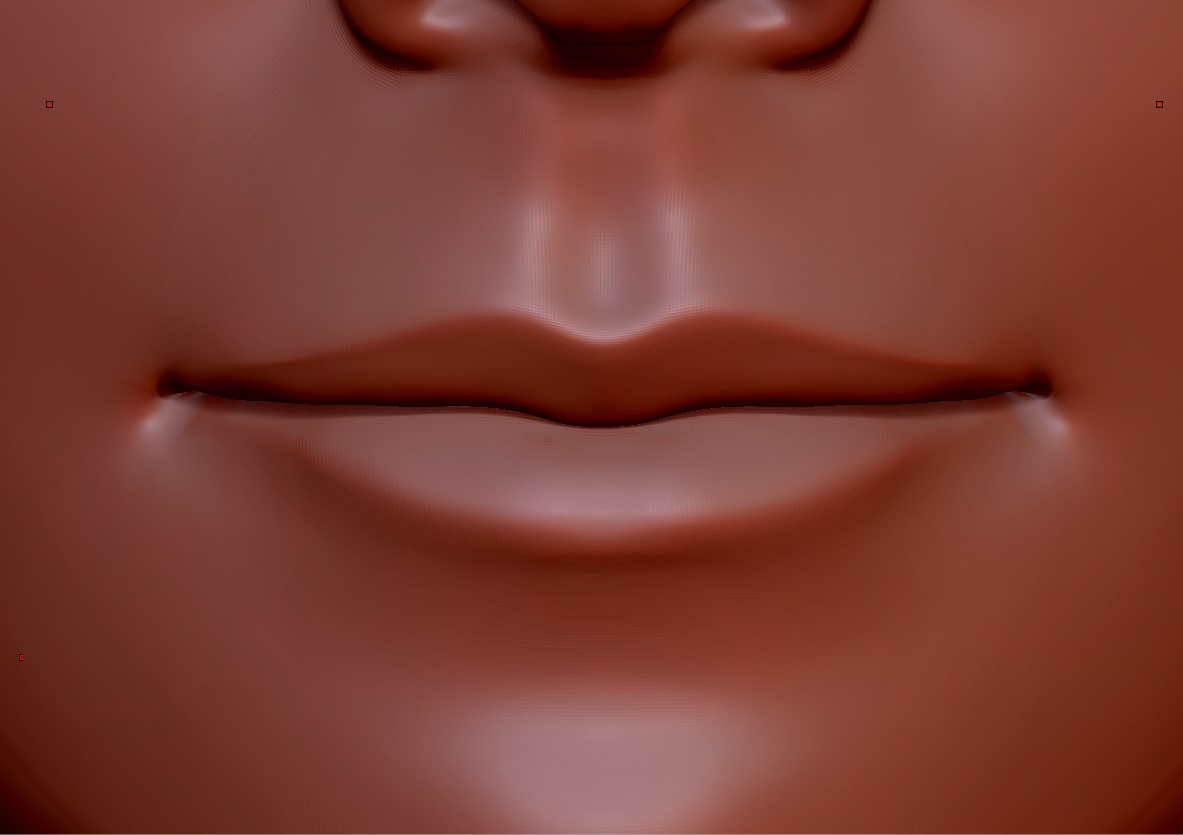
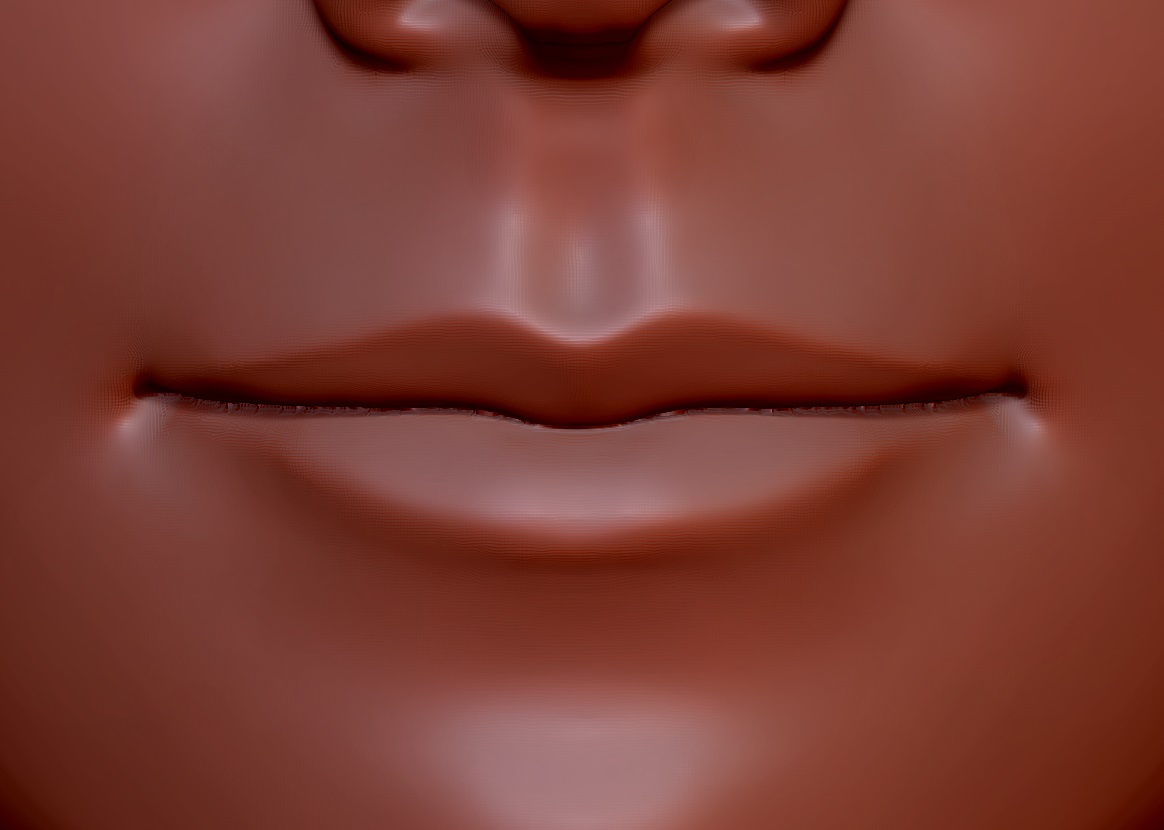
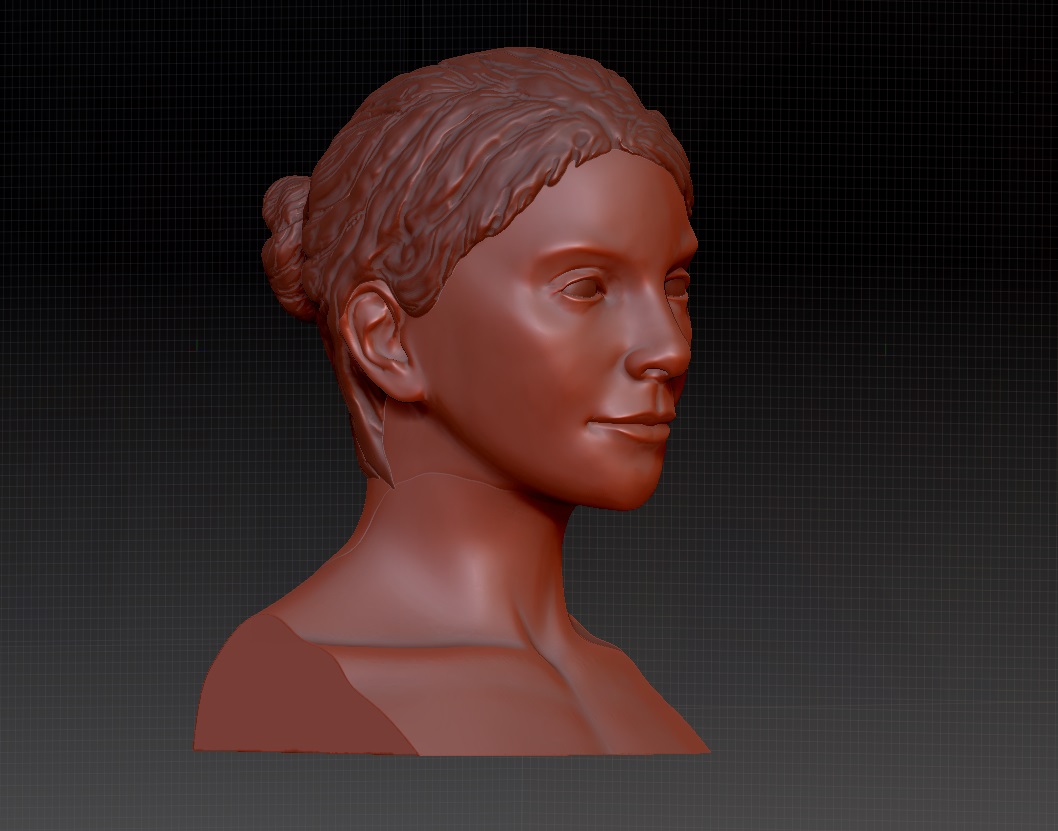
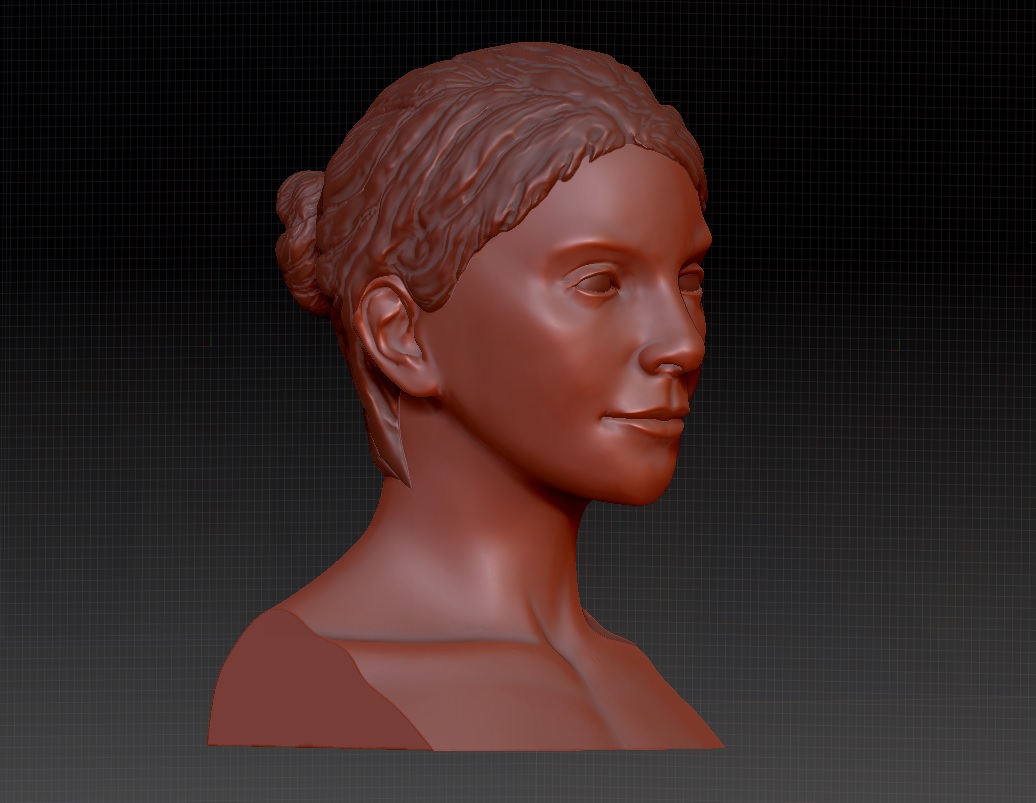
I am having problems sorting out the topology of a head bust sculpt that I am doing, I am happy enough with the face and have tried to blend this onto a separate neck subtool. This blending process leaves a join, my problem is that in order to smooth out the join I have to retopologize the merged head / neck combination. This works pretty well EXCEPT that the re-meshing process slightly (and infuriatingly!) modifies the shape of the head. Specifically the area between the models lips. It turns this area from a smooth line into a bit of a jagged mess. What I want to achieve is to eliminate the neck line whilst keeping the mouth line untouched. I haven’t found a way to do this and it’s giving me a headache.
In order to smooth the neck with the head I have been remeshing with dynamesh on it’s highest resolution setting. Zremesher doesn’t seem to re-order the neck - head join sufficiently to be useful.
I have tried re-projecting the detail via freezing subdivision levels and also via project > project all in the subtools menu and am still left with the same problem.
I have also tried this method : https://vimeo.com/85701439 and this method : https://www.youtube.com/watch?v=KoyaXLYByIs
What I dream of is a maskable dynamesh.
Any help would be much appreciated!!!
Pete
Attachments