So, I am following, word for word, the intro to zbrush 1 tutorial on pluralsight. The beginning walks through creating a Cylinder, deleting the bottom faces, converting to a PolyMesh3D, and then remeshing the geometry so that it creates quads on the top faces instead of tris leading to a point in the middle.
In the training video, the resulting mesh is nice and smooth around the cylinder edge faces, and everywhere for that matter. When I hit the remesh button on my end, I get the following results…
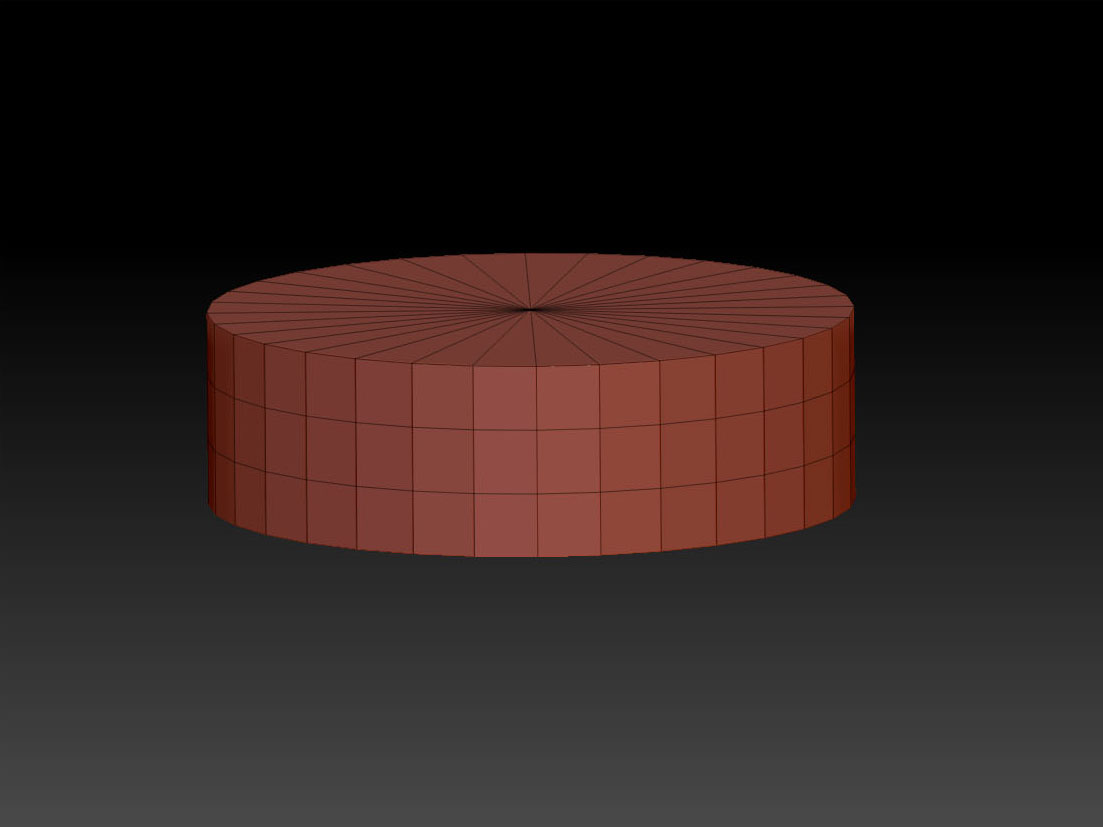
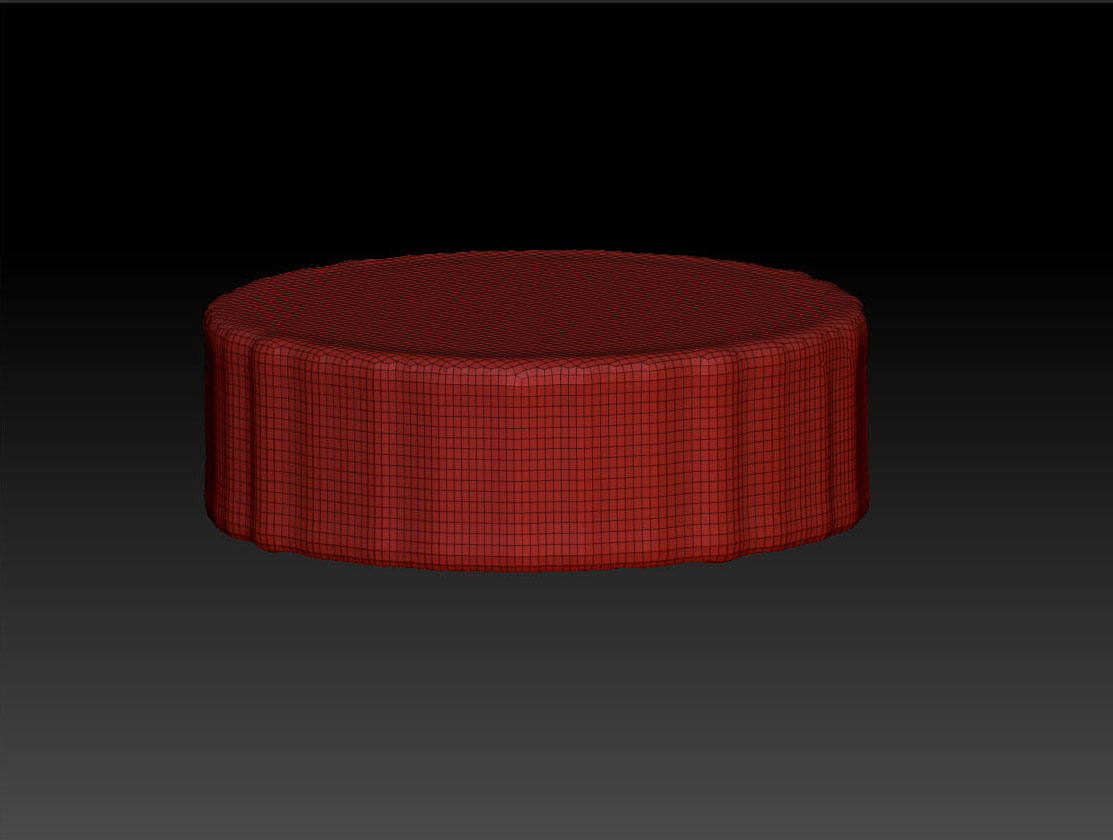
PLEASE can someone help me.
Thanks!
Attachments