ZBrushCentral

Re-Import to Max problem

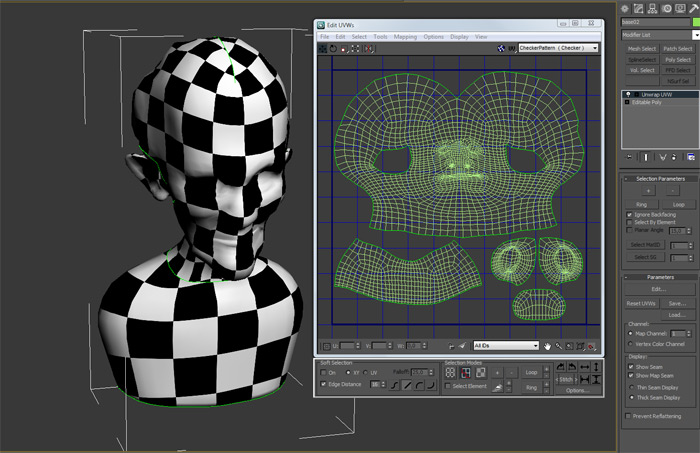
I try to re-import a character to zbrush (i made the uvs after sculpting) but cant get it to work…as you may see below…

[screen01.jpg]screen3.jpg
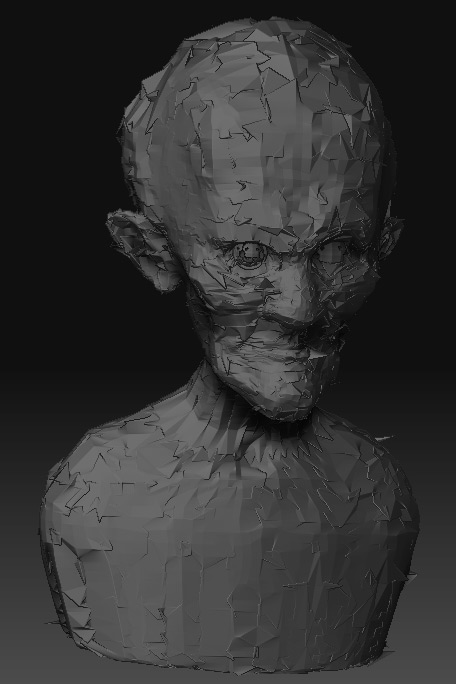
But when I re-import the mesh I get the result above on level 2 and higher.

Can somebody pleae tell me what I did wrong? Dont want to loose my details :frowning:

Thx,
nambani

Attachments

screen2.jpg

screen4.jpg

I’m using Max 2009 so my export options look similar to yours. Try this:

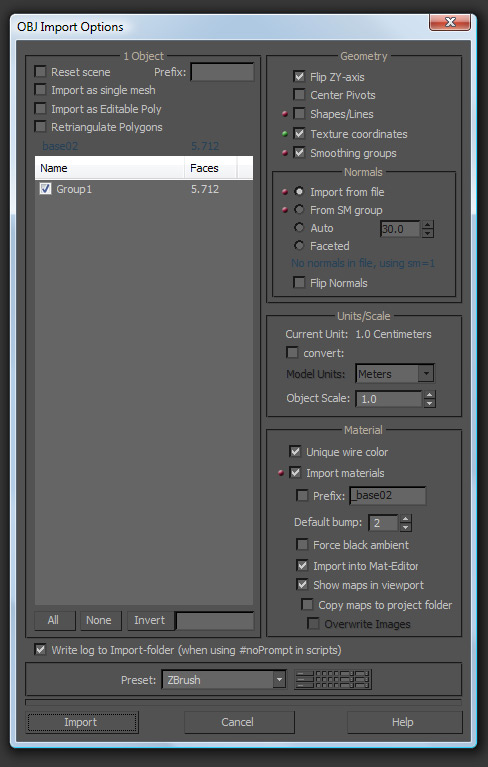
  1. When you go to do your UVUnwraps do NOT change the editable mesh into an editable poly.
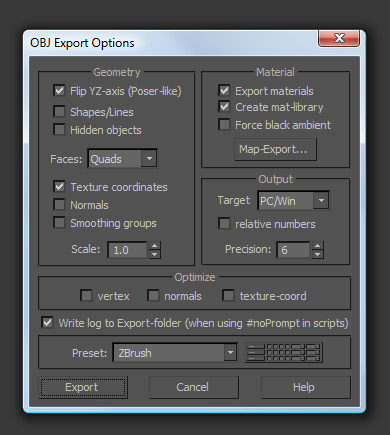
  2. You were right to uncheck all of the optimize boxes but try turning your precision down to the default (4) because 6 is WAY too much.
  3. I have Max 2010 so I will try some models I currently have to be sure that this works. In the meantime it may help you to know WHY this is happening: Max and Maya (unless you tell them not to) like to renumber the vertices (Zbrush assigns every vertice a specific number) and that is why your model is blowing up like that; Max renumbered your vertices. I would bet that’s because after import from Z-Brush you changed it from an editable mesh to an editable poly. This may mean re-doing your unwraps.

Thank you lordofnosgoth, you were right!
I did the uvs as editable mesh and not editable poly.
I also turned the geometry setting from quads to polygons in the export panel (read about that somewhere in the net, don’t really know if it helped) and it works now!

Cheers,
namabani