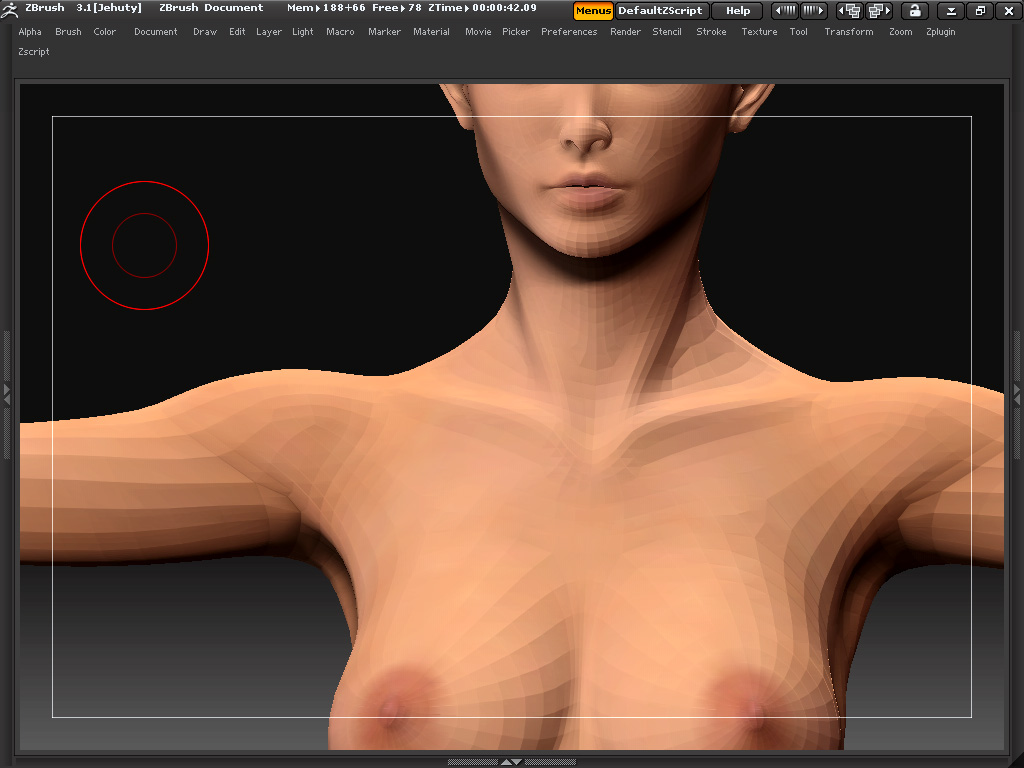
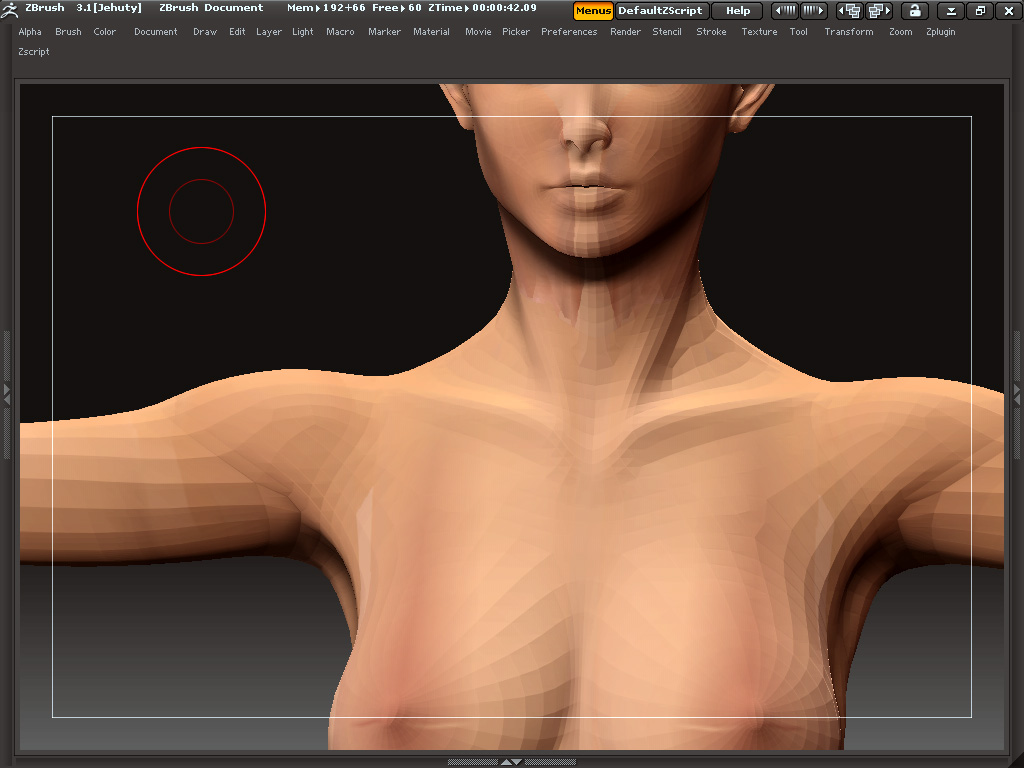
Re-arranging GUV tiles would be tedious and unfulfilling to say the least. GUV tiles, AUV tiles, and PUVtiles are, by their nature computer readable, but not really useful for post-editing in Photoshop or other image editing programs. Their advantage is that they are more efficient that some other methods such as “pelting” (the idea of "pealing out a mesh and laying it flat) and “projecting” which suffers from issues where the shape doesn’t match the projection type.
PUV tiles (short for Packed-UV tiles) will likely give you a somewhat optimal use of UV space with very little distortion. So, if you do not need to edit in Photoshop after the fact, you might go with this.
If you definitely need to do Photoshop, you will want to consider a pelting method for your UVs. Since you mention distortion, it sounds like the pelt (e.g. the flattened image of your model unwrapped) is probably stretched or distorted in spots. A couple of things can help.
First, use smoothed UVs. You will see “SUV” on your geometry pallet. This should be turned on. Right now, if you use SUVs, it must be used before your last divide of your object and you must NOT go back up a level. You will loose the smoothing if you step back a level. So do your last divide just before polypainting and do NOT step back up a level. (I will often paint on a clone of my model and hit “delete lower” to get rid of the lower levels to keep myself from accidentally going back up a level when creating my texture maps.)
If you want to make your own pelted UVs, you will need tools outside of Zbrush to do this. One of the best is UVLayout: http://www.uvlayout.com/ It is slightly pricey, but is widely regarded as the best of these kind of the tools. They hobbyist version is powerful enough for most users, but UV pros will appreciate features only found in the professional versions. Other polygon editors have UV editors included. These are tools like Modo and Silo. (I personally use Modo quite a bit for UV editing.) Another specialty tool is UVMapper Pro–it has features useful to Poser/DAZ modellers, but is not as powerful as UVlayout.
-K