ZBrushCentral

Raven Skull for Jewelry - Help with Holes

Hey Guys!

I am very new to ZBRUSH and VERy new to the forums here, but I am NOT very new to 3d. (however i was on hiatus for about 5 years now) I am getting back into 3d with ZBrush and i LOVE IT!

However some tools are tricky to lean and understand versus when I was doing certain thinsg in 3dsmax.

I must say tho WHAT BREEZE! and you really can get creative and artistic without roadblocks or hurdles.

What I need help with is Making holes.

I remember in max I could place an object on canvas. select it and then simply click and that shape was removed from the main object. or vice versa.

Now in ZBRUSH I understand how to mask but where do i go after that?

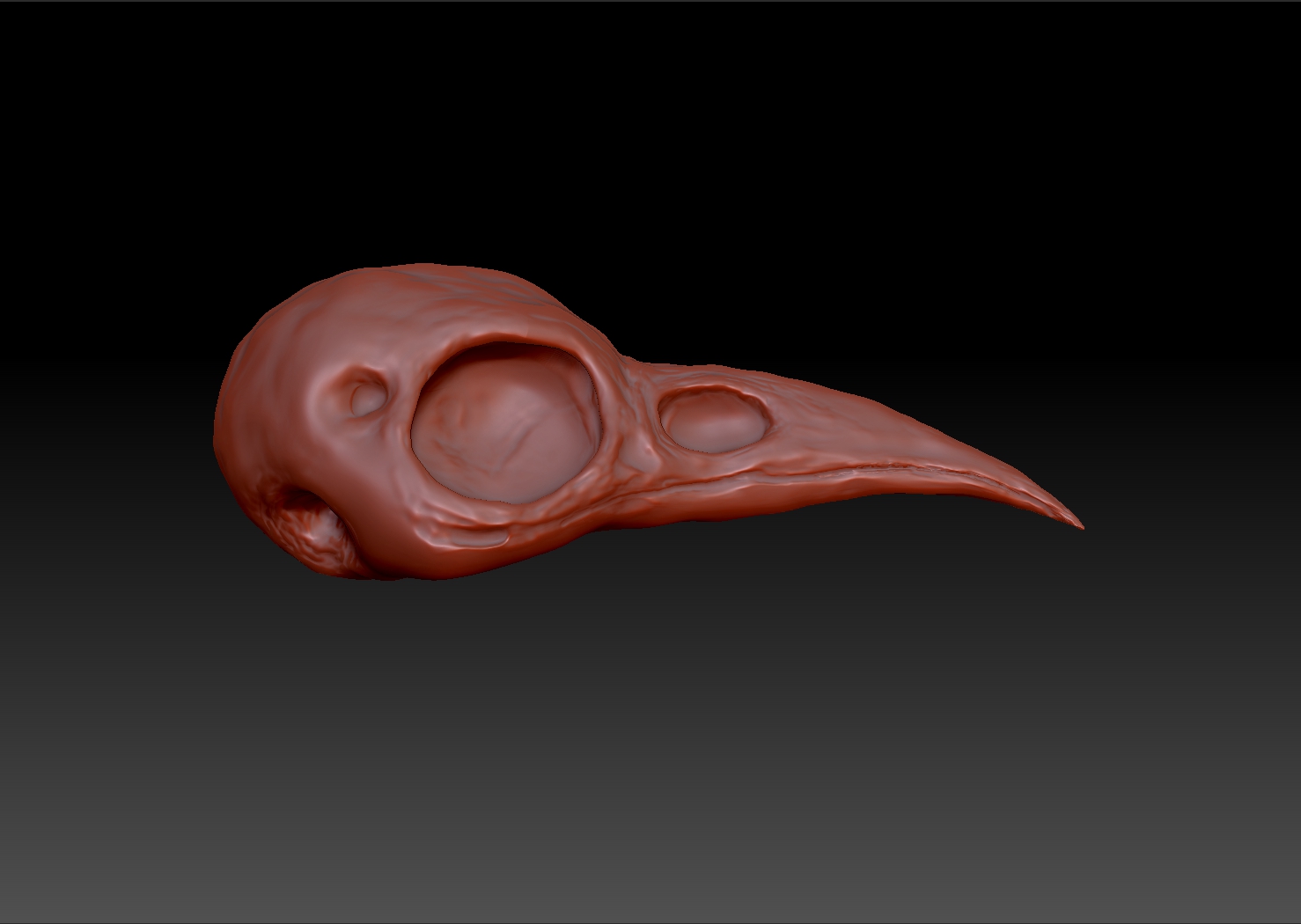
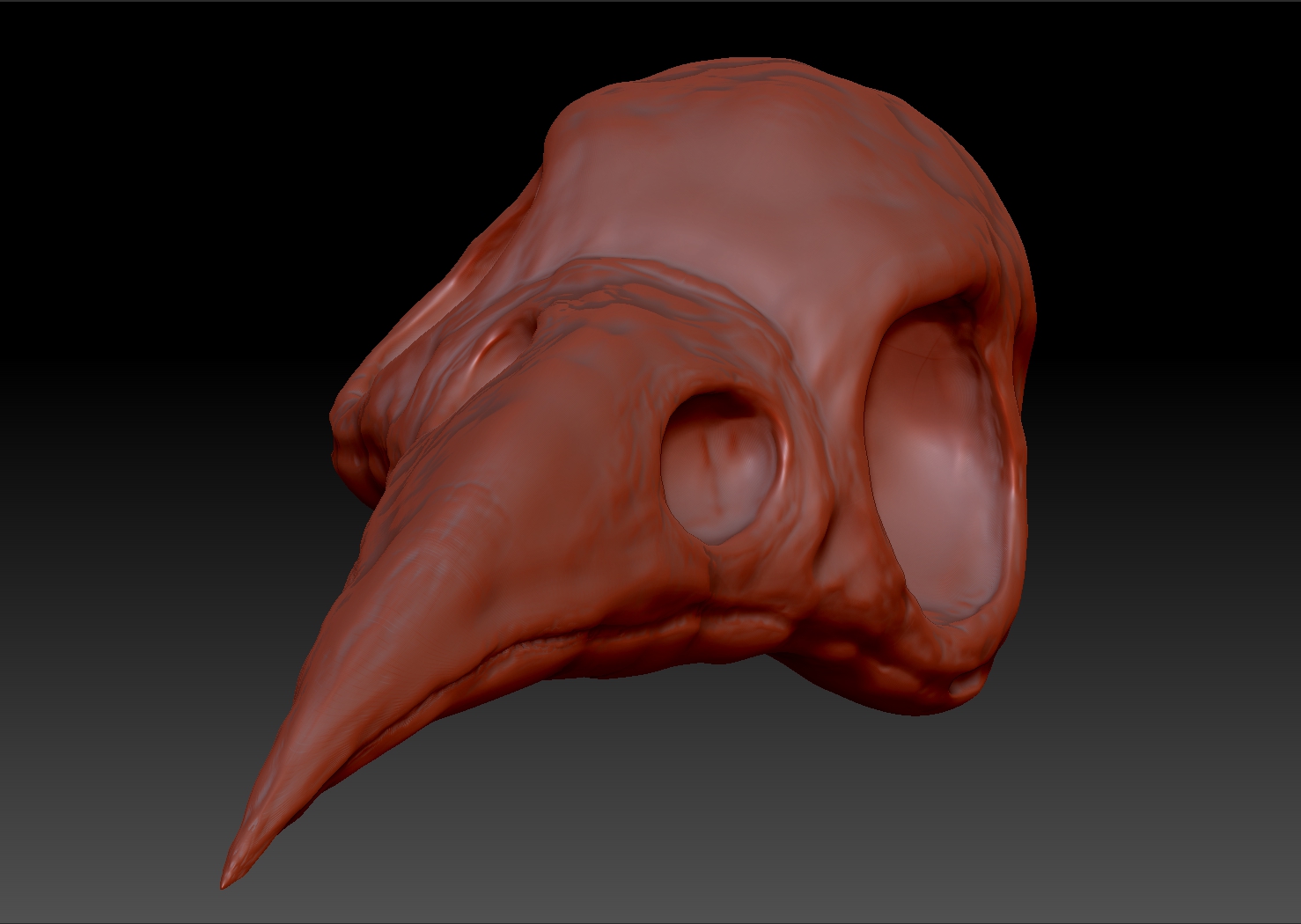
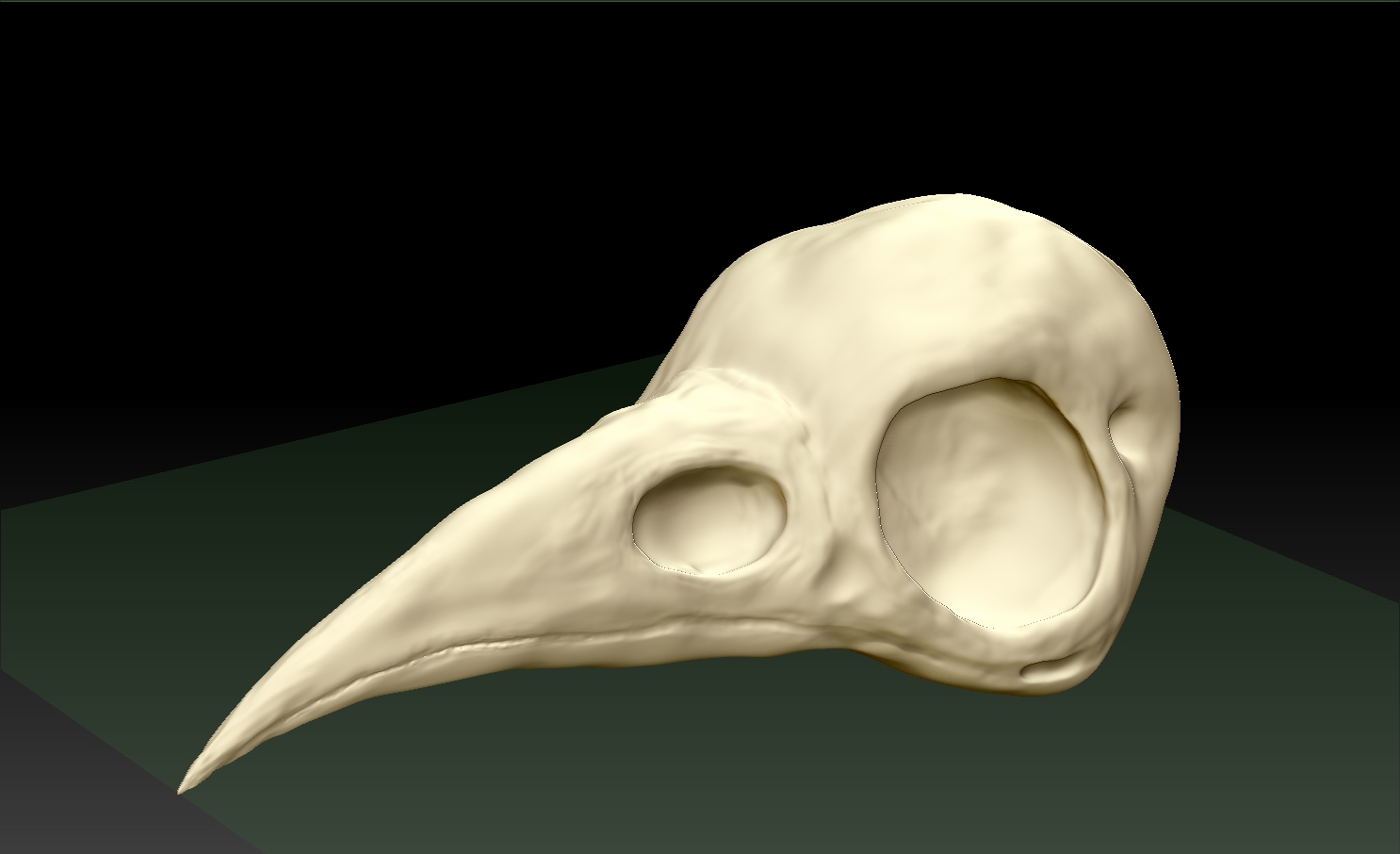
i need to make holes for nostrils and eye sockets in this model.

p.s. this is my FIRST model and sculpt in ZB! YAY!

I have been clay sculpting and I feel i can only push so far til it meets the other side. then what do i do? how do i delete where the models says “watertight” and still sculptable?

Thanks!

Attachments
Raven-Skull1.jpg

Raven-Skull2.jpg

Raven-Skull3.jpg

one way to cut a hole or to indent the surface, is with dynamesh turned on, using a mesh insert brush, say “insert cylinder”.
insert a negative cylinder. then click ctrl+ drag to clear the mask, then ctrl+ drag again to dynamesh and a hole will be cut out.
you can also make a shell that way, just turn on “create shell” and then dynamesh. works great for making things like boots.

turn on “zsub” up top by the brush sliders to make it negative.
then hold down alt while dragging out the neg mesh so you can see it. then when you let go it will snap back to negative.

there are also "add and “sub” buttons in the dynamesh palette that you should explore as well.

Thanks I will give that a try once I am back inside that project!

Thanks so much for the reply!

I will let you know if I run into any issues, but it seems straight forward enough, I just need to get the hang of the workflow and the decision making model to model.

Cheers!

CD
www.carbondecay.com

See my post here:

http://www.zbrushcentral.com/showthread.php?177863-Full-Body-Prosthesis-Skeleton&p=1030243#post1030243

… that might help with what you’re trying to do.

Yes Sir!

Thanks for that!!!

I found another way but that way looks much more pleasing and useable!!

Thanks so much!