ZBrushCentral

Random UV groups

Hey guys, I’m trying to generate a normal map for an alien I’m working on for a game, but for no apparent reason, I’ve got 6 different UV groups. These werent different tools, it was all one ZSphere model sculpted and divided, and yet I’ve got different UV groups scattered randomly throughout the model (see the picture). Is there any fix for this? Can I unify my UV groups?

[uvs.jpg]
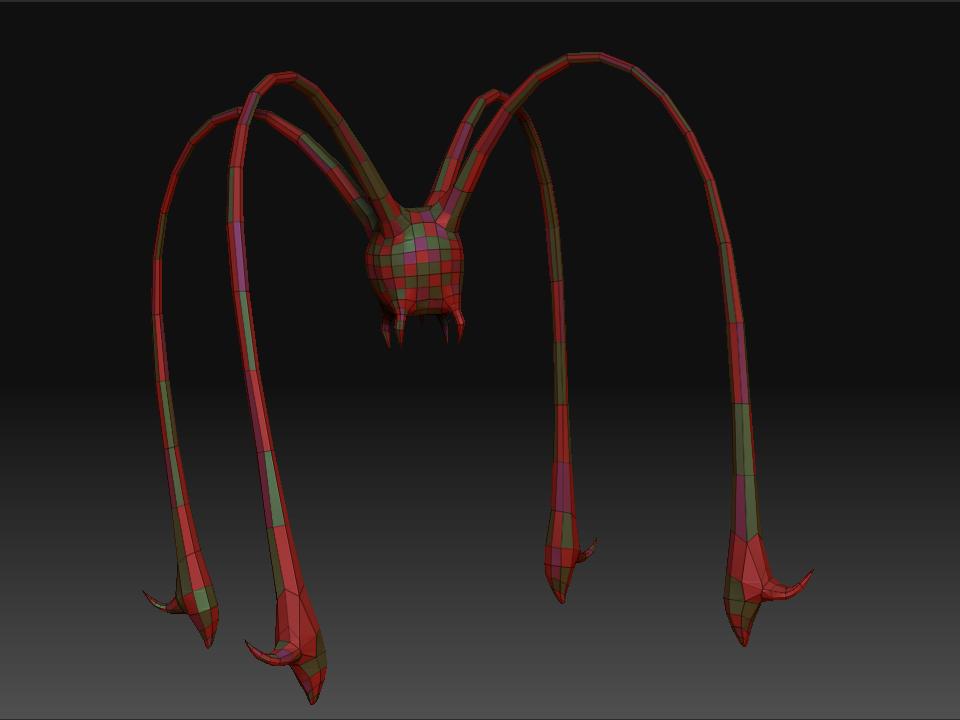
Any help is greatly appreciated!

those are just polygroups, just hit group visible under tool: polygroups. if you have your uv’s set a certain way you could also group by uv’s in the same palette.

no, I clicked uv groups, and when I open ZMapper, it tells me I have 6 uv groups…


  1. Apply a blank texture to the model that is the size of the map that you’ll eventually export. It should be a power of 2 in dimensions: 1024, 2048 or 4096.
  2. Press Tool>Texture>GUVTiles
Your model is now re-mapped and ready to go.

However, I have to ask what type of normal map you’re going to be creating? If it’s a tangent map (the blue-colored variety), you’re going to have trouble with seams. That’s due to the math behind this type of map and the fact that GUVTiles mapping places the seams in places that will be very visible on the model. There is a way to overcome this, but it’s complicated: http://www.zbrushcentral.com/zbc/showthread.php?t=56882

If you’re going to use object-space mapping, then the seams don’t matter.

that worked perfectly, thank you! But one question, why did it make all the random UV groups?

Because I wasn’t watching you work, I have no way of guessing what might have happened. That’s a new one in my book.

I don’t see what could have caused it, I went straight from ZSpheres to sculpting…

Did you start sculpting on the preview mesh before skinning it to separate it from the ZSpheres? If so, that might be the cause. If you don’t store a morph target for the ZSpheres before first activating the preview for sculpting, ZBrush recalculates the preview every time you turn it on. The results normally stay consistent for the ZBrush session because of cached data. But in a new session, loading the model and activating the preview will often give different results. Just a few points being different can have a dramatic effect on the UV mapping and such.