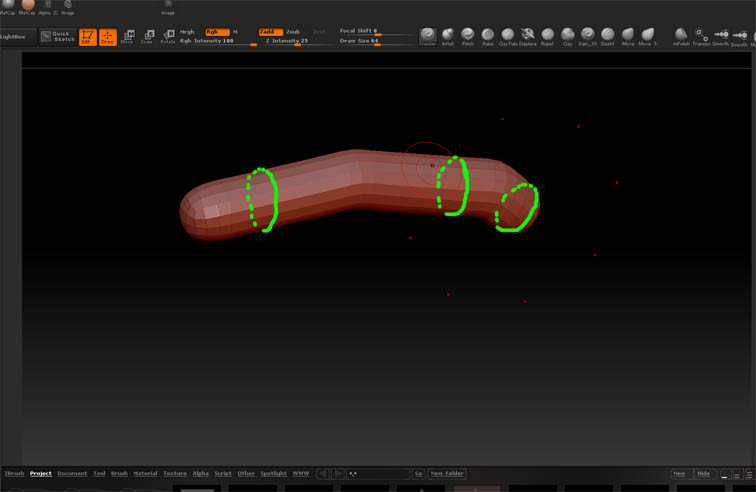
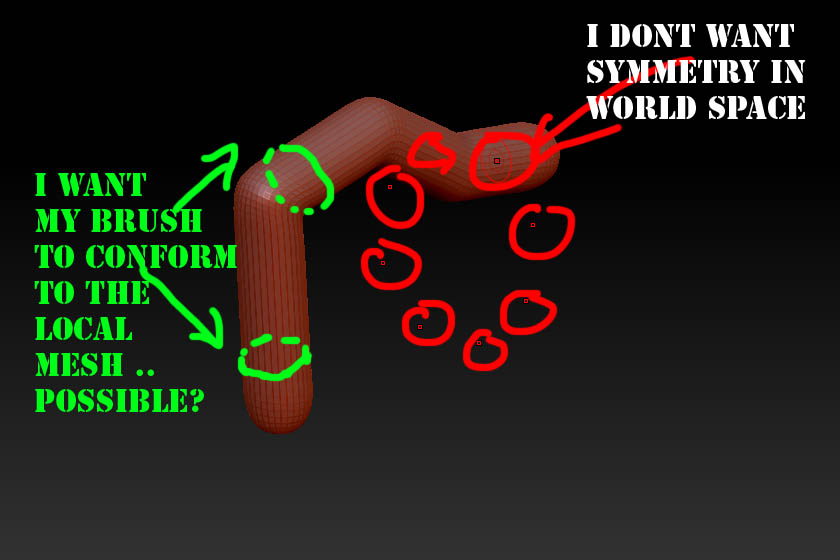
See image.
I have a tube of zspheres which bend along the Y axis but are symmetrical along the Z axis.
I want to be able to edit the tube along its length using a radial symmetry brush, but have that brush local to each Zspheres coordinates.
So as Im suclpting down the length of the tube the symmetry brush is aligning itself with each Zsphere and the points of the brush will be along the green lines.
Is this possible?
I’m trying to create a row of connected sausages. If what I’ve asked above is not possible I guess the best way to do it would be to create them in a straight line (so the symmetry is world oriented) and then pose them using the transpose line??
Thoughts?
Attachments