Hi guys, just wanted to share something I’ve been working on since ZBrush introduced Python!
Meet RadialZ! The Radial brush menus with a searchable brush library for ZBrush
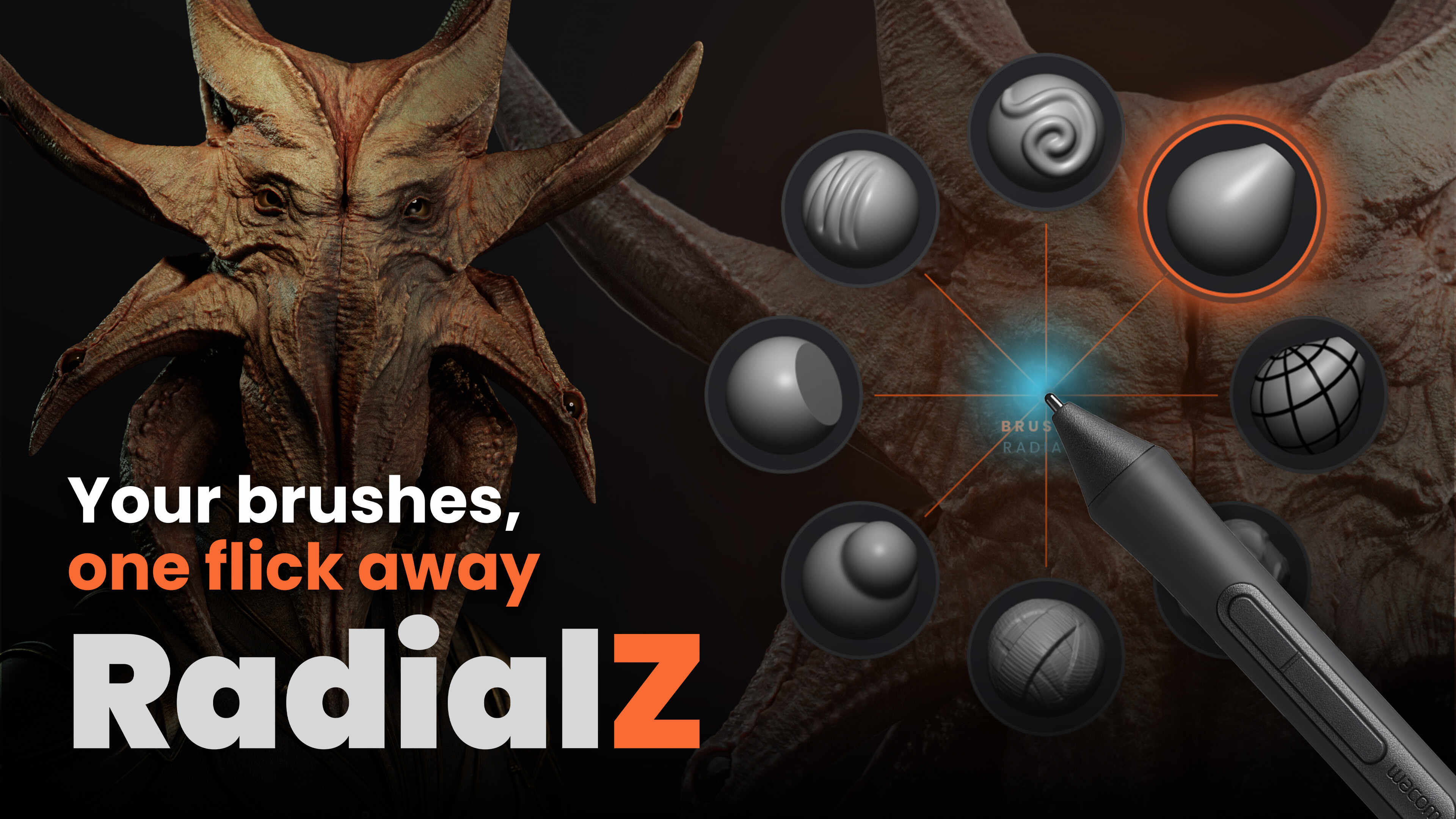
This was a side project that started as a personal tool I wanted to have but after seeing how much it helped me in practice, I refined it so it could fit any workflow and I could share it. Here it is:
RadialZ is a floating radial brush picker. You press a hotkey, your brushes appear right at your cursor in a radial menu, and you pick one with a quick flick… there’s no hunting through palettes and yo ucan finally free up some space of your UI. You can build as many menus as you want (one per workflow for example), nest brushes or even another radial menu, and mix brushes with ZBrush shortcuts.
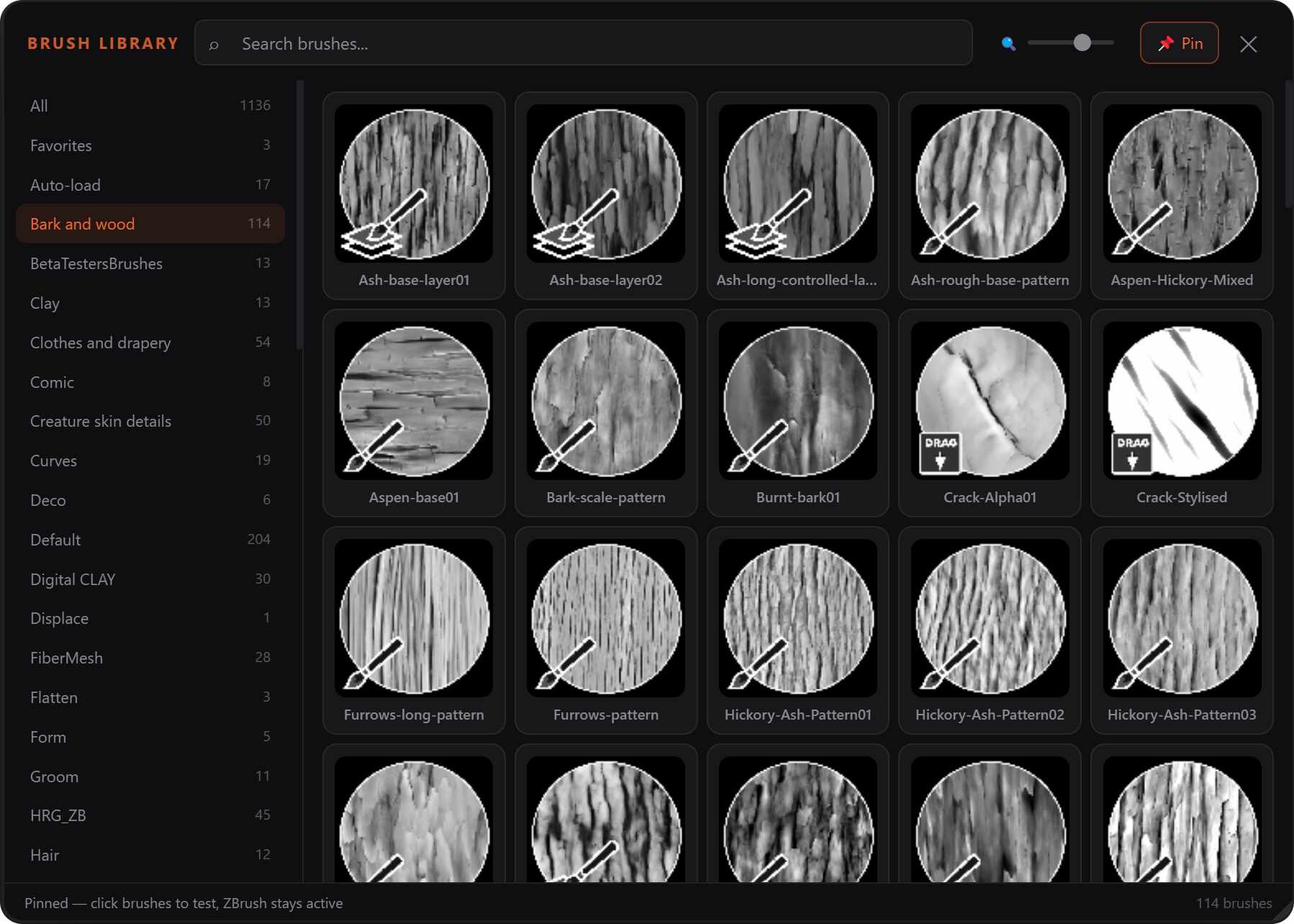
It also includes a floating brush library that scans your entire collection: custom brushes, IMMs, VDMs, so you can search, favourite, filter, and pin it open while you test brushes. This is a big deal if you have lots of custom brushes like me (over 1000 brushes haha).
I have tried similar tools in the past but I built RadialZ because I wanted something clean and fast that fit the way I work, and after using it daily for a long time I refined it into something any artist can use.
Since I made it using Python for the plugin that connects the app with ZBrush, It only works with ZBrush 2026 onwards and is currently available for Windows (Mac might come soon).
You can grab a copy of RadialZ from here  radialz.app
And if you want to make the most out of the app, here is the online guide with videos for each feature and installation:  guide.radialz.app
Hope you find it useful!
- RadialZ is an independent tool and is not affiliated with or endorsed by Maxon. -