ZBrushCentral

quick question about slice brush!

Hi There!

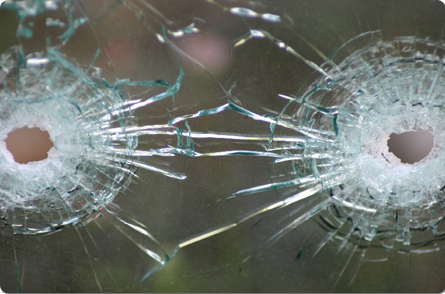
I have a question about the slice (w/lasso) brush. I am trying to slice some glass pieces (like broken bullet proof glass).
I ve done many tests and the best way I found so far is to model the main silhouette of a bullet proof glass piece by piece…
on a grid, then slice each piece with lasso slice tool, add high freq for impact holes with alphas…

then bring it back to xsi, add thickness, bevel… then once again bring it back to zbrush and do an overall trim dynamic/ hpolish pass around all edges… then bring it back again to xsi and slightly move individual pieces. I like the result so far, here is a sample of a piece… without the highfreq pass in zbrush (impact holes…little detail, etc)

so whats my question? ok!

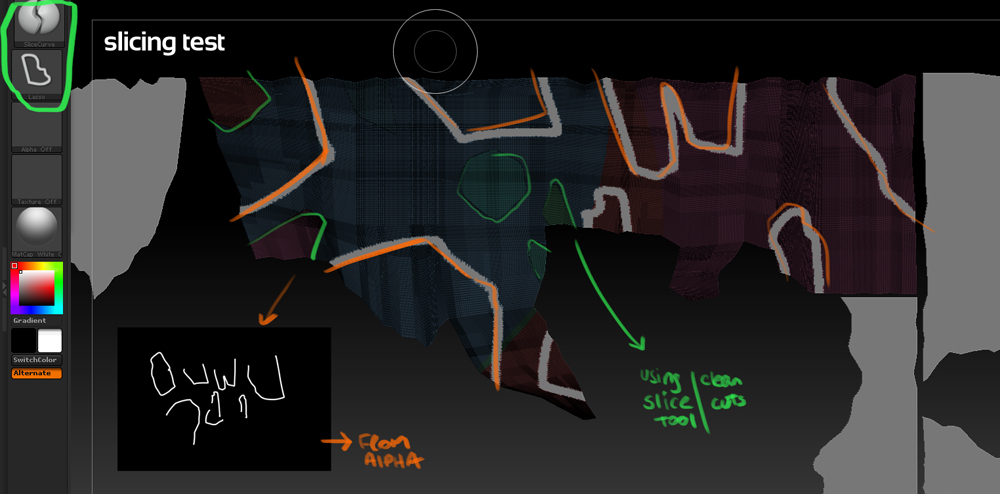
I ve been slicing the pieces by hand kind of by eyeballing reference, and I am wondering if I can actually slice a grid in zb using an alpha mask. (kind of like DMM for maya would do with a .png)

I ve done a planar uv over all the pieces and I want to do a mask and bring it to zbrush and use it to slice all the pieces at once, is this possible?

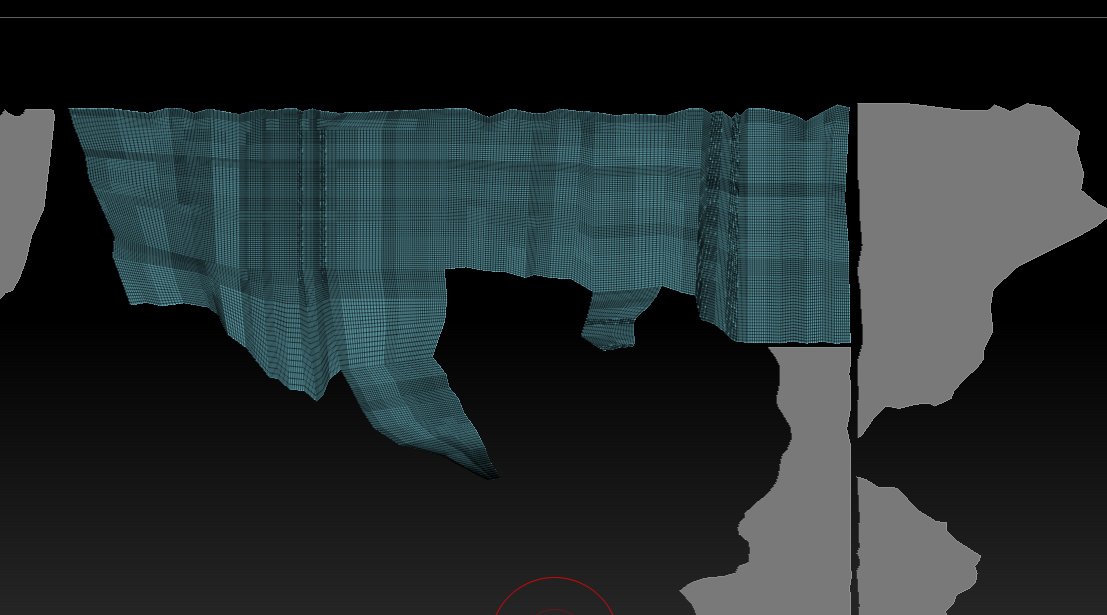
this is a current geo example on zb (single sided)

Thanks in advanced for your time.

Regards.

-Manuel

Attachments
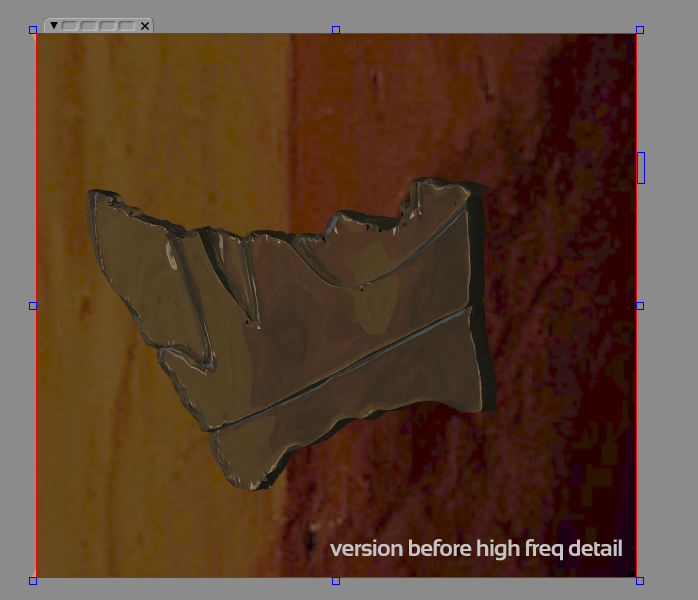
glass_mod_sample_sha_v003.jpg

slice_glass.jpg

I don’t have ZB in front of me, but…

I think you can mask by alpha, so load your image, turned black on white (or whichever way it should be), then mask a plane that has sufficiently high resolution. Then create a poly group by mask (which I think is one of the options). Then only show that poly group and delete the hidden stiff.

Or…

Use the alpha in Shadow box to creat a peice that already has thickness.

Hi Gordon!

thanks that was useful to know, but I am having some issues when using the alpha.

here is an example:

slice_glass_v002.JPG

using the slice tool by hand I am getting clean cuts, by using the alpha I am getting a mesh the size of the brush I ve done in PS.
logically this makes sense. So I am wondering if theres another way you guys might think of?

I am sure now that doesnt matter how small the brush in photoshop, it always create a mesh its size. So looks better to use the slice tool with lasso. Maybe I am going to put a texture on top and use it as a guide to slice the pieces by hand.

Any extra idea could be helpful!

Edit: ref example

thanks.

Attachments

glass_ref_main.JPG

Just a heads up. This should really be going into the Other Questions And Troubleshooting forum so don’t be surprised if a moderator moves it. :slight_smile:

man, sorry about that… I posted a bit rushed and didn’t check that!!

@Mod, please move this thread to troubleshoot & questions please, thanks!