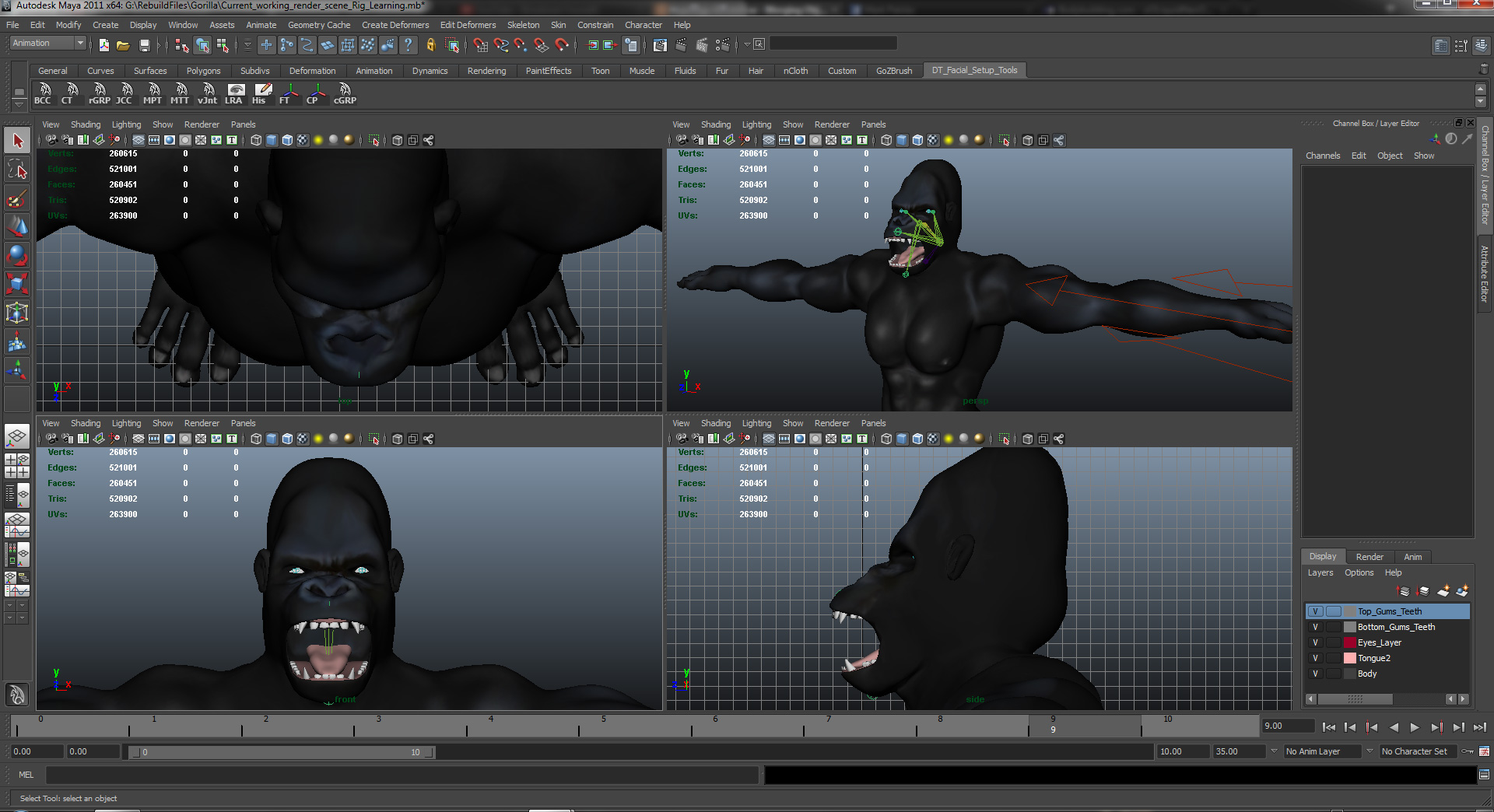
Hey guys, hope I’m in the right spot to ask this sorry if I am not. I recently built a gorilla model and want to go as far as rigging it for SL. I have a picture below. I have taken it through many phases of geometry I guess you could say finding ways to possibly upload it into SL. Now I found a way to upload extremely high polycounts into SL. My problem is I know it’s a dumb idea cause it’s going to cause a lot of lag an issues and cost me some money to do such an upload.
So I am gonna try to rebuild it with retopology but I’m still an amateur and don’t know how you save your work? Like when you’re ready to call it quits for a day and than go back to it later on what’s the process for doing that? Export the tool after you hit make adaptive skin? But how you bring it back in on top of the high res mesh and continue your work from there? Also I notice adaptive skin brings in more detail is that correct? What I’d like to do some how is capture the detail and put it on top of a low polycount version of my model. I was looking into normal maps does that render in world for games? It’s new to me so I’m just trying a bunch of things till I find way to do things. I seen how you can use TopoGun to retop and than some how bring in zbrush details on top of it. I really don’t want to learn another software program right now. So wondering if this model I built in maya if I can some how retop it in Zbrush and do the samething with just adding my details to the retop model I do in zbrush.
Anyway help you guys could offer I’d really appreciate it!
Here is my model. It’s extremely high in polys as I try to just focus on what I want in terms of detail and for fun I did a small rig on the head and added a quick texture I did in photoshop.
Attachments