ZBrushCentral

Question for the professionals


  1. Why is it that I have to press new document when after I start a new document so that the view takes up the whole screen. How can I make it initially take up the whole screen.
  2. How do I save my render setting and make them the new default render settings, Without going to file open and opening up an old project.

also

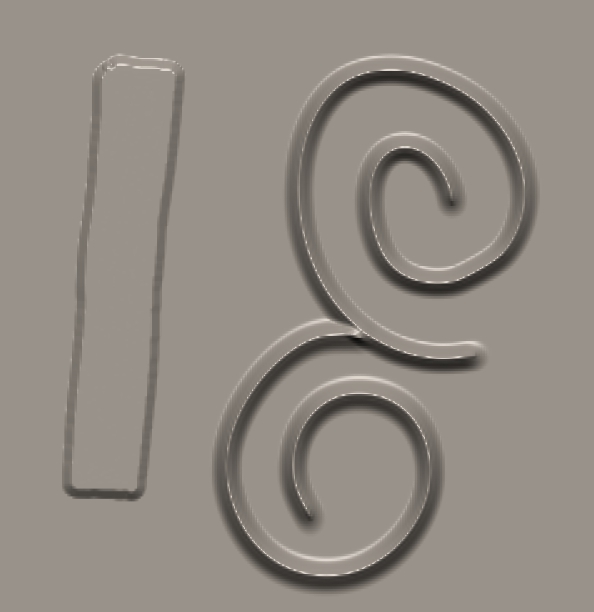
I have attached a picture of a surface, now this took me a while to look perfect, I’m curious how the pros will get the same effect. I want to be able to make leveled surfaces with a sharp edged bevel look. Next I want to make a brush that can make a design which can connect seamlessly with previous areas of the same line.

Attachments
bvnvbn.jpg

Set your document size in the pallette so named. Save config.
http://docs.pixologic.com/?s=Preferences
You might have to record a macro for your render settings.
Happy ZBrushing.

I didn’t think of using macros for that, can you make a macro play on start up? If not then loading an old project might be easier

http://www.zbrushcentral.com/showthread.php?79709-Setting-up-a-macro-to-run-on-startup

Saving the Config will not save your document size for startup.

Do the follwing instead.

  1. Go to Document menu and enable ‘W Size’. The will automatically set the document size to your screen size. Next click ‘New Document’ button and answer ‘No’ when it asks if you want to save the changes. As soon as you click ‘No’, your document will be auto sized.

  2. Click ‘Save as Starup Doc’ button. Now your all set.