ZBrushCentral

Question about zbrush Subtool master

Hi Guys,
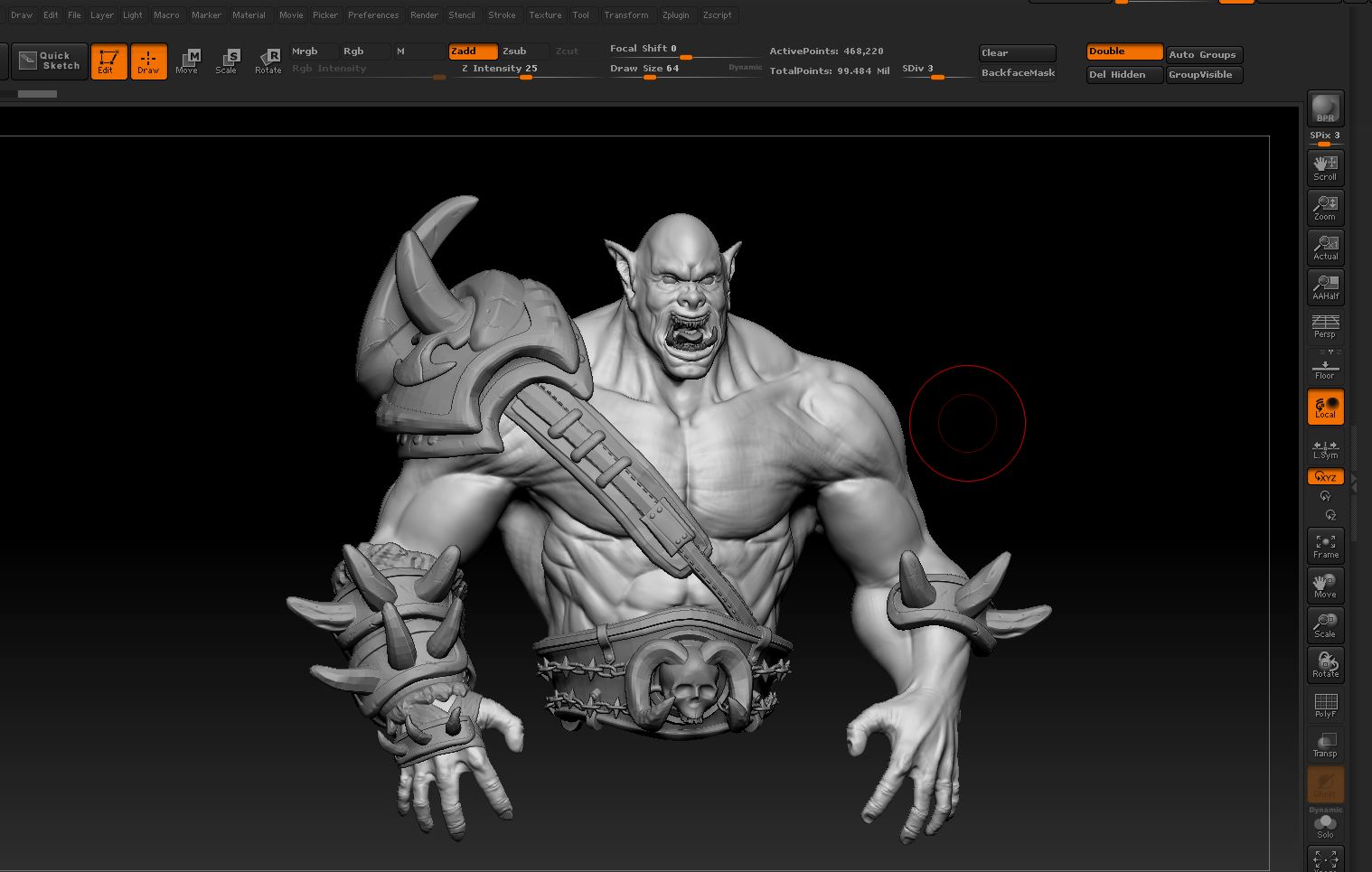
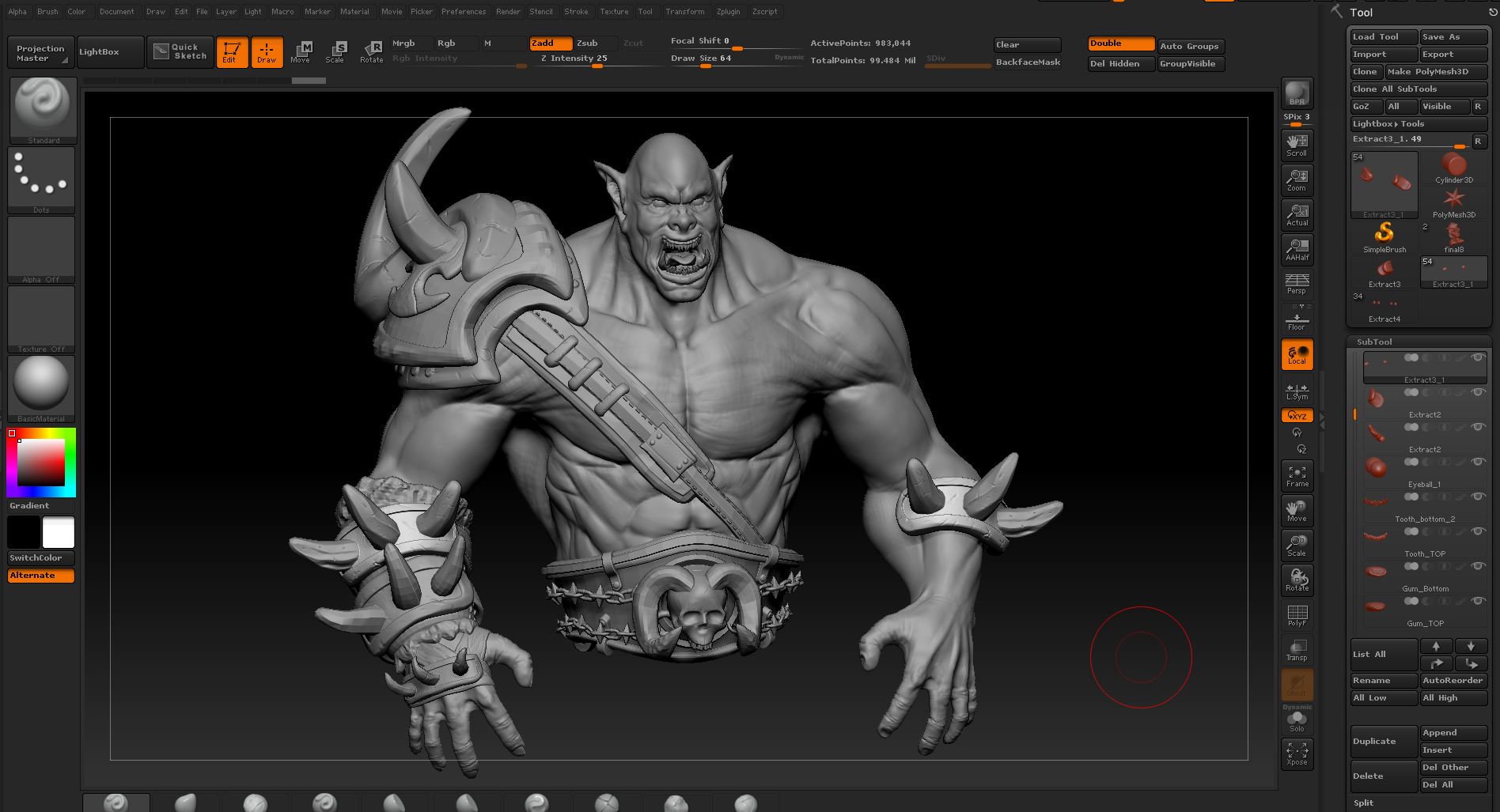
I was wondering how much polygon your typical character sculpt in zbrush? As you can see here, my character takes around 99 Million polygon.

I’m not sure if i’m doing it right ? I separate all the armor pieces into separate subtool. 1 armor pieces usually goes to level 6 subdivision level so i can sculpt the crack n stuff.

Now the problem is that whenever I try mirror (using Subtool Master plugin) one of the armor pieces, it takes so longgggggg to the point where zbrush crash. I’m very troubled that i cannot mirror the armor pieces.

  1. Not sure if 99 Million polygon is too much ? Otherwise, how did you guys get your character looks very details n stuff ?

  2. Is it really necessary to decimate it (using Decimation Master) first before we can mirror it ? Because decimate it will loose all the Subdivision level :frowning:

Btw, I’m using Intel I7 4930k / 32Gb Ram / Nvidia GTX 780Ti. So I don’t think hardware problem will be the issue here.

Thank you in advance.

Appreciate it :slight_smile:

Attachments

Capture.JPG

Capture.JPG

Is that ZB4R6 P2?
99 million…wow. I only used about 15 million for my Fox Rider but it doesn’t have armor. Maybe 8 million for my dragon.
Tools are there for a reason. If you don’t need the polys to hold detail, lose them. ZRemesher works quite nice. You may have to decimate first or risk gagging the machine.
@ 32 bit, it can’t use all the RAM you have and the card doesn’t make a difference as the renderer is CPU.

100 million for a single character (actually only half)?

That is insane.
Where are all of your points? Are you deleting geometry that isn’t actually visible on your character?
Are you adding tiny details as actual mesh, or as noise?
My guess is your adding subD levels to your mesh to the point where it isn’t needed. Remember Zbrush doesn’t use any normal smoothing in the viewport but every other application will smooth your normals making it appear smooth so you don’t really need to subD your mesh as much as you think you do.
You’re also probably creating details that will never be seen/rendered.

What is the end goal for your character? Video game character, cinematic, 2D illustration, etc?

Hi Guys,
Thank’s for the input.

@beta_channel: How much subdivision level do you usually add into your character, for example: adding stuff like cracks and noise ? I usually use subdivision level 6 - 7. Well, I’m planning to add skin pores + noise as part of character details. When you said “normal smoothing”, is that mean that it’s okay for mesh to not looking good in the viewport while scupting it ? Usually the reason i’m going for higher level Subdiv is because when I try to apply details like cracks/noise is just looks kinda bad.

The end goal is to get a turntable render for my portfolio.

Thank you.

normal smoothing removes the facets of each face and blends the tangents of your normals to an average of all connected verts. You can turn this on in your render settings as well, but it doesn’t display in the viewport until you render.

Cracks usually require a dense mesh, but again, if you’re planning to render a turntable of your character (the whole thing) and then you zoom in to make cracks, etc you’re probably wasting your time. If you can’t see it from the point of the render there isn’t a reason to make it. So make sure you’re pulling back and checking to see if all of your work is even visible in your renders. Basically, you probably don’t need to make the dirt under the fingernails if you’re never going to see it.

What are you rendering in? Zbrush, or another application?

edit:
saying you use subD 6 or 7 is a relative value and doesn’t really communicate much. A cube with 6 subD levels has a much smaller vert count than a full character with 6 subD levels. I devide my meshes to the point where they are needed for whatever end result I am going for.
If you’re going to be printing a 30mm sculpture you probably don’t need to worry about peachfuzz on the face. If you’re making a 300mm sculpture you might want to thing about it. Same goes for a render. Same goes for a videogame character. It really is all relative to the end result.