Hi Zbrushers,
I just saw a video about 3d Coat showing it’s path tool.
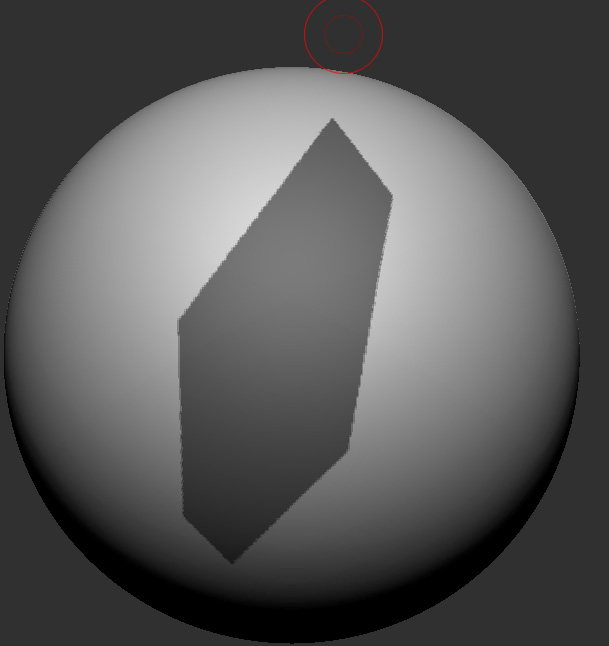
by clicking points it creates arbitrary geometric shape area on the model and raising them really easy.
around 3:35 in the video
https://www.youtube.com/watch?v=qw2qQFh64UI
My question is, can I do the masking in Zbrush that quick as well? I know the masking brush has curve mode but that always has an open side, I would have to do masking and reverse masking to get the shape I want.
Not sure if there is a quicker way to do it?
thanks!
Attachments