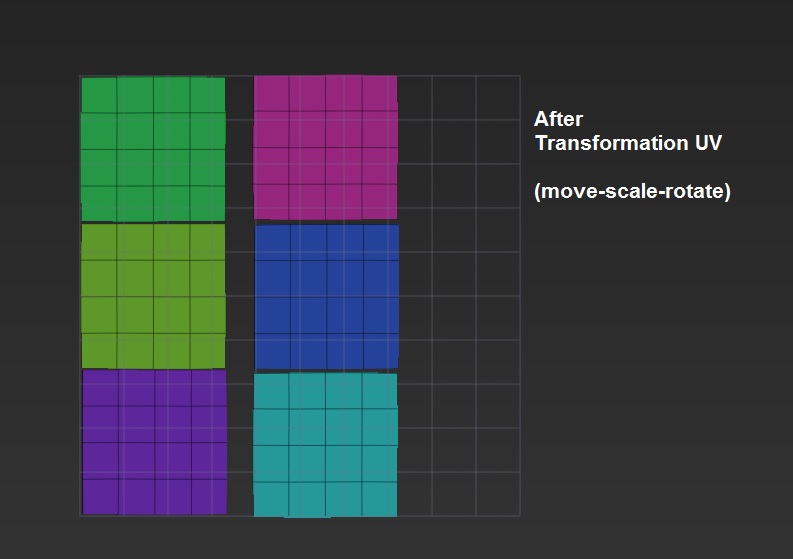
Your UV arrangement can affect the texture quality. From the specific example shown you likely wouldn’t see a difference, however:
Scaling a UV shell will affect the texel density by either adding or reducing the amount of the texture’s pixels available to that shell. The less pixels a shell can contain, the less texture details it can hold.
Rotating a UV shell has the potential to change the quality when it comes to the representation of straight lines. Because texture maps use a grid of square-shaped pixels, any lines that run straight up and down (or side to side) will appear nice and crisp. But a line that runs diagonally on a map will appear jagged, or will have to try and rely on using even more pixels to anti-alias it (which may or may not blur it as well).
Moving a UV Shell around usually won’t affect the quality, however its still a possibility (for example if you move shells too close together then you might run into some bleeding issues when the texture gets mipmapped to smaller sizes). The arrangement could also have other benefits. In image 2 you now have a nice long strip of available space. You might not need that space for this particular model, but if there is another asset from the same scene that can fit within that new space then it might be beneficial to do so.