ZBrushCentral

Qremesher ignore polygroups

Hello,

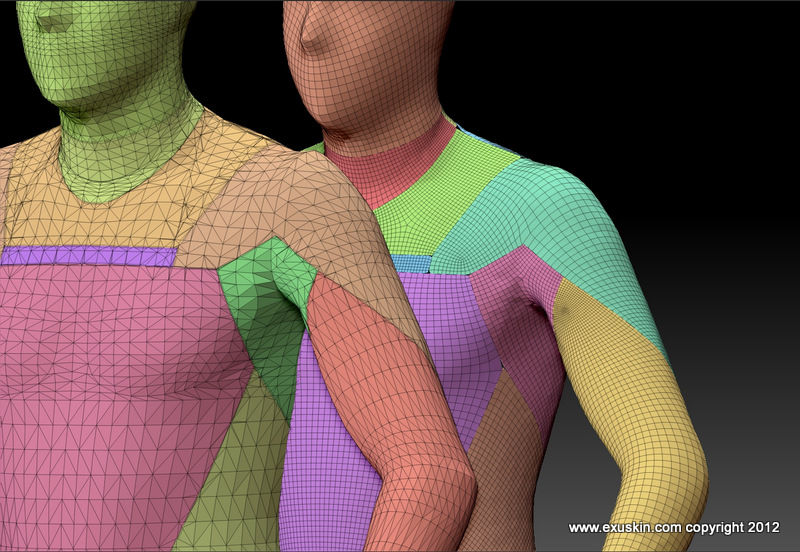
Using Qremesher with an existing topology which has polygroups will result in merging all polygroups together.
The only way I found was through subtool/group split but It makes it complicated to deal with in my workflow, as I then have one subtool for each polygroup.
Is there any way to take polygroups into account byt the Qremesher function ?

Thank you for all this great job.
There’s always a solution with Zbrush…

Regards from France.
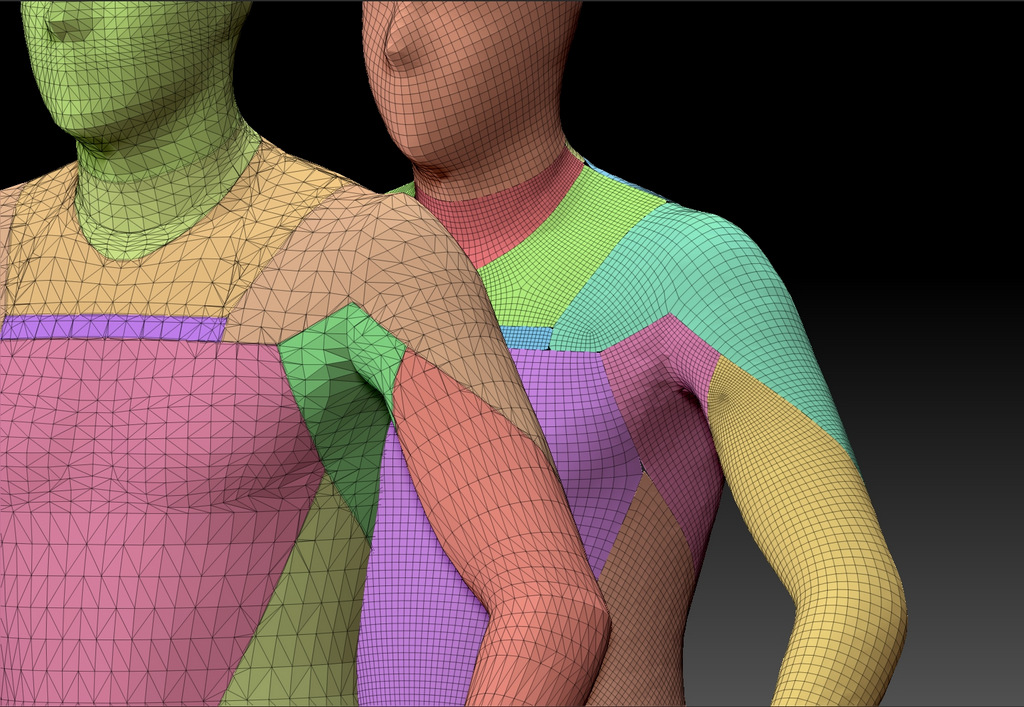
ZBrush Document.jpg

The other way I tried was to Group Split the polygroups, then “Merge visible” without welding on, Geometry, crease, subdivide once or twice and then Qremesher with automask on.
Unfortunately, it creates some empty gaps in the corners between the polygroupsn which look quite bad when rendering.
Any help or idea would be welcome.

Regards,

Attachments

ZBrush Document.jpg

http://www.pixologic.com/docs/index.php/Dynamesh

Thank you Doug.
Actually, using Dynamesh is even worst, whatever resolution I may use.
Regards,

temp.jpg

Did close holes make a difference? Is there more than one subtool? Maybe you can project all from the old model onto the new one.

No, it doesn’t work either… unfortunately.