qremesher dll file not found.
I did reinstall ,Did not Fix .
HELP !!!
Attachments
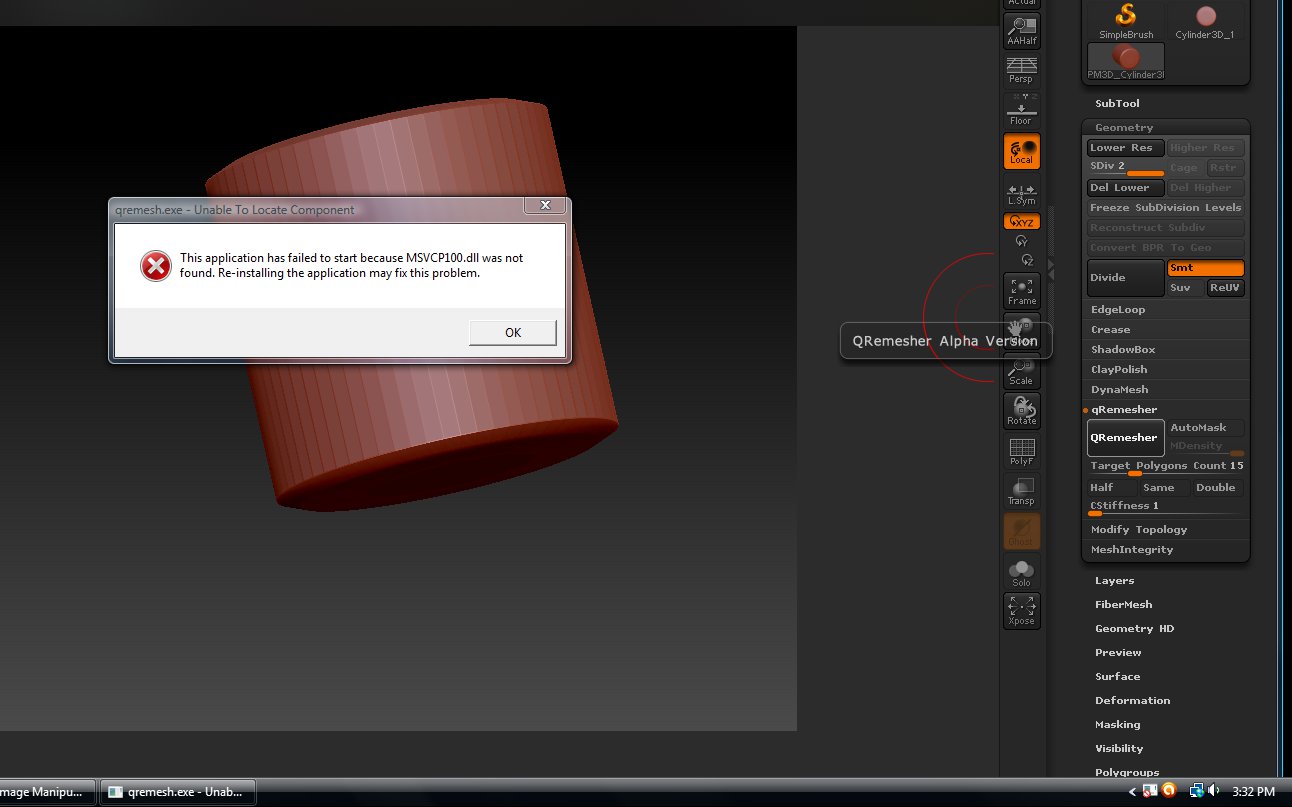
qremesher dll file not found.
I did reinstall ,Did not Fix .
HELP !!!
This can happen when your installation of Microsoft C++ is missing components that it normally has. The 4R4 installer tries to detect such problems, but there are times when Windows doesn’t cooperate. Go to your ZBrush 4R4\TroubleshootHelp folder and run the vcredist installers found there. This should fix the issue.
vcredist_x86.exe Worked.
Now I can play with my new toy.
I love when zBrush releases a new upgrade. I feel like a kid at xMas.
Thanks a lot
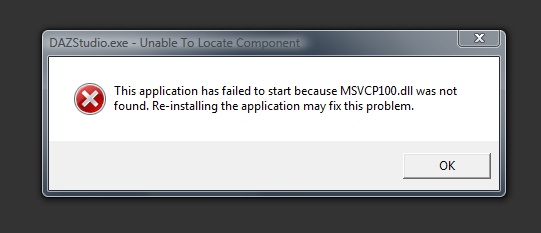
Some how the .dll thing jumped to DAZ Studio Pro 4.0
I can not start DAZ Studio Pro 4.0.
All I get is a .dll pop up.
I posted the probleam at DAZ Forums.
forgot to say
D/S Pro 4.4 64 bit
OS windows vista
We got DAZ Studio D/S Pro 4.0 64 bit ,fixed with
http://www.microsoft.com/en-us/download/details.aspx?id=13523