Hello all -
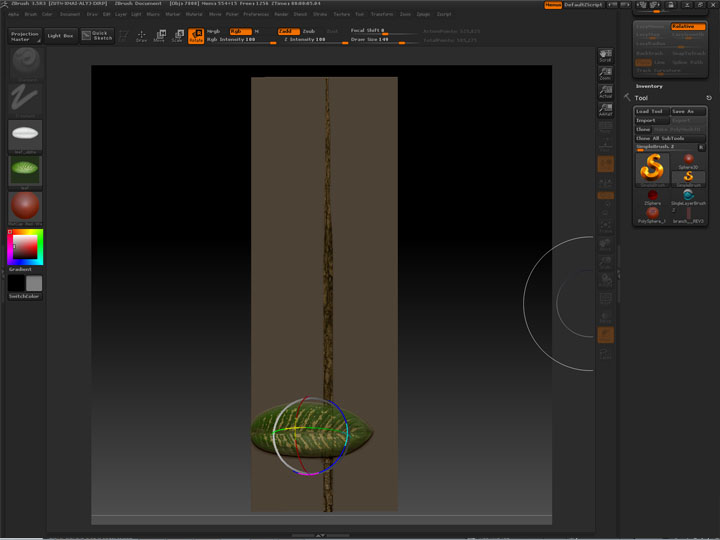
UPDATE I tried to get rotation on my colleagues machine as well and had the same problem. Seriously I have had rotation in the past. (Or am I cracking up?!?!)
[ ]
]
Hello all -
UPDATE I tried to get rotation on my colleagues machine as well and had the same problem. Seriously I have had rotation in the past. (Or am I cracking up?!?!)
[]
Hey there,
well you are not cracking up, but you can’t rotate alphas in Projection master. Never could. But what you can do is create a 3D shape out of that alpha and use that in PM. The 3D shape can be rotated any way you want.
Hope that helps.
P.S.: i really wish we could rotate the alphas (or textures) … but hey looks like we can’t have everything.
Actually if you use the Directional Brush instead of the Simple Brush you’ll be able to rotate the leaf after drawing it.
Hey dsoellbuster, thanks for clarifying. I guess it’s better to know that I can’t do something than to be questioning my sanity.  Good call on making the leaf a 3D shape to use in PM.
And thank you aurick. I had tried the directional brush but didn’t like the results. However trying it again at home has shown me it’s much more useful than I had originally thought!
Thanks you all!
You never stop learning thanks oh mighty Aurick