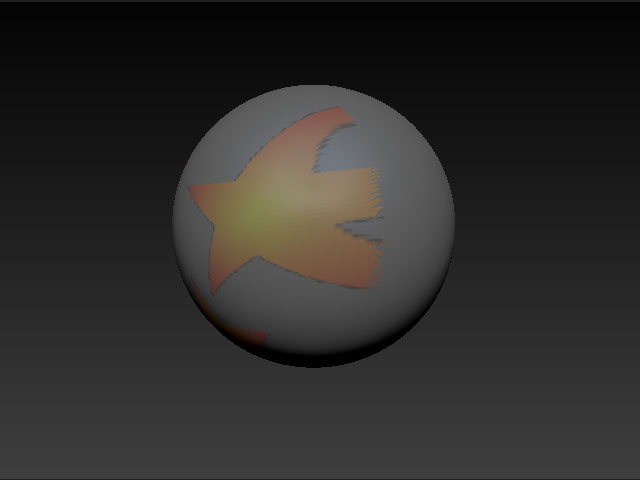
Steps to reproduce.
- Select the polysphere that ships with Z4.
- Delete its UV’s. Create a new set of UV’s with PUV.
- Assign a new texture map.
- Drop the polysphere to canvas with fade on and paint along the sides of the sphere.
- Pickup the sphere.
When you do this, you will see that there is no fading happening as the normals scroll away from the facing. Texture is simply stretched as if fade was turned off during the drop/pickup.
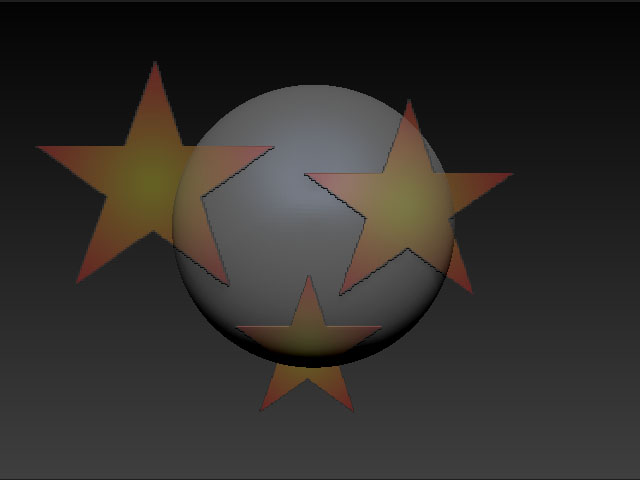 ]
]