ZBrushCentral

Projection Master - double sided painting causes paint problems? UNSOLVED

Hello,
I’m having a really annoying problem…
whenever I try to make paint or bevel modifications in Projection Master and have it double sided I get weird paint problems…
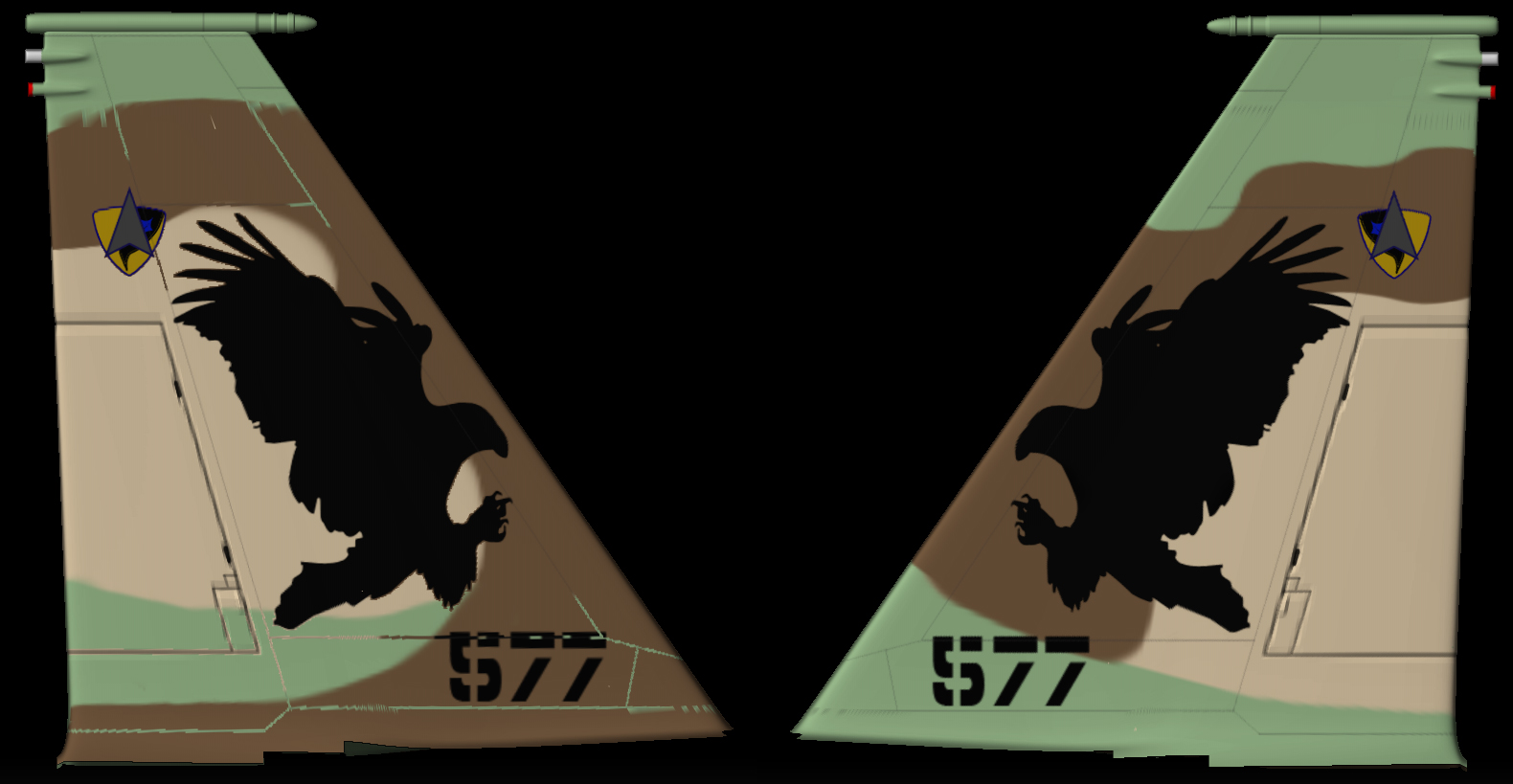
The attached picture shows on the right side some gray lines I made which I wanted to go through to the other side…
And on the left side you can see the result on the other side, for some reason it didn’t only copy the gray lines but also some of its surrounding paint or something…

How can I fix that? :confused:
Thank you.

Attachments

DoubleSided-prob.jpg

Id say you either have a hidden mask in place that you forgot about, or that somewhere along the way you lost symmetry in your tool. Hit Clear in the mask palet, then try painting. If that doesn’t work try ReSym and SmartReSym, then try painting again.

That didn’t work…:frowning:
Noticed it’s also happening on other models but on other models it’s almost unoticable…

Any other ideas?:frowning:

Is Draw>Persp active? If so, turn it off before you drop the model.

i’m also wondering if this could be a pixel>pixol issue. it looks like its grabbing a small amount of color info around the lines you drew, someone more informed with PM would know whats going on here.
alternatively couldn’t you make the lines in photo shop and use zapplink to mirror them onto your model’s opposite side without using the double sided feature.
lastly, is fade on in PM?

No, it’s off before I enter Projection Master and it’s grayed out in Projection Master.

I did try doing the same with ZApplink while inside Projection Master, same thing happens…
I can’t use ZApplink without Projection Master because then it adds all the visual elements in view to the other side and I just need those lines…
And I tried with fade on and fade off, same thing… :confused:

The pixol to pixel thing that he mentioned is what I explain in my tutorial here: http://www.zbrushcentral.com/zbc/showthread.php?t=27680 It comes into play because with PM you are converting canvas pixols to texture pixels. If they don’t correspond well, you’ll have issues.

It also happens to me when there is no texture on, only poly painting… :confused:

Anyone? :confused: