Or is there some setting or preference I have missed?
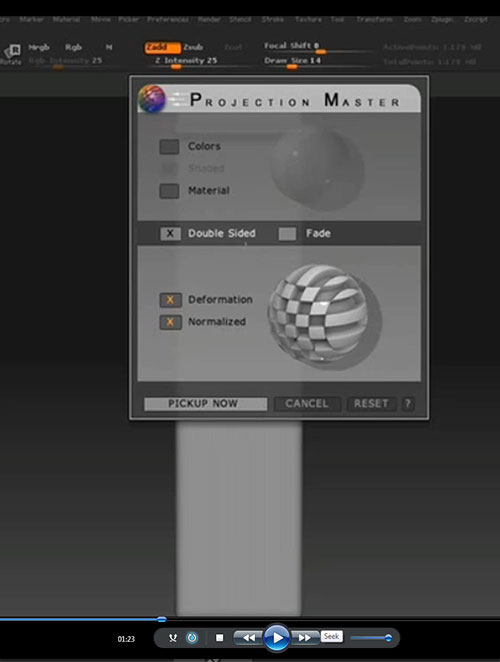
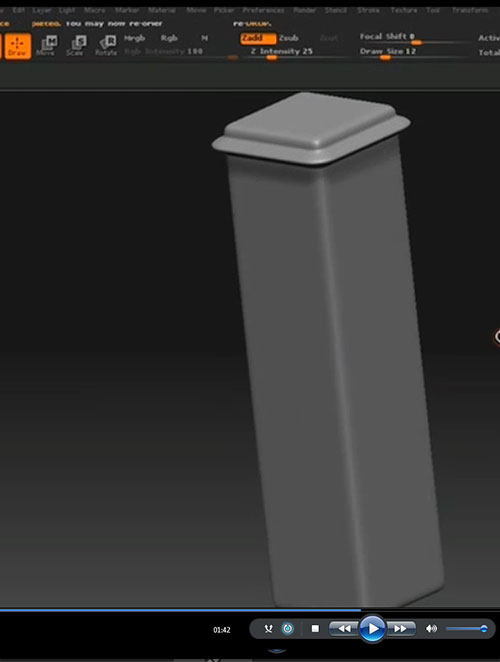
According to the video I am watching the settings on the PM panel should give me the result in the first two images:
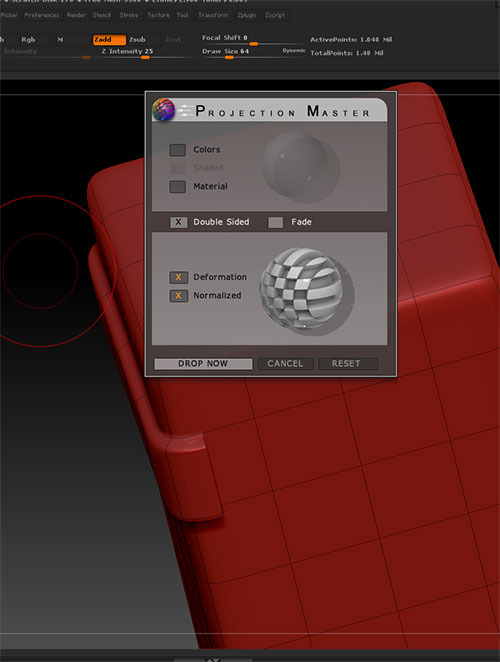
However in my trial it does not wrap around:
Attachments
Or is there some setting or preference I have missed?
According to the video I am watching the settings on the PM panel should give me the result in the first two images:
However in my trial it does not wrap around:
If you want double-sided then you need to turn on Tool>Display Properties>Double (and turn that off if you don’t). The PM option doesn’t work but otherwise everything should work OK.
That appears to have done the trick. Thanks.
I don’t know why it was not mentioned in the Video and BTW I tried to find the docs for projection master and they were not written yet or removed. Anyways it does not appear to be documented. At least I could not find it.
The videos may have been made before the issue arose - earlier versions worked as expected.
I’ll look at revising the links but in the meantime here it is:
http://docs.pixologic.com/user-guide/3d-modeling/sculpting/projection-master/
Awesome. Thanks for the info and the link. 