Hey all,
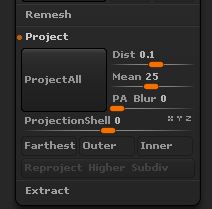
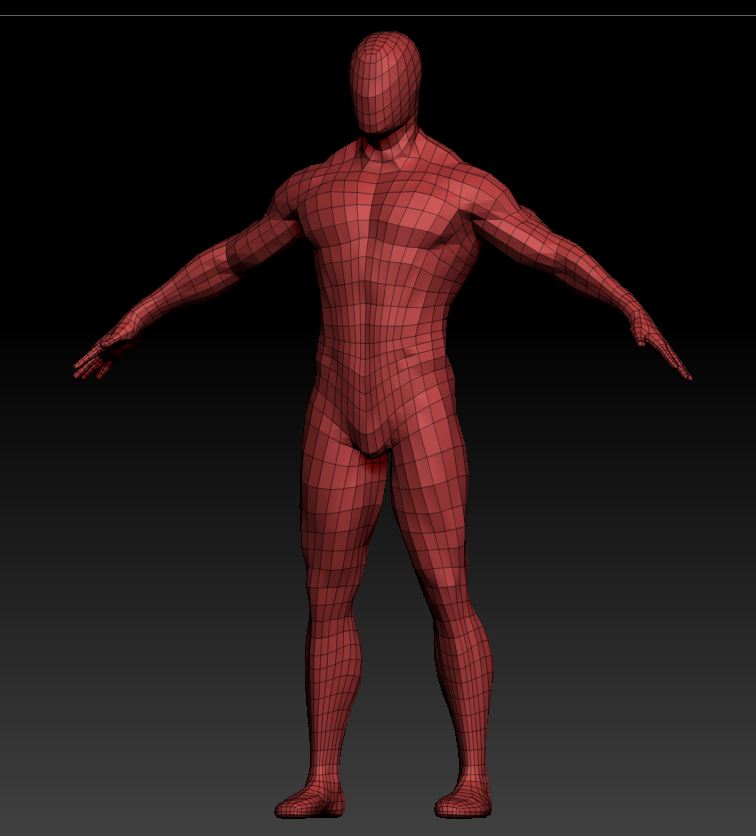
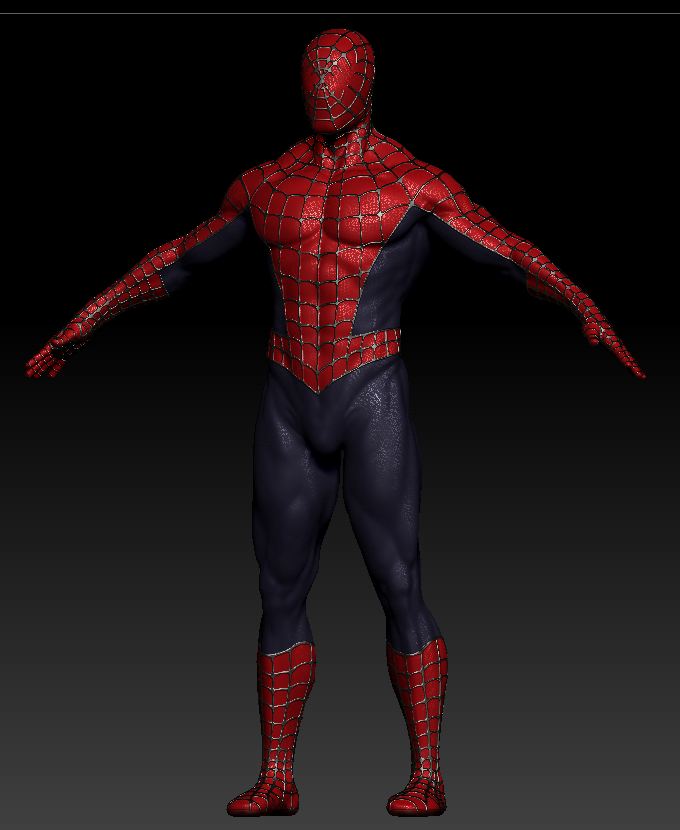
I’m trying to project my high resolution details onto my retopologized mesh but having trouble getting it right. I’ve attached images below showing my target and source meshes. The webbing just doesn’t want to come through all the way even when subdividing the target up to 15 million polygons. Also, when projecting, the fingers get really messed up. For example, I project on subdivision 3 at the settings shown in the image below and all is well, after complete, I project again at the same division level to try and bring out the webbing more and the fingers pull in all directions and become a big mess.
Does anyone have any tips on projecting details? Do I need to actually have the edgeloops that follow the webbing in the target mesh (retopologize again)? Are their different settings someone can suggest to get the best results?
Attachments