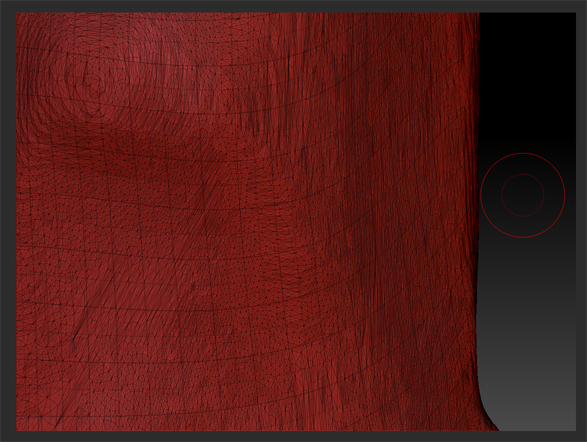
I’m trying to project detail from a triangulated mesh onto a new mesh, but when I use “project all” it seems to just combine the topology. After looking at tutorials, I’m not sure what I’m doing wrong since it seems so simple to set up. I select the new mesh and have the triangulated mesh visible. I use the default settings and hit project all. It comes out looking like this with the triangulated mesh seemingly merged with the new one.
This is in 4R5 on Windows 7.
Thanks for any help!
Attachments