ZBrushCentral

"ProjectAll" button problems

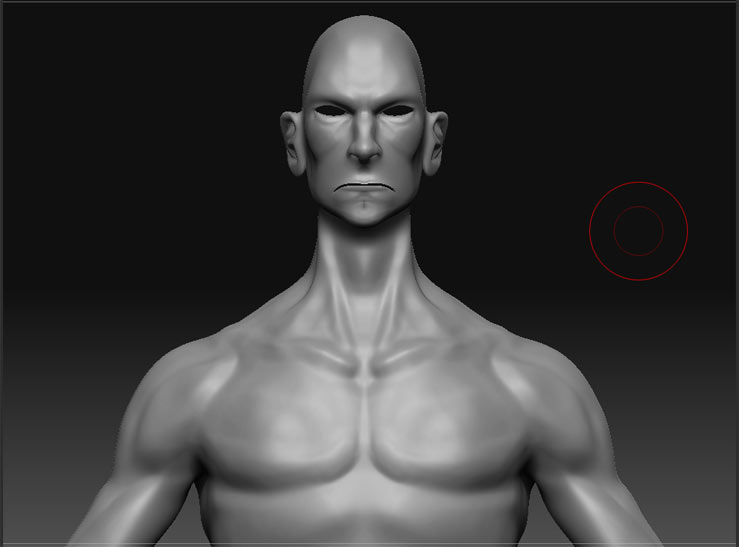
Well i read someones question here about recreating a the low poly model in an other 3D app and wanting to project the high end model details to the new imported low poly base mesh. i followed the steps.

  1. append low poly model in high poly model subtools.
  2. project all button.
  3. zprojecy brush to fix problems.

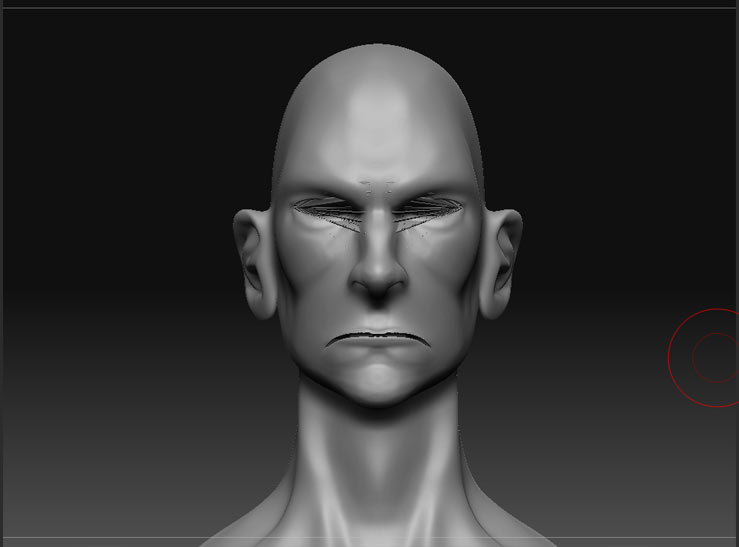
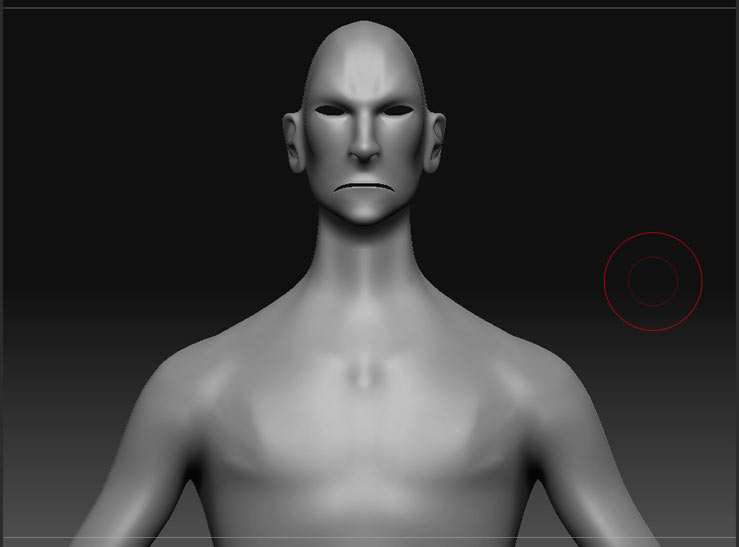
but my problem is that the mesh explodes where ever there are gaps. such as the eyes and mouth.

i tried using crease. which is supposed to prevent these edges from moving… but i test crease with the smooth tool and the edges still move anyway. so it doesnt help with the exploded artifacts. also the z project tool doesnt help.
pleaseeee help. i dont want to add these details for a 4th time.

[c01.jpg]c03.jpg
Attachments

c02.jpg

Before you hit Project All, save a morph target of your new basemesh at it’s highest subdivision level. That way you can go in with the morph brush and paint out areas that didn’t transfer well, like the eyes. You don’t need to crease those areas, at least not for the sake of detail transfer.

Also, it looks like you had your z intensity set below 100 when you did your projection.

thanks for the tip. it worked for areas like under the arm but the polygons around the eyes for some reason dont set back into place. i cant even tell where the artifacts are coming from. theres no geometry inside the eyes.

oh i kept trying and i found that using the morph with dragrect is the best bet. thanks for all the help.

This is normal in zbrush , I usually end up cleaning it up manually.