So this is an issue that has been going on and off with the projection master while texturing. Here is my basic set-up:
I have a model imported from Maya that has already been UVUnwrapped in Maya and so forth. It’s been subdivided in Zbrush for higher poly detail. I start texturing using the Project Master. Everything works fine. Then, typically when I reopen the Zbrush file with my Work-In-Progress model, the following starts to happen:
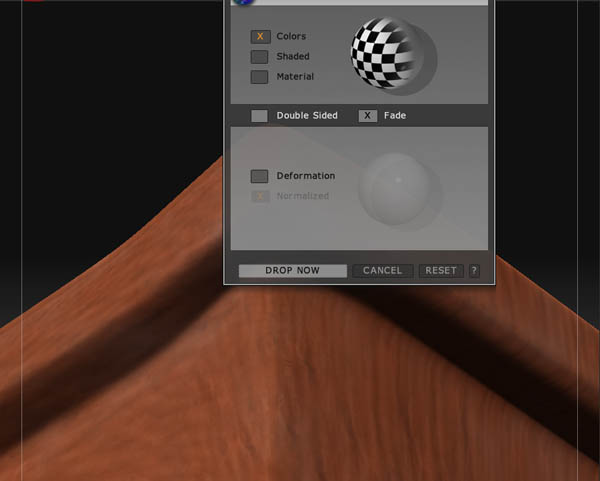
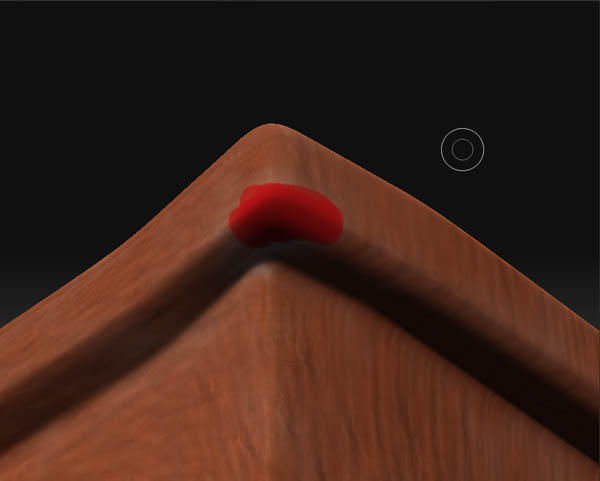
I “drop now” using the Project Master like so, and paint something (a red spot in this case) on the model:
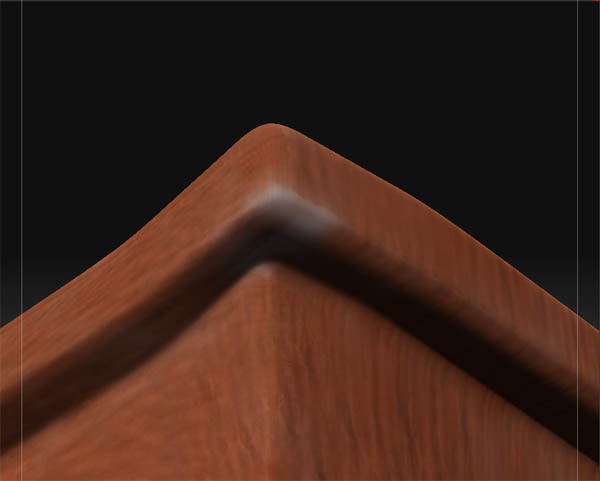
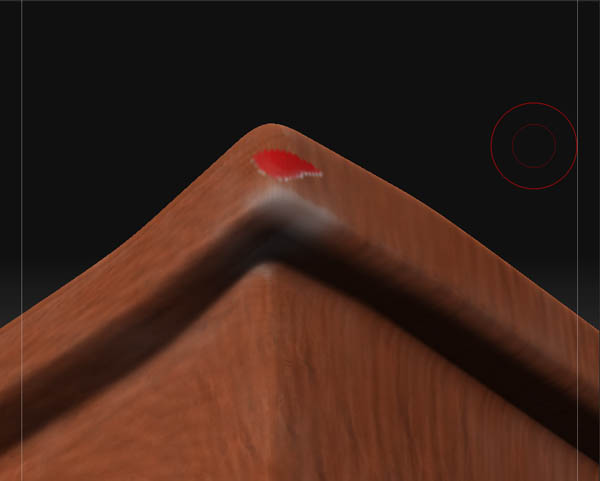
It’s as if the PM now can’t interpret the UVs correctly. What puzzles me is that I haven’t done anything with them. At first, I assumed that there was something wrong with the UVs to begin with. But then I started to work from scratch, by opening the same model in a bran new ZBrush file, and the Projection Master worked like a charm. Come back the next day, and it starts to do this business.
I tried to fiddle with the “Fix Seams” option, but I really don’t know how to work it properly and while it fixes some places it doesn’t really solve the issue completely.
Well, if anybody has an idea, I’m all ears?
Attachments