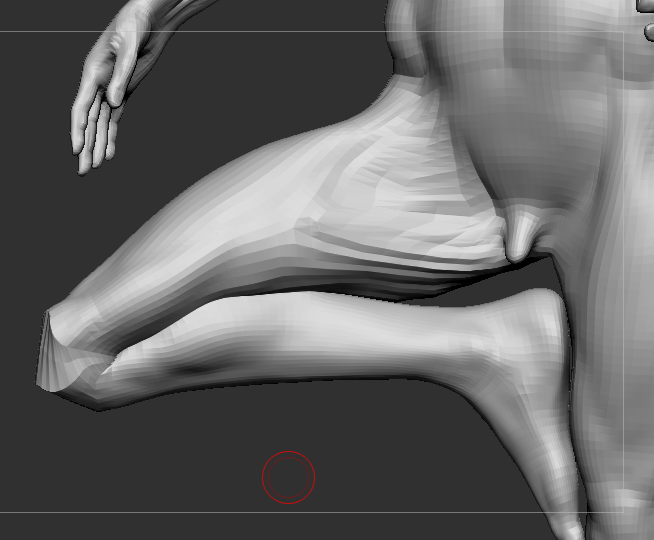
i’m imagining your reluctance to smooth out every finger is because you’re smoothing at a high sub-d level and that is really hard.
i can tell you how i approach projecting from one mesh to another, maybe it can help maybe not.
in my cases, the mesh that is to receive the details has sub-division levels. with that being the case i find that all i need to use to get a perfect projection is the move, inflate and smooth brushes and working on the right sub-division level.
if you’re using a dense mesh without sub-d levels, then smoothing out artifacts and bad spots can be problematic.
working on the right sub-d level is the key. if my detail mesh has 2 million polys, then my low poly mesh of say 10k gets sub-divided to above 2 million. at that level using smooth is a real pain in the butt, it’s really hard to smooth out the flaws or inflate or move them without distorting them.
what i do is, project at the highest level, with a little PA Blur- that helps prevent tightly knotted flaws.
then i drop down to the lowest sub-d level where the mesh reacts quickly to the smooth brush. smoothing out the flaws then becomes quick and easy and the polys are also large enough that you can inflate and move them while keeping the flow of topology pretty clean. i make the detailed mesh transparent so i can see where the mesh has to match closer. after i smooth, then move or inflate the mesh in those areas, i delete the higher sub-d levels and divide anew to higher levels (just moving up to the existing levels loses the changes you made at the lower level).
then i project again without PA blur. i then repeat as needed. it usually takes between 2 and 5 projections to get a perfect transfer.
you may also have to play a little with the scan distance too.